
































Home / App Features

App Features

Screenage brings together practical parental controls, family settings and coaching-friendly tools in one place. These features help South African families create clearer routines around devices, downtime and shared expectations.

App Features
Daily Screen Limits

Daily Screen Limits

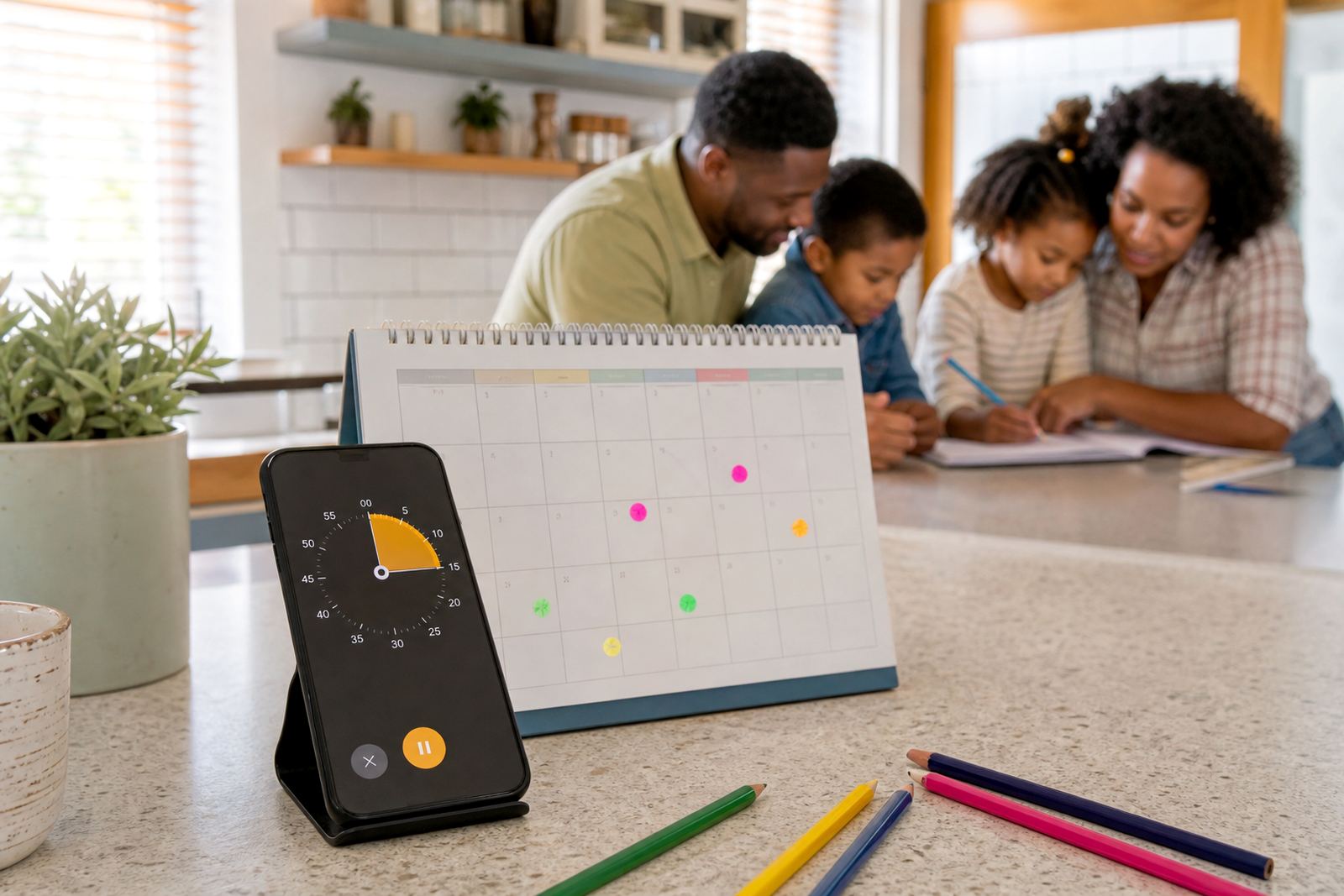
Set clear daily limits for device use so children know when screen time starts and ends.

Bedtime Device Locks

Bedtime Device Locks

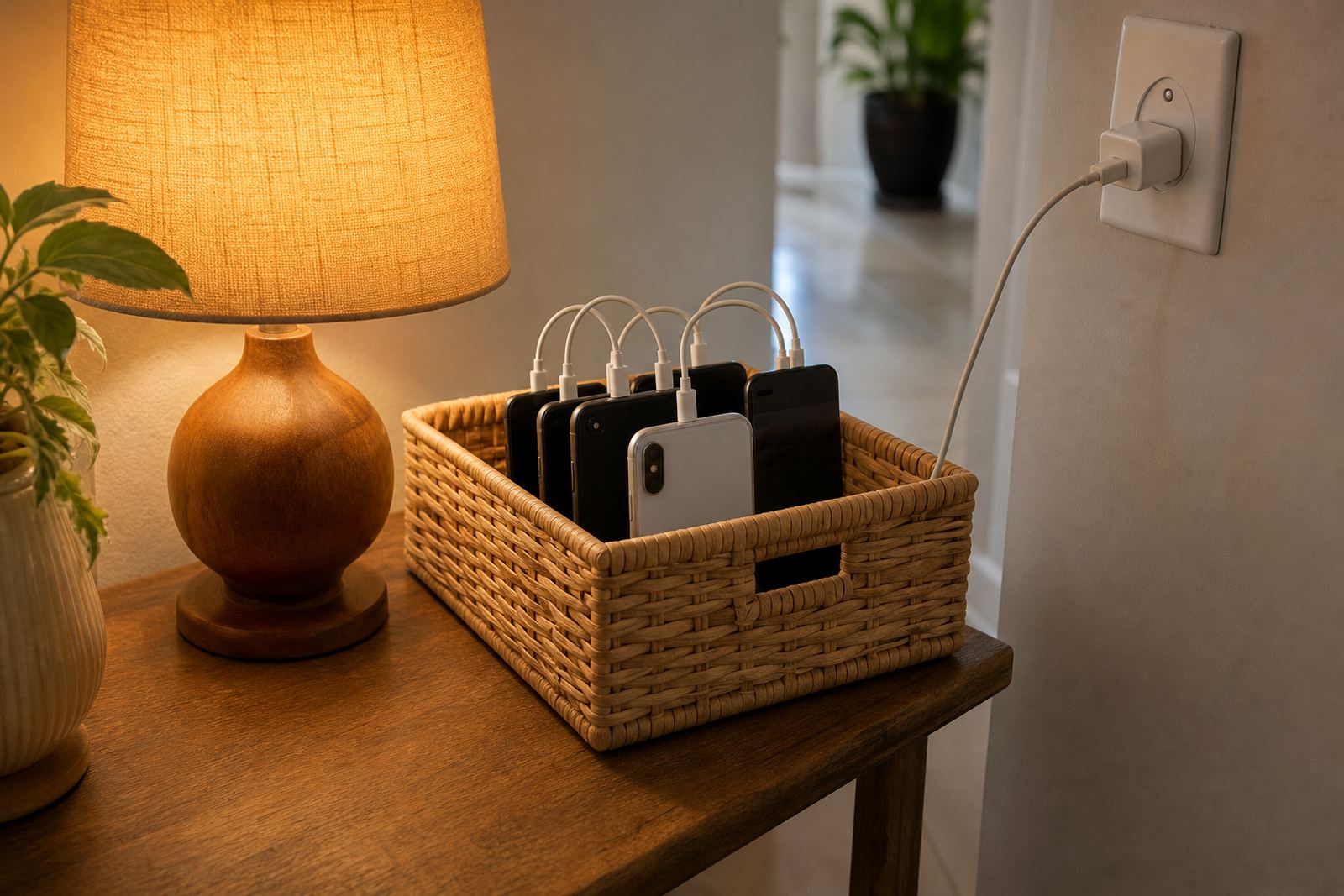
Create overnight device rules that support wind-down time and more consistent evening routines.

Homework Time Rules

Homework Time Rules

Pause distractions during study periods so school tasks can happen with fewer interruptions.

App Time Caps

App Time Caps

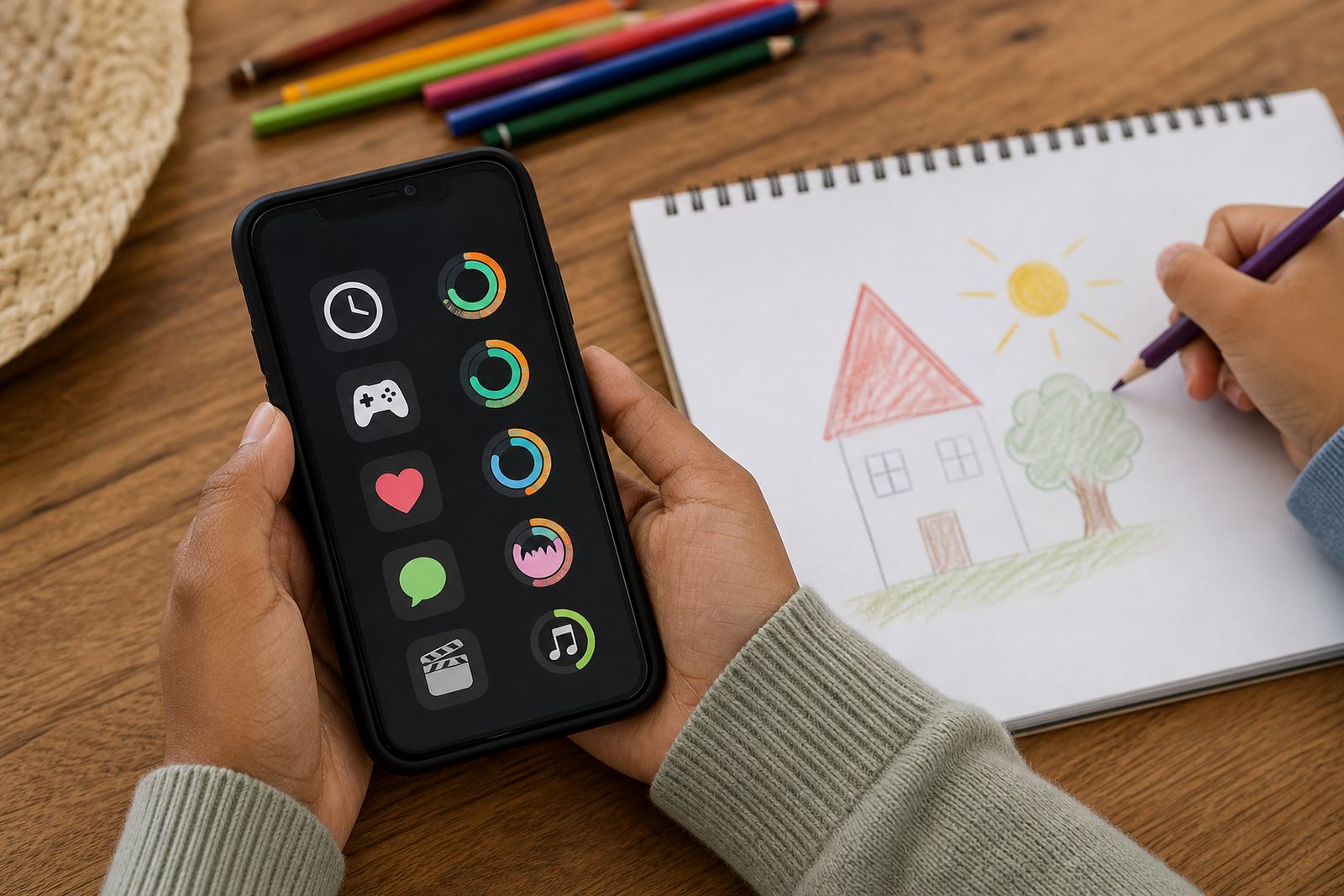
Assign time caps to selected apps to help children pace leisure use across the day.

Content Filter Settings

Content Filter Settings

Apply content filters to support age-appropriate access and safer browsing at home.

Website Block Lists

Website Block Lists

Block selected websites as part of household rules for online access and supervision.

School Night Schedules

School Night Schedules

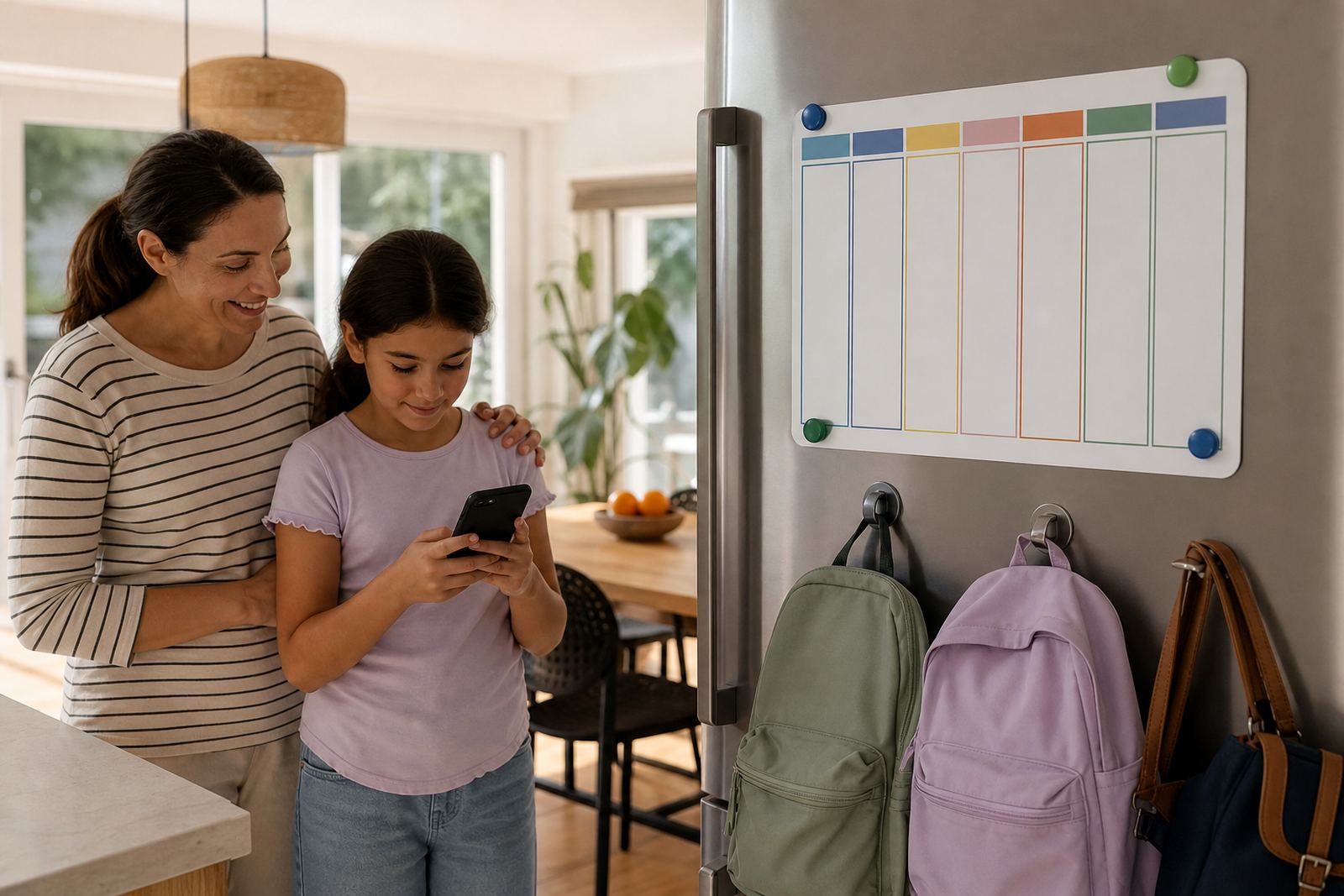
Set recurring weekday schedules that match homework, supper and bedtime routines.

Weekend Screen Windows

Weekend Screen Windows

Allow more flexible leisure time on weekends while still keeping family boundaries in place.

Pause The Internet

Pause The Internet

Temporarily pause access during meals, chores or family time when devices need to take a break.

Family Device Pairs

Family Device Pairs

Connect parent and child devices so settings and monitoring are easier to manage together.

Multi Child Profiles

Multi Child Profiles

Use separate profiles for siblings with different ages, routines and screen-time needs.

Instant Rule Changes

Instant Rule Changes

Update limits quickly when family plans shift, school calendars change or travel comes up.

Allowance Time Tokens

Allowance Time Tokens

Give extra screen minutes intentionally rather than letting boundaries slip informally.

Routine Based Automation

Routine Based Automation

Automate family rules around recurring routines to reduce daily negotiation and reminders.

Usage Summary View

Usage Summary View

See a simple overview of screen habits to support family conversations and practical adjustments.

Screen Free Zones

Screen Free Zones

Create household zones where devices stay away to support rest, meals and conversation.

Mealtime Lock Rules

Mealtime Lock Rules

Turn mealtimes into device-free moments with scheduled locks and clear family expectations.

Morning Routine Controls

Morning Routine Controls

Keep school mornings moving by delaying entertainment access until key tasks are done.

Travel Day Settings

Travel Day Settings

Adjust rules for longer journeys while still keeping sensible limits and breaks in mind.

Holiday Mode Profiles

Holiday Mode Profiles

Use temporary holiday settings that reflect changed routines without losing overall structure.

Guest Device Rules

Guest Device Rules

Apply simple household access rules when cousins or friends visit with their own devices.

One Tap Family Pause

One Tap Family Pause

Pause several child profiles quickly when the family needs a shared break from screens.

Study Focus Mode

Study Focus Mode

Support concentration during revision and homework sessions with focused access settings.

Reading Time Access

Reading Time Access

Allow selected educational or reading tools while keeping entertainment apps out of the way.

Chores Before Screens

Chores Before Screens

Link device access to agreed household routines so expectations stay visible and consistent.

Parent Override Controls

Parent Override Controls

Make quick exceptions when needed while still keeping the overall family plan intact.

Cross Device Sync

Cross Device Sync

Keep household rules aligned across linked devices for simpler day-to-day management.

Notification Digest

Notification Digest

Receive practical updates without constant alerts, making family oversight calmer and clearer.

Safe Search Controls

Safe Search Controls

Add basic search safeguards as part of wider online supervision and household discussions.

New Device Onboarding

New Device Onboarding

Set up boundaries from the start when a child gets a new phone or tablet.

Sibling Fairness Tools

Sibling Fairness Tools

Manage different age-based rules while keeping family expectations clear and reasonable.

After School Unlock

After School Unlock

Open access at agreed times after school to suit transport, snacks and homework rhythms.

Social App Limits

Social App Limits

Set boundaries around social app use so chats and scrolling do not take over the day.

Gaming Session Timers

Gaming Session Timers

Use session timers to make gaming time more predictable and easier to stop.

Clear rules beat constant reminders.

Choose the right feature for your family routine

Every home uses devices differently, so the best starting point depends on age, school demands, bedtime habits and how many phones, tablets or consoles are in use. Some families need simple screen-time limits on a first phone, while others need help setting fair rules for siblings, evenings and weekends. Screenage keeps those options together so you can pick what matters most and build from there.

For parents in Durbanville, Cape Town, Johannesburg, Durban, Pretoria and Bloemfontein, the goal is usually practical: fewer arguments, clearer boundaries and a plan that everyone can understand. If you are not sure where to begin, a family media plan is often the easiest first step because it sets the tone before tighter controls are added. That way, rules are not just written down, they are actually easier to follow.

Parental controls that support day to day boundaries

Parental controls are useful when you want to guide access without having to repeat the same instruction all week. Depending on the setup, families can use time limits, app access controls, device downtime and age-appropriate settings to support the household routine. These tools are most helpful when they match the real life rhythm of school mornings, homework, supper and sleep.

  • Set daily or weekly screen-time limits for individual children
  • Adjust app access for games, social apps and school related tools
  • Use downtime settings for evenings and bedtimes
  • Keep device rules clear across more than one device in the home

These settings help parents keep things steady, even when the day changes quickly.

Family media plans for shared expectations

One simple way to set device expectations is with a family media plan that covers when, where and how screens are used. It can cover school nights, weekends, mealtimes, homework breaks, and what happens when plans change. Rather than leaving each child to guess, everyone knows the household rules and what happens if those rules need adjusting.

This is useful for parents, grandparents and co parents who all help with care. It can also help when children move between homes or when older siblings have different needs from younger ones. A clear plan reduces confusion and makes it easier to stick to the same approach across the week, which is often where families need the most support.

  • Set device-free times for meals and family time
  • Agree on shared rules for homework and sleep
  • Make different rules for weekdays and weekends if needed
  • Include grandparents or co parents so the plan stays consistent

Support for first phones, teens and siblings

Different ages need different rules. A first phone often calls for close guidance and simple limits, while a teenager may need more independence with clear boundaries around social apps, study time and late night use. Siblings can also need different treatment, especially when one child is older or has more school work. That is why the features are easier to use when they can be shaped around the child, not just the device.

Screenage supports common family situations such as first phone planning, teen rule reset, sibling fairness and study time planning. If one child is allowed more time because of matric pressure or a sports schedule, the plan can reflect that without creating confusion for everyone else. A small amount of structure goes a long way when there are multiple children in the house.

Everyday coaching tools for real homes

Some families want more than settings and toggles. They want a practical way to talk through rules, test them for a few weeks and adjust when something is not working. Coaching-friendly tools help parents move from good intentions to a routine that suits the household.

That can include reviewing bedtime routines, planning around gaming time, setting social app boundaries, or agreeing on a holiday screen plan before school breaks begin. It can also help when a child is using devices for both learning and fun, since the same phone may need different limits at different times of day. The aim is not perfection, just a plan that is manageable and fair.

Built for South African families and local routines

The feature set is built around those everyday realities, with support for routine changes rather than only ideal conditions.

Screen time limits and family rules are not medical or psychological treatment, and they will not suit every situation. If a child or parent has concerns about behaviour, sleep, anxiety or family conflict, it is best to speak to a qualified professional. For most homes though, a clear media plan, firm controls and a consistent routine can make day to day life easier to manage.

Book a session

Tell us your children's ages and what screen time looks like at home now, and a family coach will suggest a realistic first step.

Contact form

Questions parents ask first

What is the main difference between screen-time limits and a family media plan?

Screen-time limits control how long or when devices are used. A family media plan sets the wider household rules, such as mealtimes, bedtime, homework and shared expectations.

Can the features suit different ages in the same home?

Yes. Families can set different rules for younger children, teenagers and siblings, so the plan fits each child’s needs without treating everyone the same.

Do these tools replace professional advice?

No. They are practical family tools for setting boundaries and routines. If you have concerns about a child’s wellbeing, speak to a qualified professional.

Tell us what screen time looks like in your house right now.

Contact form