

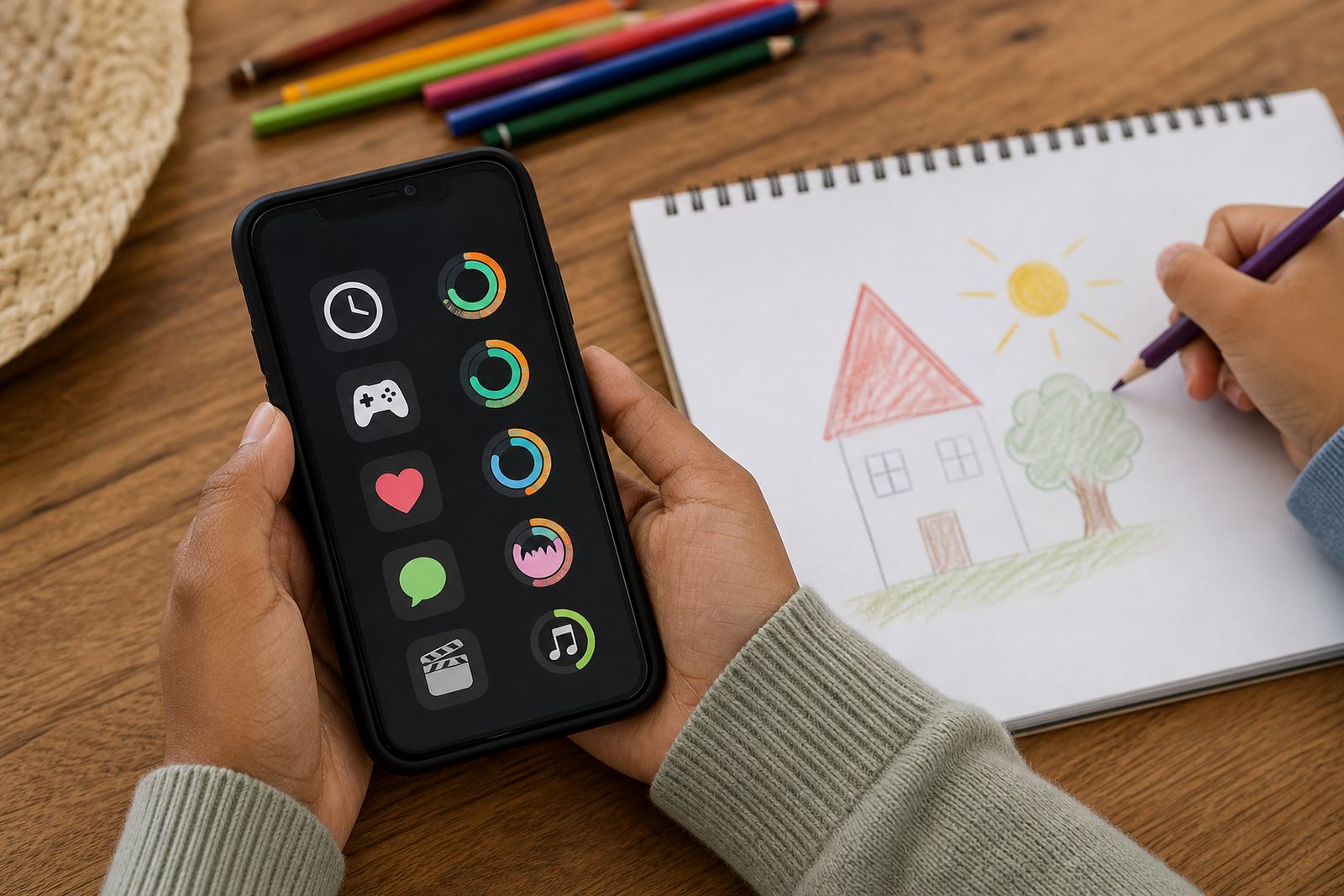



What App Time Caps does in day to day family use
App Time Caps lets a parent assign a daily allowance to selected apps, then decide when that allowance may be used. It is commonly used for games, short-form video, social apps and other non-school apps that tend to eat into homework, sleep and family time. The goal is simple: make screen time predictable, not a fight at 7 pm.
You can set a cap for each child or device, and the app can help families keep the rules visible. A child can still use a phone or tablet for messages, school tasks and calls where allowed, while leisure use is paced more carefully. That kind of structure often works well in busy homes where one parent is in Pinelands and another is in Bellville, or where older and younger siblings need different limits.
- Set a time cap for one app or a group of apps
- Choose daily, weekday or weekend limits
- Keep school and family apps separate from leisure apps
- Use time caps alongside a family media plan
App time caps for toddlers, tweens and teens
Families usually choose App Time Caps in a way that matches the child’s age, routine and level of independence. Younger children often need tighter limits and more parent control, while teens may do better with broader boundaries and a clearer agreement around homework, sports and bedtime. The app supports those different approaches without turning every day into a negotiation.
For households with more than one child, each profile can carry its own settings. That makes it easier to be fair when one child uses a tablet for learning apps and another uses a phone for social app access after school. If you are trying to reset old habits after holidays, exams or a new school year, the cap can be adjusted in small steps instead of changing everything at once.
- Single child profiles or multiple child profiles
- Daily caps by app, category or device
- Weekday and weekend settings
- Separate rules for homework time, bedtime and holidays
Where App Time Caps suits best
This product suits families who want a calmer way to manage leisure screen time without having to stand over a child all afternoon. It is especially useful where children move between home, school transport, aftercare and grandparents, because the same app rules can follow the device. In Durban, for example, a family may want stricter evening controls on school nights, while in Pretoria a busy sports schedule may call for more flexible afternoon use.
App Time Caps also works well for co-parenting households where both homes need to follow the same basic boundaries. It can support older children who are learning self-management too, because the limits are clear and the rules are known. For families in coastal areas like Gqeberha or in humid parts of KwaZulu-Natal, the app itself does not need any special storage conditions, just a charged device and ordinary care.
- Homes with primary-school children
- Teenagers who need firmer evening cut-offs
- Co-parenting arrangements with shared rules
- Holiday homes, grandparents and aftercare routines
Getting app time caps running on each device
App Time Caps is set up on the child’s device and managed by the parent through the relevant account or family profile. In most homes, setup takes place over a stable internet connection and a charged phone or tablet.
Before ordering, it helps to check the type of device in use, the age of the child and which apps need limits. Some families want the same cap across all leisure apps, while others only want limits on a few that tend to run late into the night.
- Compatible phone or tablet for each child profile
- Parent access for settings and approvals
- Internet needed for setup and syncing in most cases
Setting up on your family's devices
Once App Time Caps is in place, the main care is really about keeping the rules current. Children grow, school demands change and holidays shift the rhythm of the day. A good habit is to review the caps each term, or sooner if the family notices that homework is slipping, bedtime is moving later or the device rules are no longer practical. That review is often where the biggest gains happen.
If a child gets a new phone, tablet or profile, the settings should be checked again so the caps still apply where intended. Parents should also look at whether the app list is still correct, because some apps get used for school groups or family admin and should not be treated the same as gaming. Basic device care matters too: keep software updated, avoid cracked screens and make sure login details are stored safely by the parent.
- Review limits every school term or after a major routine change
- Check settings when a device is replaced or shared
- Adjust caps after exams, holidays or sports season changes
- Keep parent login details secure and up to date
Before your first session
Before you place an order or request help, it is useful to have a few details ready. That includes the number of children, the devices in use, the apps you want limited and the main problem you are trying to solve. Some families want to stop late-night gaming, others want to reduce endless scrolling, and some need a fairer split between siblings. Being clear on the goal makes the setup much easier.
Day-to-day rule management is worth deciding upfront. In some homes that is one parent, in others it is both parents, a grandparent or a caregiver. If the family lives across more than one town, say Durbanville during the week and Somerset West on weekends, it is worth agreeing on one consistent approach first. Screenage can support families from Cape Town, Johannesburg, Durban, Pretoria and Bloemfontein through the enquiry form on the contact page.
- How many children need separate settings
- Which apps need caps and which should stay open
- Who will manage approvals and routine changes
- Whether the family needs support with a media plan as well
Quick facts
| Product type | Family screen-time control setting for selected apps |
|---|---|
| Main use | Daily app time caps, bedtime cut-offs and routine-based limits |
| Profiles | Single child or multiple child profiles |
| Device use | Phone and tablet based |
| Setup need | Parent account access plus a charged device and internet for setup |