

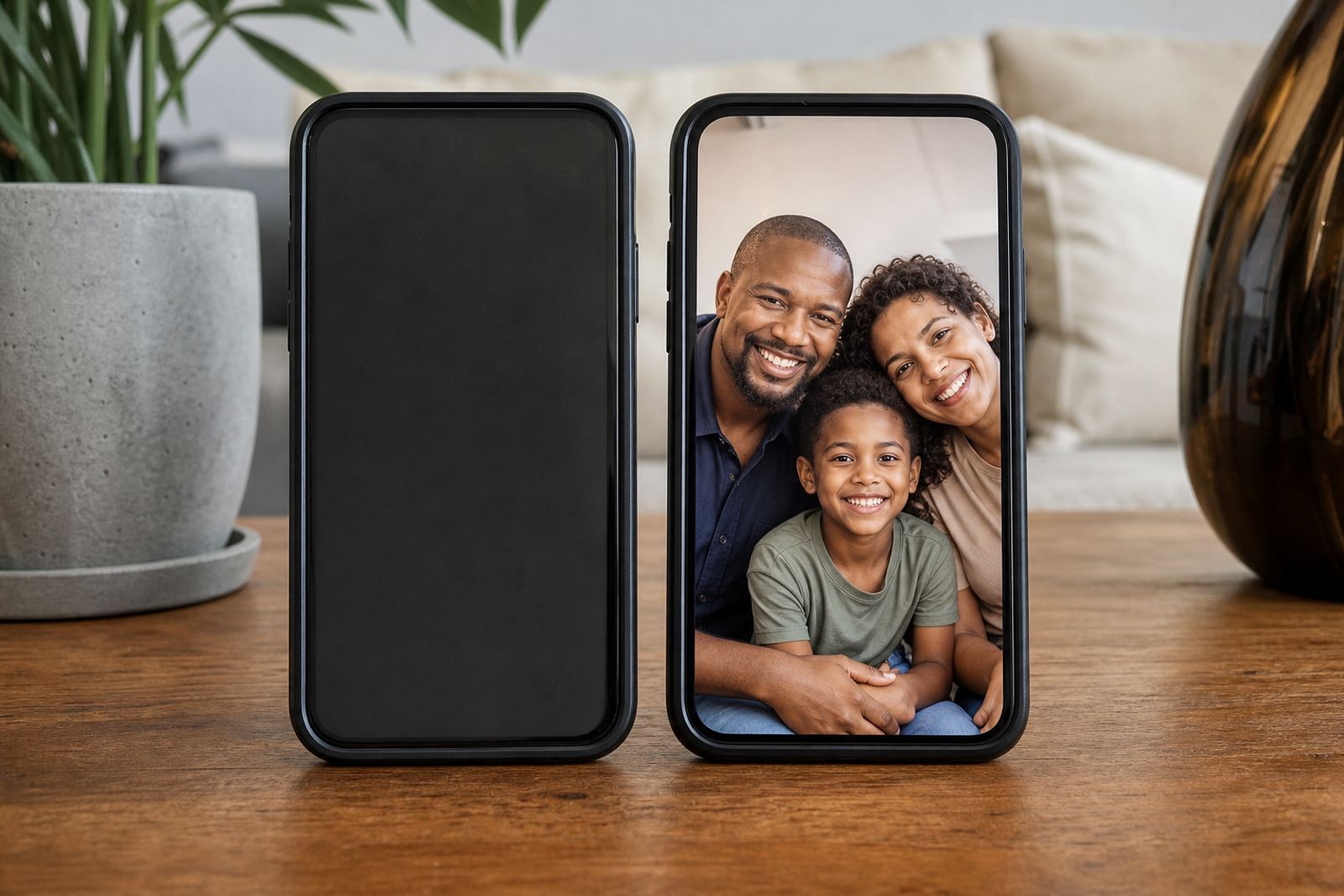


What Family Device Pairs do for everyday home use
Family Device Pairs are set up to connect a parent device and a child device so the same household rules can be used across both. Instead of setting limits one app at a time, you can manage time windows, app access and family media plans from one parent view. That makes it easier to keep mornings, homework hours and bedtime on track especially when more than one child is using a phone or tablet.
For South African families this is useful in real life, not just in theory. A parent in Durban may want different limits for school nights and weekends, while a family in Pretoria may need one plan for a high school child and another for a younger sibling. Family Device Pairs support that kind of day to day structure without making the setup complicated.
This is a household control product for ordinary family management. It is not medical or psychological advice, and if you have concerns about a child’s behaviour, sleep or wellbeing you should speak to a qualified professional.
Family device pairs for toddlers, tweens and teens
There are a few practical ways to use Family Device Pairs depending on the number of children in the home and how much control you want to keep. Some families only need one parent device linked to one child device, while others need a wider family set-up with more than one child profile. If you are supporting a blended household or shared care arrangement, we can also help you organise the rules so both homes use the same basic structure.
- Single pair: one parent device and one child device for simple control
- Multi child setup: one parent view linked to more than one child profile
- Co-parenting setup: shared rules for two caregivers managing the same child
- Teen setup: more freedom with agreed limits for study, social and gaming time
Families in Stellenbosch, Gqeberha and Bloemfontein often want a clean setup that does not need daily tinkering. In those cases the best option is usually a smaller pair with clear rules and a weekly review. Larger households may prefer a fuller plan with separate evening limits for each child, plus a shared weekend schedule.
Where Family Device Pairs suit best
This product suits homes that want practical screen management during school terms, holidays and busy workweeks. It works well for families with children in primary school, high school or early teens, and it can also help when grandparents, au pairs or other caregivers need a simple way to follow the same rules. If your family has different routines across weekdays and weekends, this setup gives you a steady base to work from.
It is especially useful where devices are shared between children, or where one child needs tighter limits for gaming while another needs help with social app boundaries. In Cape Town and Durban, where after-school activities and travel time can push routines around, a family pair helps keep bedtime rules and study time more consistent.
At our Durbanville base, we often see families wanting support that is straightforward and local. They do not want a pile of settings, just a fair plan that works on the devices already in the home.
Phones, tablets and consoles
You do, however, need working devices, a stable internet connection for setup and enough battery or charging access to keep the parent and child devices ready. In most homes the setup is done indoors on a phone, tablet or other connected device. If your child uses a school device, it is worth checking whether that device allows family controls before ordering.
- Internet access for initial set-up and updates
- A charged parent device and a charged child device
- Compatible operating systems on both devices
- Permission from the adult account holder
- Time for a first review of rules, usually 20 to 40 minutes
For coastal homes in Cape Town and Durban, keep the devices in a dry place and away from direct sun near windows, because heat and damp can shorten battery life over time.
Reviewing the plan
To keep Family Device Pairs working properly, it helps to review settings once a week and after any major change in routine. That can include the start of a new school term, a move between homes, a holiday or a change in the child’s device. Families in Johannesburg and Pretoria often ask for a quick check after exams begin, while others want more frequent reviews when younger children start getting their own devices.
Check that the parent account still has the correct permissions, confirm the child device is connected, and review whether the app limits still suit bedtime, homework and weekend use. If a device is replaced, the pair should be updated straight away so the rules carry over cleanly. A short monthly review also helps catch accidental changes, which can happen when children are curious and parents are busy.
If you are using a co parenting setup, it is worth keeping one shared note on the agreed rules so both homes stay aligned. That reduces confusion and helps children know what to expect.
Before your first session
Before ordering, check how many devices you want to link, who will hold the parent account and which children need their own settings. It also helps to think about the times you want to control first, whether that is bedtime, study time, weekend gaming or social app access. If you are starting from scratch, our New Family Onboarding or Family Media Plan Session can help you decide what belongs in the first setup and what can wait until later.
- Number of parent and child devices to be linked
- Ages of the children using the devices
- Need for co parent alignment or grandparent support
- School nights, weekends and holiday routines
- Any existing rules that should stay in place
You can reach us through the enquiry form on our contact page and tell us a bit about your household. We support families across South Africa, including Cape Town, Durbanville, Johannesburg, Durban, Pretoria, Bloemfontein, Gqeberha and Stellenbosch. That way the setup matches your routine, not the other way around.
Quick facts
| Product type | Family screen-time control and parent child device pairing |
|---|---|
| Primary use | Manage limits, app access and family media plans from one parent device |
| Typical pair size | 1 parent device to 1 child device, or one parent view to multiple child profiles |
| Setup time | About 20 to 40 minutes for the first household setup |
| Connection needs | Compatible devices with internet access for setup and updates |