




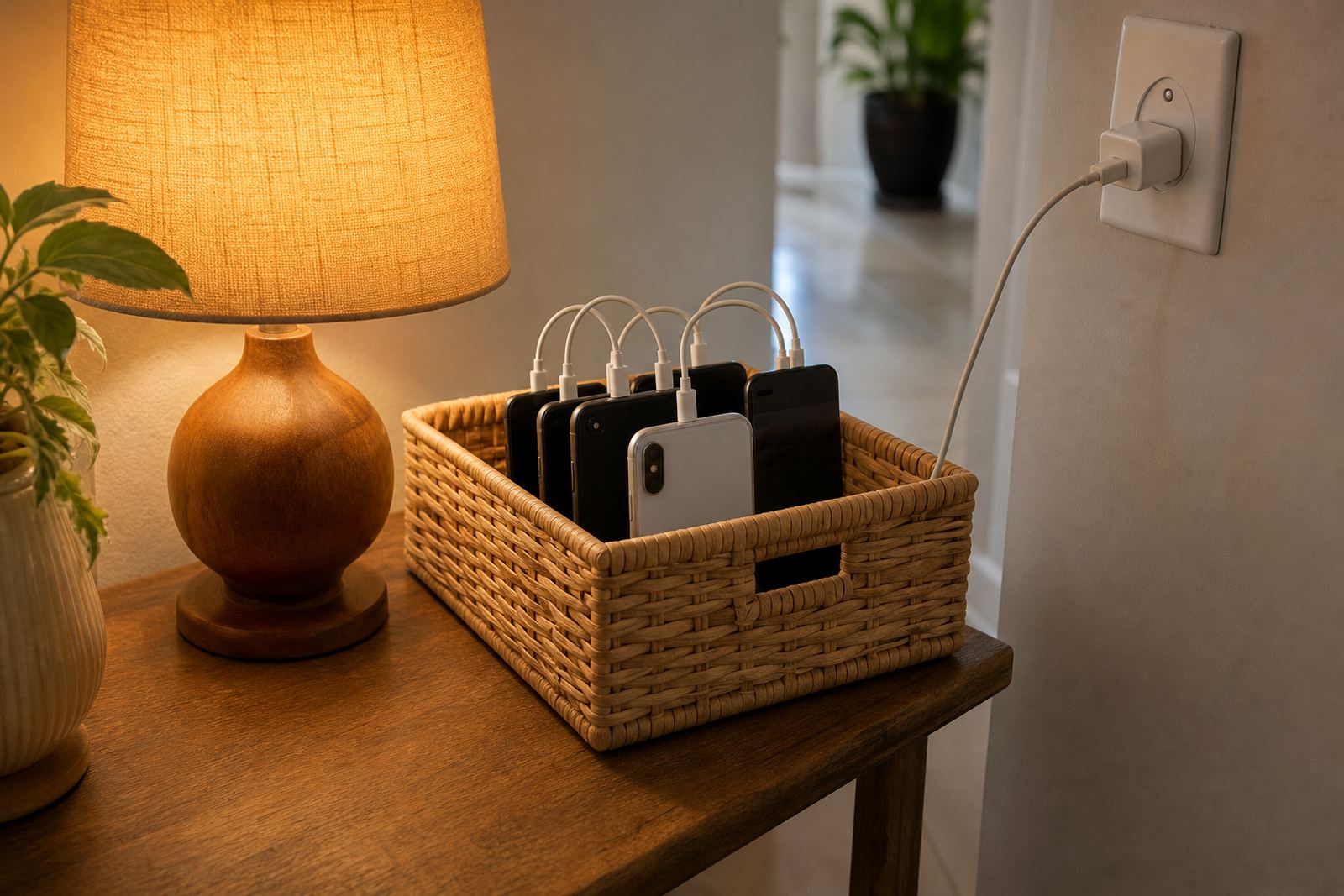
What Mealtime Lock Rules does in the home
Mealtime Lock Rules is a family control setting for planned device breaks around breakfast, lunch and supper. Parents or caregivers set a daily window, choose which devices are affected and decide whether children can make emergency calls or only view approved contacts. It works well in households that want a clear routine without arguing at the table every night.
The feature is built for ordinary family use, not special technical setups. You can set one rule for the whole family or different times for each child, which is useful when one child gets home from sport later or when grandparents are helping after school. If a child tries to use a device during the lock, the screen shows a simple notice so the expectation is clear.
- Scheduled lockouts for breakfast, lunch and supper
- Per child or per device settings
- Optional emergency access for calls only
- Simple reminder before the lock starts
Rule options for different ages and households
Every household runs a bit differently, so the settings are flexible enough for younger children, teens and mixed-age families. You can set a 20 minute meal lock for quick weekday dinners, or extend it for Sunday lunches and family gatherings. Some parents prefer a full lock, while others allow music streaming or reading apps only, depending on what the house rules allow.
For children who share a tablet or a hand-me-down phone, the lock can be applied by profile rather than by device alone. That helps when siblings use the same screen after school and everyone needs fair treatment. It also means a parent can keep the rule steady even if a phone is swapped, borrowed or replaced.
- Short, medium or extended meal windows
- Child profiles for separate age groups
- Allowlist for selected apps if needed
- Suitable for shared family devices
Where these rules work well in South African households
This setting suits apartments, townhouses and freestanding homes where family routines change through the week. It is especially useful in Cape Town, Durban, Pretoria, Johannesburg and Bloemfontein homes where parents juggle traffic, after-school pickups and supper at different times.
It also works well in homes with grandparents, au pairs or co-parents who need the same boundary. If one adult says phones are fine at the table and another does not, the lock makes the rule consistent. That consistency usually reduces back-and-forth and helps children know what to expect, no matter who is supervising.
- Family homes with changing weeknight routines
- Co-parenting households needing one shared rule
- Grandparent care and mixed caregiver setups
- Homes with shared tablets and hand-me-down phones
Getting the whole family on board
Setup is straightforward. A parent or caregiver creates the mealtime schedule, checks the child profiles and decides which screens are covered. All you need is a compatible phone or tablet, a stable internet connection for setup and a charge level that will last through the day.
Because mealtime routines often happen at the busiest part of the day, it helps to test the lock before using it in a full family setting. Check that notifications are turned on, confirm the correct time zone and make sure all devices show the same household rule.
- Works through the family device app on supported phones and tablets
- Needs internet for setup and updates
- Useful to test before the first family meal lock
How families start using it
There is very little day-to-day upkeep, but the rule should be reviewed now and then. Families change over time, especially when school times shift, exams start or sports practice runs late. It is smart to revisit the lock schedule every few weeks and again after holidays. If a child gets a new device, changes school or starts staying over at another home, the settings may need adjusting so the rule still fits the real routine.
Software updates can affect notifications, permissions and device compatibility, so it helps to keep the app up to date. If a rule does not trigger as expected, first check the time, profile and device permissions. For families who want longer term guidance, Screenage also offers support sessions that can help with family media plans, teen rule resets and co-parenting alignment. That can make the meal rule easier to keep in place without turning every supper into a debate.
Before your first session
Before you choose Mealtime Lock Rules, it helps to think through how your home actually works. The best setup is the one that matches your routine, not a perfect version that nobody follows. Consider who needs to manage the rule, which children should be included and whether you want the same lock every day or different times for weekdays and weekends.
You should also check device compatibility, the number of profiles needed and whether your family wants a full lock or a limited access version. If your home has more than one caregiver, make sure everyone agrees on the same mealtime expectation first. A clear rule at the start avoids mixed messages later.
- Number of child profiles and devices to manage
- Preferred meal times for weekdays and weekends
- Need for emergency call access
- Whether grandparents or co-parents also need access
- Any app allowlist or exceptions for reading or music
Quick facts
| Control type | Scheduled family screen lock with parent-managed rules |
|---|---|
| Typical use | Breakfast, lunch and supper device-free routines |
| Profile support | Per child or per device |
| Access options | Full lock or limited emergency access |
| Compatibility | Supported phones and tablets with internet for setup |
| Care level | Low maintenance, with regular rule reviews recommended |