


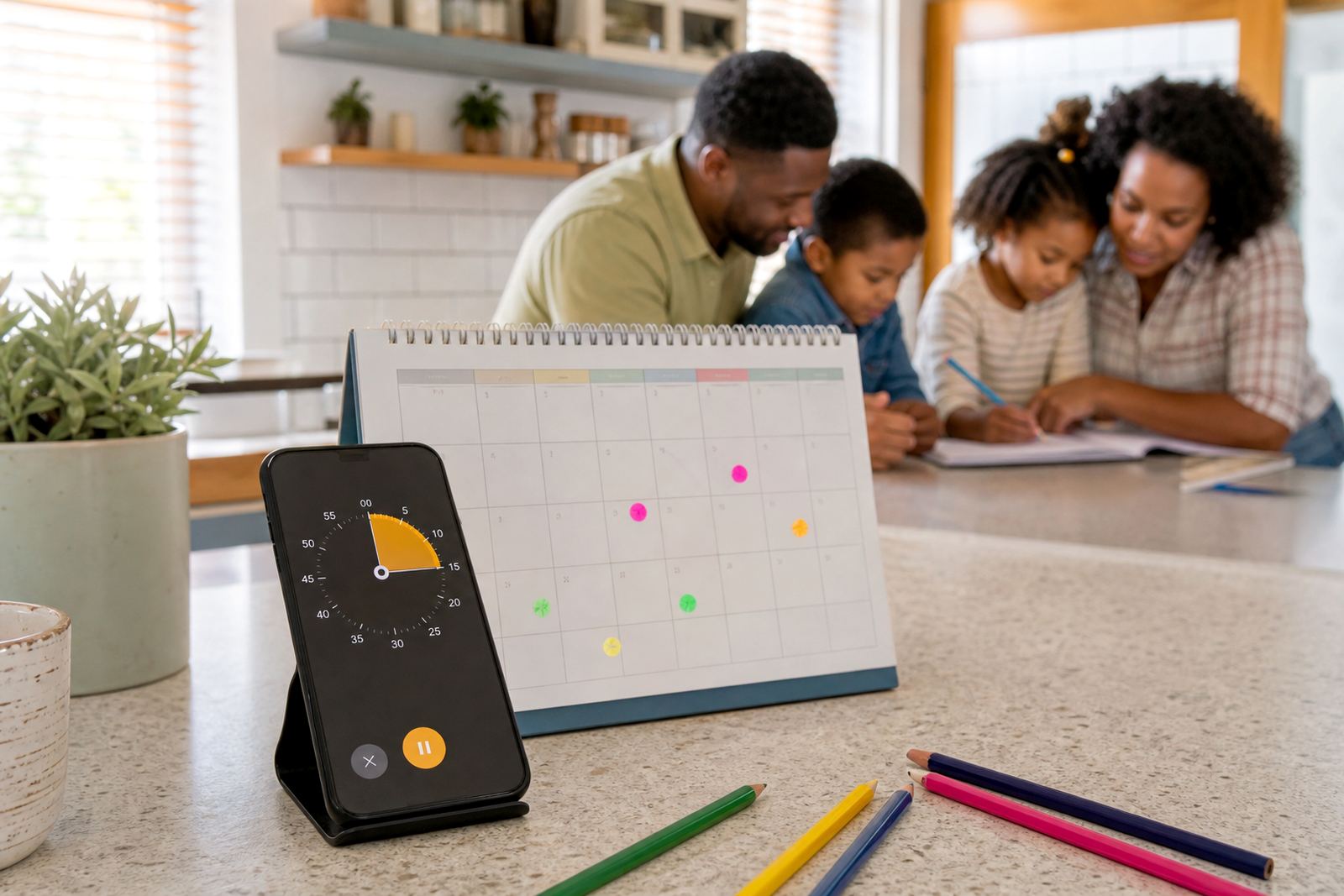


What Allowance Time Tokens do
Allowance Time Tokens let a parent or caregiver add a set amount of screen minutes to a child’s daily or weekly allowance. Instead of bending the rules in the moment, you can assign extra time for a specific reason, then let the app track it against the family media plan. It works well when you want a bit of flexibility without losing the boundary altogether.
The tokens are best used for practical family moments like a long car trip, finishing homework before supper, helping with chores, or a weekend treat. The point is not unlimited access. It is a clear, visible way to say yes for a reason, then stop when the agreed time is used up.
Adjusting allowance time tokens for each child
Families usually choose from small, medium, or larger time blocks depending on age, weekday structure, and how tightly they manage devices. The same household may use different token sizes for a primary school child and a teenager. You can also set tokens to expire, carry over, or stay limited to one day only.
- 15 minute token for short rewards or a quick extra game session
- 30 minute token for after chores, study, or a family outing
- 60 minute token for a weekend treat or travel day
- Custom time blocks for households with specific routines
Some families prefer a few larger tokens each week. Others like smaller amounts so the extra time stays visible and easy to manage. If your children share a device, the tokens can be assigned by child rather than passed around informally.
Where it suits in family life
This product suits households that want structure without constant arguing. It is useful for Cape Town families dealing with after school activities, Durban families balancing homework and evenings, and parents in Johannesburg, Pretoria and Bloemfontein who want a clear screen-time limit across busy weeks. It also helps during school holidays, when the usual routine often slips.
Allowance Time Tokens are practical for families who want to reduce the “just five more minutes” habit. They work especially well when paired with bedtime routine sessions, study time planning, social app boundaries, and sibling fairness sessions. If grandparents, co-parents, or aftercare caregivers also manage devices, the same rules can be applied more consistently.
- Good for mixed-age homes with different needs
- Useful when children earn extra time through chores or homework
- Helpful for shared devices where fairness matters
- Works for weekdays, weekends and holiday plans
How families start using it
Allowance Time Tokens are set up through your family account and linked to the devices you manage. For homes in Durban and other coastal areas, it helps to keep devices dry and charged properly because humidity and heat can shorten battery life over time.
Before you start, check that each device is supported, that the correct child profile is in place, and that the adult account has permission to approve extra time. If the household uses more than one caregiver, decide who may issue tokens and whether they need approval first. That avoids confusion when school bags are unpacked, supper is on, and everyone is trying to do the same thing at once.
Reviewing the plan
As children grow, token sizes, bedtime cut-offs and study exceptions often need a reset. A short monthly check is usually enough for most households, though many parents review the settings at the start of a new school term or after holidays.
Keep the system tidy by doing a quick check of active devices, unused tokens, and any caregiver permissions that are no longer needed. If a child has started gaming later in the day or using social apps more often, tighten the rules before the habit becomes hard to shift. If you are unsure what is age-appropriate, speak with a qualified professional for guidance, as this is not medical or psychological advice.
- Review rules after holidays or exam periods
- Remove old or unused device permissions
- Check that bedtime cut-offs still suit the household
- Keep one adult responsible for changes where possible
Before your first session
Before ordering, think through how your family actually uses screens. A token system works best when it fits real routines, not the other way round. Check whether you want daily or weekly limits, whether tokens should expire, and whether siblings should have the same or different settings. It also helps to decide if school nights, weekends, and holidays need separate rules.
You should also confirm whether you need support for a single home, split households, or support from grandparents. Families in Stellenbosch, Gqeberha and other South African towns often find that one clear plan is easier than a long list of exceptions. If the adults in the home do not agree, the token system will be harder to use. A short family media plan session can sort out the practical details before they turn into arguments.
- Choose daily or weekly token limits
- Decide on expiry rules and carry-over rules
- Check how shared devices will be handled
- Confirm who may add extra time and when
Quick facts
| Product type | Screen-time allowance tool for family use |
|---|---|
| Token sizes | 15, 30, 60 minutes or custom blocks |
| Use case | Extra screen time added intentionally, not casually |
| Setup | Linked to family account and child profiles |
| Requirements | Compatible device, adult account and internet access for setup |
| Best for | Families managing phones, tablets, gaming and social apps |