



What Notification Digest Does For Busy Households
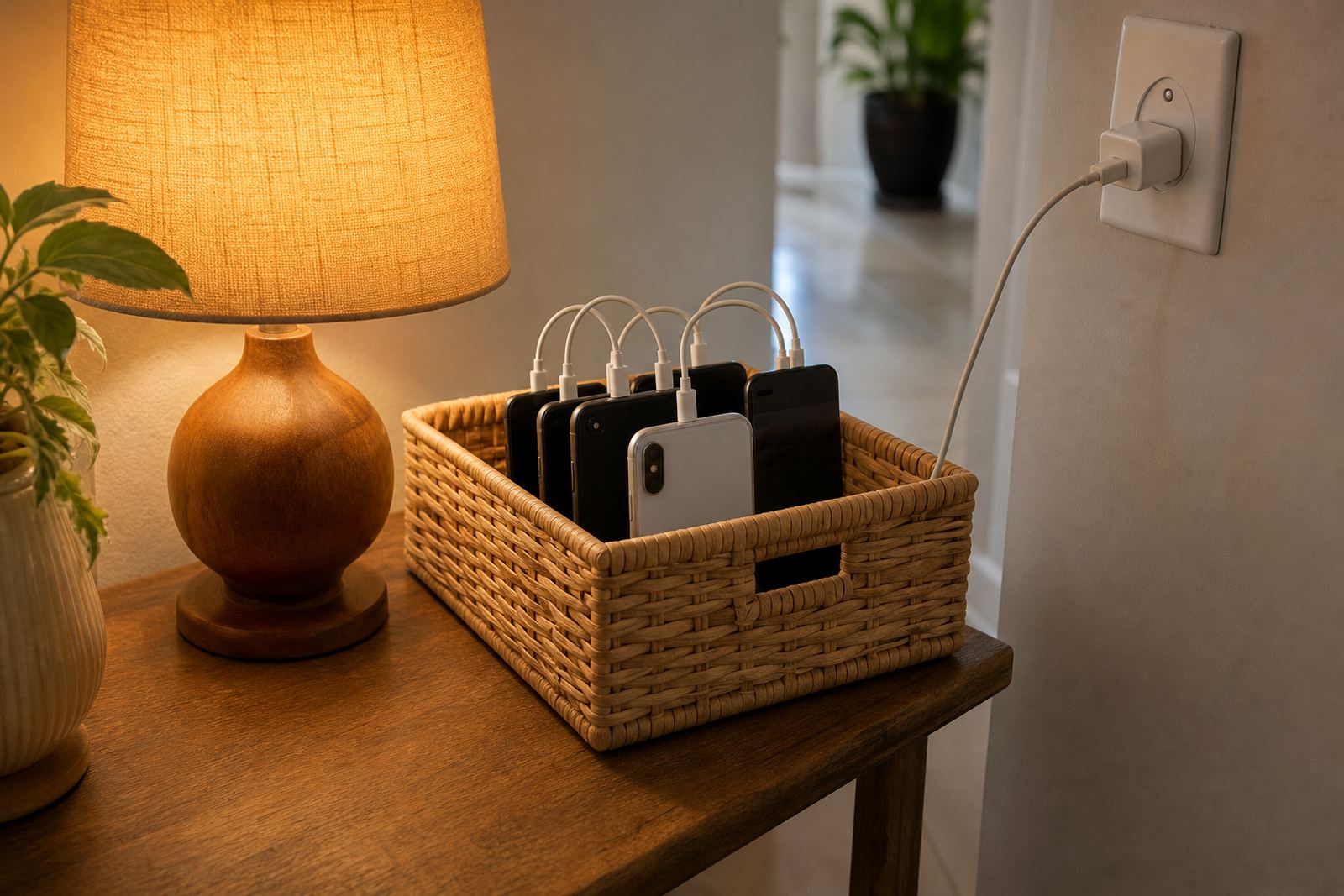
Notification Digest is a summary feature for family screen-time management. Instead of sending a buzz every time a limit is reached, a bedtime rule changes or a new app is opened, it groups the key activity into a scheduled update. That makes it easier to follow what is happening across phones and tablets without turning the whole day into a stream of interruptions.
It works well for families in Durbanville, Cape Town and across South Africa who want practical control rather than constant checking. Parents can review the main events at a chosen time, then decide whether to keep the current plan, adjust the rules or have a calm conversation with the child. If you have concerns about your child’s behaviour or wellbeing, speak to a qualified professional for advice.
- Summarises screen-time events into one digest
- Reduces constant alert fatigue for parents
- Supports simple household routines and clearer follow-up
- Useful for shared care, after-school time and bedtime checks
Adjusting notification digest for each child
The feature can be set up to suit small or larger family groups. A parent may only need a daily summary for one child, while a bigger household may prefer digests by child, by device or by time of day. You can keep things light with a short overview or choose a fuller summary that includes limit use, rule changes and repeated requests.
Typical options include daily digests, evening digests and custom summary windows. Some households prefer a weekday setup for school terms and a different pattern for weekends or holidays. There are no physical sizes, but there are practical choices around how often you want to receive the summary and how detailed it should be.
- Daily, evening or custom summary timing
- Child-by-child or device-by-device grouping
- Short summary or detailed activity view
- School term and holiday adjustments
Where Notification Digest Suits Best
This feature suits homes where screen-time rules are already in place, but parents do not want to be disturbed every few minutes. It is useful for working parents, co-parenting homes, families with older children managing their own devices, and households where grandparents also help with after-school care. It can also help when children are on homework, gaming or social apps and the main aim is to keep the day predictable.
In places like Pretoria, Johannesburg, Durban and Bloemfontein, families often deal with different routines around school, sport and commuting.
- Good for parents who want less interruption
- Useful in co-parenting and split-household routines
- Handy for older children with more independent device use
- Helps track routines across school days and weekends
Getting the whole family on board
It is set up through the family account and linked to the devices you want to monitor. In most cases, you will need a phone or tablet with normal data access, a working internet connection and the correct settings enabled on each child’s device. If notifications are restricted too tightly on a device, the digest may need a few permission checks during setup.
If the family uses more than one caregiver, make sure everyone knows which summary time is being used so nobody expects immediate alerts.
- Needs a connected device and family account access
- Check notification permissions on each linked device
- Best used where internet sync is available regularly
Reviewing the plan
The feature does not need cleaning in the usual sense, but it does benefit from regular review. Families should check whether the digest timing still fits school terms, after-school activities and weekend routines. If a child’s needs change, or if the household starts using a different device, the summary settings should be updated so the information stays useful and not cluttered.
From time to time it is worth checking the alert categories too. Some families want every app-related event included, while others only want the important ones such as limit warnings, bedtime lockouts and rule changes. A tidy digest is easier to act on and less likely to be ignored.
- Review digest timing once routines change
- Adjust alert categories if the summary feels too long
- Check linked devices after resets or upgrades
- Keep caregiver access up to date
Before your first session
Before setting up Notification Digest, decide who will receive it, how often it should arrive and what should count as an important update. Think about whether you need one family summary or separate summaries for each child. It also helps to know how many devices will be included, especially if siblings share tablets or if both parents want the same view.
When you send an enquiry, it helps to mention your family structure and the routine you want to support, such as study time, bedtime, or a holiday screen plan. Screenage supports families in Cape Town, Durbanville, Johannesburg, Durban, Pretoria, Bloemfontein, Gqeberha and Stellenbosch, and the team can help align the digest with the rest of your family media plan.
- Who should receive the digest
- How often it should be sent
- Which devices and children are included
- Whether you want a short or detailed summary
Quick facts
| Feature | Notification Digest for family screen-time oversight |
|---|---|
| Summary type | Scheduled updates instead of constant alerts |
| Options | Daily, evening or custom digest windows |
| Device support | Phones and tablets linked to the family account |
| Setup needs | Internet access, account permissions and notification settings |
| Best use | Families wanting calmer screen-time monitoring and routine checks |