


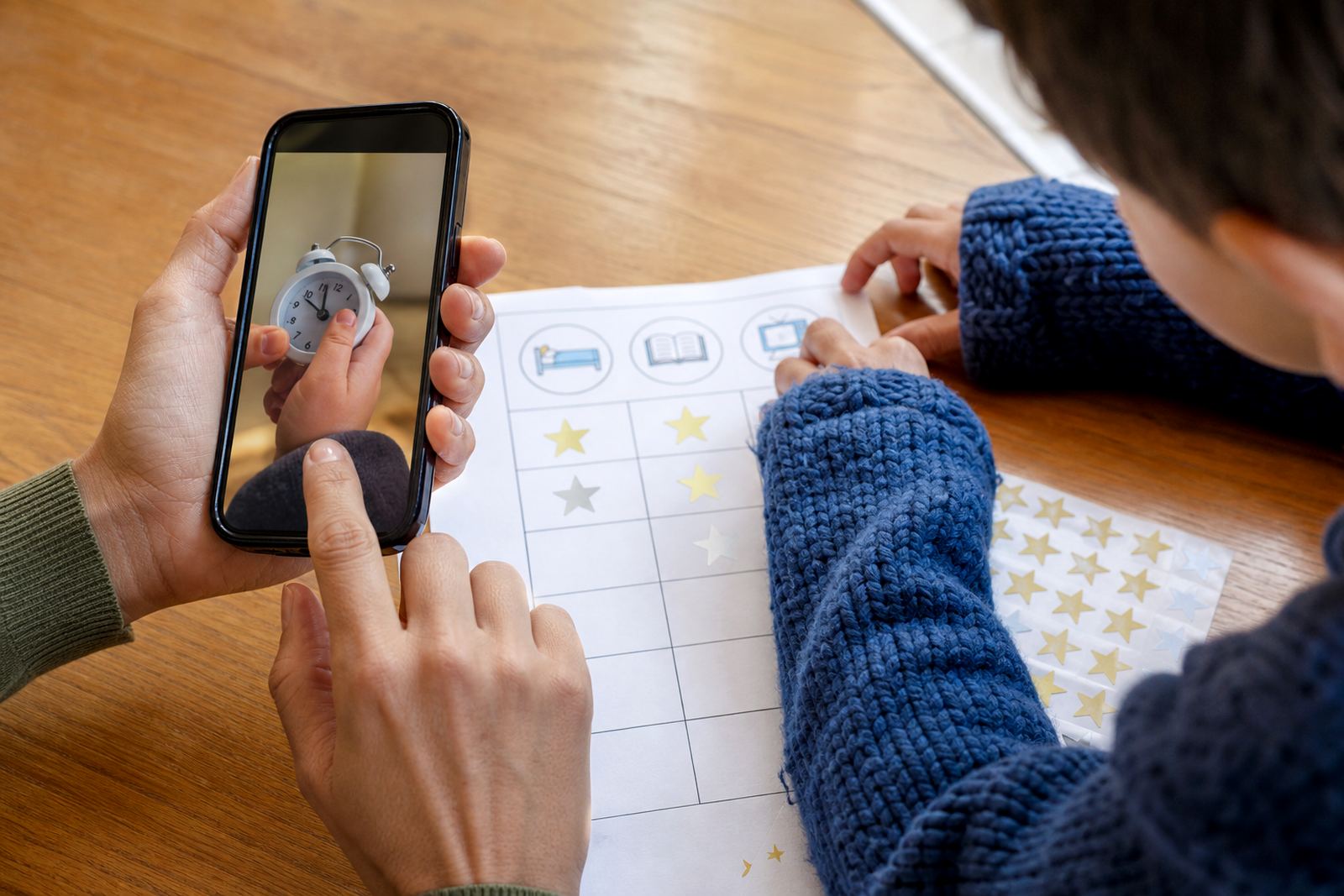
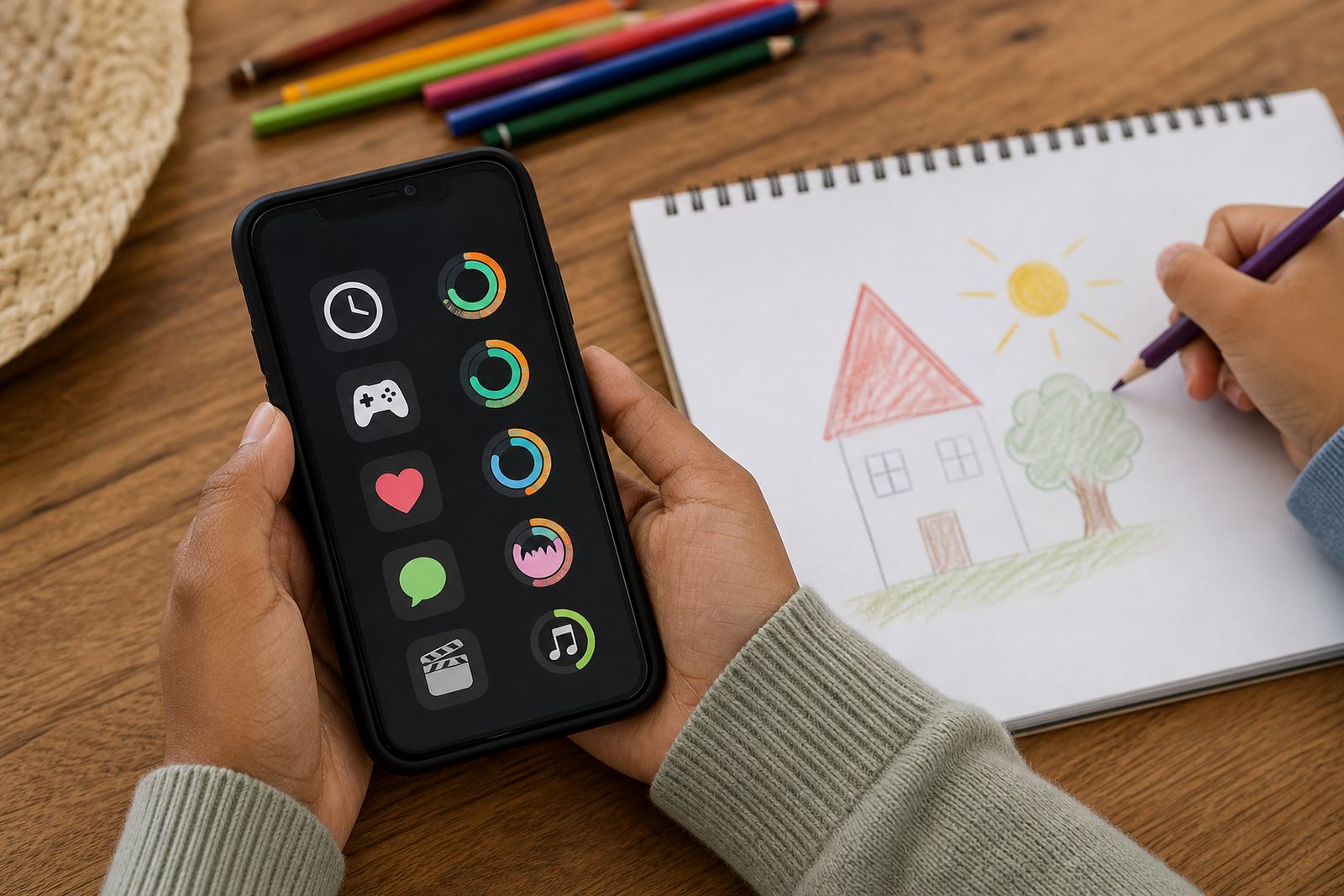

A clear picture of screen time at a glance
The Usage Summary View is a family reporting screen that pulls together the main screen habits you want to check quickly. It can show total daily use, time spent on selected apps or categories, late evening use, and patterns that may help with bedtime or school-night routines. The aim is simple: give parents enough detail to start a calm conversation, not a long argument.
It suits homes that want a practical overview rather than constant checking. Families in Cape Town, Johannesburg, Durban, Pretoria and Bloemfontein often use it to see when screens are being used most, whether limits are being followed, and where a small adjustment may help. It is not medical or psychological advice, and if screen use feels linked to deeper family concerns, speak to a qualified professional.
What the summary can show
This product is useful when you need more than a single on or off setting. It can help parents look at screen use in context, including weekday and weekend differences, evening usage, and how often a child returns to a device after a limit is reached. That makes it easier to shape family media plans that are specific and realistic.
- Daily and weekly screen time totals
- Usage by app, app group or activity type
- High-use times such as after school or late at night
- Simple comparisons across devices in the same family
- Notes that support parent and child discussions
The summary is intended for ordinary family use, not as a school report or a clinical tool. If you need a family media plan that covers devices, routines and household rules, the summary view can sit alongside services such as New Family Onboarding or Family Media Plan Session.
How usage summary view changes with age
There is no single household pattern, so the Usage Summary View is best matched to the size of the family and the number of devices in use. A smaller home may only need one parent view with a handful of child profiles, while a larger home may need more detailed tracking across multiple phones, tablets and shared devices. The view is designed to stay readable on a mobile screen, but it also works well on a tablet for parents who prefer a larger layout.
- Single parent view for one household
- Multiple child profiles for siblings with different limits
- Shared household view for co parenting alignment
- Simple summary mode for quick checks
- More detailed view for families managing gaming, homework and social app use
Where it suits best in everyday family life
The Usage Summary View suits families that want practical screen habits, not guesswork. It works well for bedtime routine planning, schoolnight limits, holiday screen plans and sibling fairness sessions where one child feels another has more time online. It is also useful for grandparents who help with after-school care and need a simple picture of what the rules are for the day.
Families often use it when they are resetting habits after a long holiday, a change in school timetable, or a new device entering the home. It can support conversations around gaming time, social app boundaries and study time planning, especially where one child uses a device for both homework and entertainment.
First week at home
You will need a compatible phone or tablet, a stable internet connection for setup and updates, and enough storage on the device for the app itself. Some households prefer to set it up on the parent device first, then add each child profile one by one so the rules are easy to check.
- Compatible smartphone or tablet for parent access
- Internet connection for account setup and syncing
- Child device access during onboarding
- Optional shared access for co parents or caregivers
If a family shares devices between children, it helps to decide in advance who gets which profile and what the main limits are. That saves time and avoids confusion later.
Reviewing the plan
Keep user details up to date, review the summary each week and adjust limits when school schedules or holiday routines change. If a phone is replaced, or a child gets a new device, the profile should be checked again so the reporting stays accurate.
Before ordering, check the following:
- How many child profiles you need
- Which devices must be included
- Whether both parents or caregivers need access
- Whether you want a simple summary or a more detailed view
- Whether your family needs support for bedtime, study time or gaming limits
Families across Durbanville, Stellenbosch, Pretoria and Bloemfontein can enquire through the contact page to be matched with the right support. The team, led by Michaela van der Merwe, can help parents choose the right setup for their household and talk through the most practical next step.
Quick facts
| Product type | Family screen-time summary and reporting view |
|---|---|
| Main use | Shows screen habits to support family conversations and routine changes |
| Device support | Parent phone or tablet with child profiles linked to managed devices |
| Coverage | Available for families across South Africa, including Cape Town, Johannesburg, Durban, Pretoria and Bloemfontein |
| Setup need | Internet connection and compatible device for onboarding and syncing |