




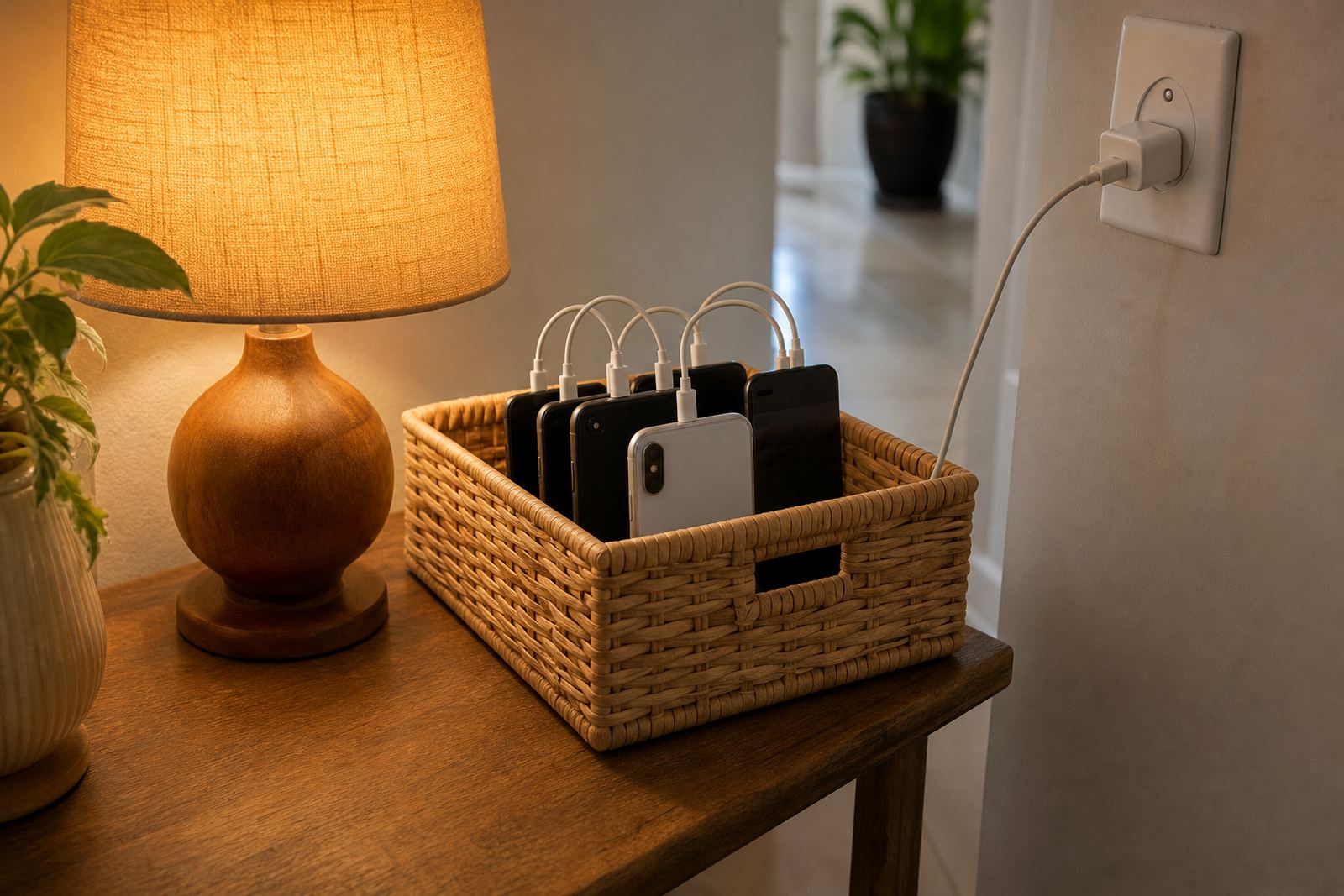
Focused access for homework and revision
Study Focus Mode is a family setting that narrows what children can reach on a phone or tablet during set study periods. Parents can switch on focused access for homework, reading, revision and quiet time, then allow only the apps and contacts that are needed for the task at hand. It helps reduce switching between games, chats and short-form video when a learner is meant to be working.
The idea is practical rather than complicated. You set the study window, choose the allowed apps, and decide whether calls, messages or school tools stay open. For some homes that means a two hour block after school. It works well where the family needs a clear routine and not more screen noise.
- Set daily homework windows by day of the week
- Allow school apps, notes, calculators and approved learning sites
- Pause games, social apps and entertainment during study time
- Keep a separate rule for revision weekends or exam week
Tuning study focus mode to your household
Families use Study Focus Mode in a few different ways depending on the age of the learner and how many devices are in the house. A smaller setup may suit one child with a single phone. A larger family may need separate rules for siblings, with different study windows for each child. The service can be set up for primary school learners, high school students and teens who need more independence but still need firm boundaries.
Options are usually chosen around how the family manages screens at home, not around fancy extras. Some parents want a light touch, with only homework apps available. Others want a stricter setup for exam month, where only study tools stay active. If there are shared devices, the settings can be adjusted per child so one sibling is not blocked by another sibling’s timetable.
- Single child setup for one learner and one device
- Sibling setup with separate study rules per child
- School-year setup for regular term-time routines
- Exam focus setup for tighter access during assessment periods
Where it suits best in South African family life
Study Focus Mode is useful in homes where homework happens after a long school day, after sport, or once parents are back from work. It suits families in Cape Town, Johannesburg, Durban, Pretoria and Bloemfontein who want consistent screen rules across weekdays and weekends. It is also helpful in Durbanville and Stellenbosch homes where learners are juggling transport, tuition and evening study sessions.
This kind of focused access can help when the family shares one internet connection, one tablet or a few devices across different ages. It can also support homes where screen time tends to stretch into late evening, especially when there is no fixed routine. The mode is not a substitute for parental involvement, but it gives parents a steadier frame to work from and fewer arguments about what counts as study use.
- Homework after school in busy family households
- Exam preparation where distractions need to be reduced
- Shared device homes with siblings of different ages
- Homes that want a clearer bedtime boundary for screens
First steps with study focus mode
It is set up through the family account and then applied to the child’s device settings. Most homes need a current phone or tablet, an active internet connection for the first setup, and a parent or guardian who can choose the rules.
For best results, families should check that the child’s device has enough battery before a long revision block, and that any school reading apps or notes are already installed before the session starts. In some cases, parents may want to keep a printed timetable near the study area as a back-up, especially for younger learners. The setup is straightforward, but it does need a bit of planning upfront, which saves time later.
- Works on a phone or tablet with family controls in place
- Needs internet for first setup and rule updates
- Useful to set rules before exam season starts
Reviewing the plan
Screen rules should not stay frozen all year. Homework changes, school timetables change, and children get older. That is why Study Focus Mode works best when the family reviews it every few months. A younger child may need a shorter allowed list, while a teen may need more independence for research, revision notes and group work. If the family has had a change in custody, school transport or after-school care, the rules should be updated too.
Regular care is simple. Check the allowed apps list, confirm bedtime cut-offs, and make sure the study timer still matches the current school routine. If there is a problem with blocked content, duplicate rules or a device that keeps slipping out of the study window, the settings can usually be adjusted after a quick review. It is also a good time to talk through what the child needs for school, because a good plan works better when everyone understands it.
- Review rules at the start of each term
- Adjust for exams, holidays and sport seasons
- Check app lists after phone updates
- Update permissions when school needs change
Before your first session
Before setting up Study Focus Mode, it helps to think through a few practical points. First, decide which devices need to be covered and whether there are siblings who need different rules. Second, list the apps that must stay available for study, such as notes, reading tools, calculators or learning platforms. Third, be clear about the times when access should open and close. If your family prefers after-supper homework, make that part of the plan from the start.
You should also consider how the household handles shared Wi-Fi, bedtime routines and weekend use. In some homes the aim is to block social apps only during revision. In others the family wants a stricter setup that keeps distractions out until the homework is done. If you have concerns about a child’s attention, sleep or screen habits that go beyond normal family boundaries, speak to a qualified professional. Study Focus Mode is a practical control tool, not medical or psychological advice.
- Device count and which child uses each device
- Apps that must stay open for school work
- Times for homework, revision and bedtime
- Whether you need a light or stricter setup
Quick facts
| Use case | Homework, revision and exam-time focused access |
|---|---|
| Device support | Phone and tablet family controls |
| Access control | Allowed apps, blocked apps, time windows and bedtime rules |
| Family fit | Single child, sibling or shared device households |
| Setup | Account-based setup with parent-selected rules |
| Service area | Durbanville, Cape Town and families across South Africa |