



What Bedtime Device Locks Do in a Family Home
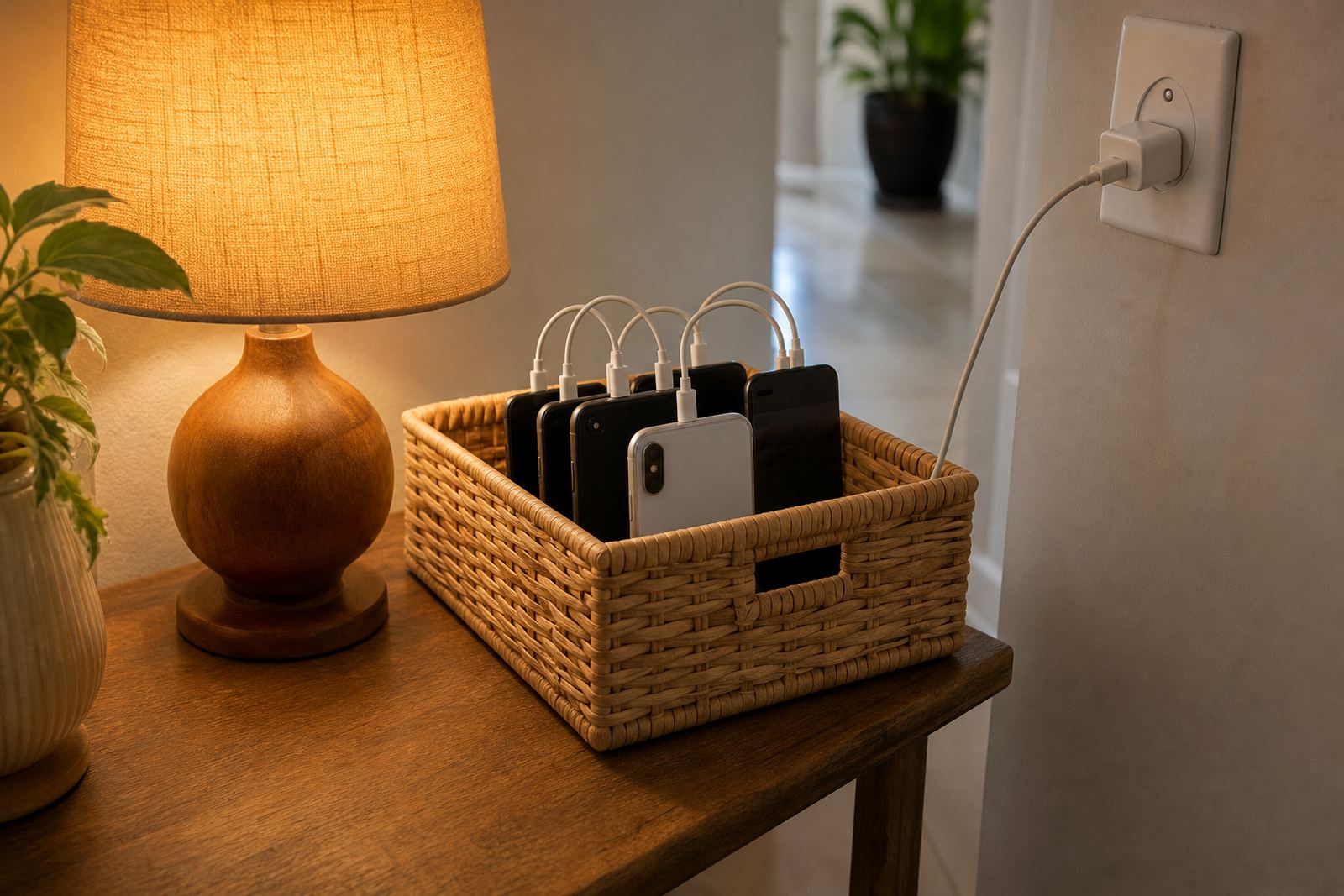
Bedtime Device Locks lets parents set an overnight block on a child’s device or app access during chosen hours, so screens are not available when the family is winding down. The aim is simple: create a clear off time, reduce late night checking, and support a steadier evening routine without needing constant reminders. For many homes in Durbanville, Cape Town and across South Africa, that means fewer arguments at lights out and less phone use under the blanket.
The feature can be used on its own or as part of a wider family media plan. It suits households that want different rules for school nights and weekends, or separate settings for each child. You can allow emergency calls if needed and set a short grace period before lock time, which is useful when a child needs to finish homework or charge a device properly.
- Set a fixed lock window for weeknights, weekends, or both
- Apply different rules by child, device, or age group
- Keep emergency contact access available where appropriate
- Use alongside study time, gaming time and social app boundaries
Tuning bedtime device locks to your household
There is no one size fits all bedtime plan. A younger child may need a strict lock from 19h00, while a teenager may need a later setting with a bit more flexibility during exam weeks. The useful part is that the rules can be adjusted as children grow, so you do not need to start over every term.
Families often choose a simple setup first, then fine tune it after a week or two. Some prefer a full device lock, while others only block selected apps, messaging, games or video platforms after bedtime.
- Full overnight device lock for phones and tablets
- App specific lock for social, games or video use
- School night and weekend schedules
- Custom start and end times for each child
Where Bedtime Locks Work Best
This product suits families who want clearer evening routines in suburbs, estates and apartment living alike. In busy Cape Town homes, it can help keep bedrooms quieter at night. In Johannesburg and Pretoria, it can support earlier wind down when school mornings start early. In Durban and Gqeberha, it can also help with longer evening screen habits that often creep in after supper.
It is especially helpful where children share devices, or where the same tablet is used for study and entertainment. A bedtime rule gives everyone a clear boundary. Parents can set the cut-off, then children know exactly when the device will pause. It removes the need for repeated reminders, which can get tiring for everyone.
- Families wanting steadier sleep routines
- Homes with shared devices or sibling arguments about screen time
- Parents who want less late night scrolling
- Children who need a clear school night routine
Getting the whole family on board
Bedtime Device Locks is set through the family account and then applied to the chosen device or profile. The setup is usually straightforward, but parents should check that each child’s phone or tablet is connected properly, signed in correctly and using the right time zone. That matters in South Africa where family routines may shift between Cape Town, Bloemfontein and coastal visits, or when daylight changes affect evening habits.
The device needs a working internet connection for rule updates and account changes. In most cases, families want the rules to still be clear even when the wifi drops, so the bedtime window is not lost. If a device is switched off or drained, the rule will apply once it powers back on and reconnects.
- Requires a compatible phone or tablet profile
- Needs internet access for initial setup and updates
- Works best when the correct time zone is selected
- Best tested before the first school night use
Reviewing the plan
Bedtime rules need a bit of regular review, especially as school terms, sports and homework patterns change. Parents often find that a plan set in January may need a quick reset by mid year. The service can be adjusted season by season, and a short check-in is useful if a child starts staying up later, or if the evening routine has become a bit messy.
There is no physical maintenance, but good care means reviewing the settings, checking device access after app updates, and making sure both parents or caregivers are using the same rules. If grandparents or other caregivers help after school, it helps to keep the bedtime plan simple and written down. That avoids mixed messages and keeps the routine stable.
- Review rules after school term changes or holidays
- Check that both caregivers use the same bedtime time
- Update settings after a device or app update
- Confirm grace periods and emergency access are still right
Before your first session
Before setting up Bedtime Device Locks, check which child needs the rule, which device is involved, and whether you want a full lock or only certain app limits. It also helps to decide whether school nights, weekends and holidays need different hours. Families in Stellenbosch, Durbanville and across the country often find that a short first phone planning session makes this much easier.
When ordering or activating, make sure you know the ages of the children using the device, the main bedtime, and whether co parents need the same controls. If the aim is family peace and a more predictable wind down, the settings should match the actual routine at home, not an ideal one. If you have concerns about sleep, behaviour or family conflict, speak to a qualified professional for guidance.
- Number of children and devices to be covered
- Preferred bedtime on school nights and weekends
- Whether a full lock or app specific lock is needed
- Who else must have access to the same family rules
Quick facts
| Product type | Overnight screen-time rule and device access control |
|---|---|
| Primary use | Locks selected device functions during a set bedtime window |
| Rule options | Full device lock, app specific lock, grace period, emergency access |
| Compatibility | Phones and tablets with a supported family profile |
| Setup method | Managed through the family account and device settings |
| Best suited for | Families wanting calmer evenings and more consistent routines |