

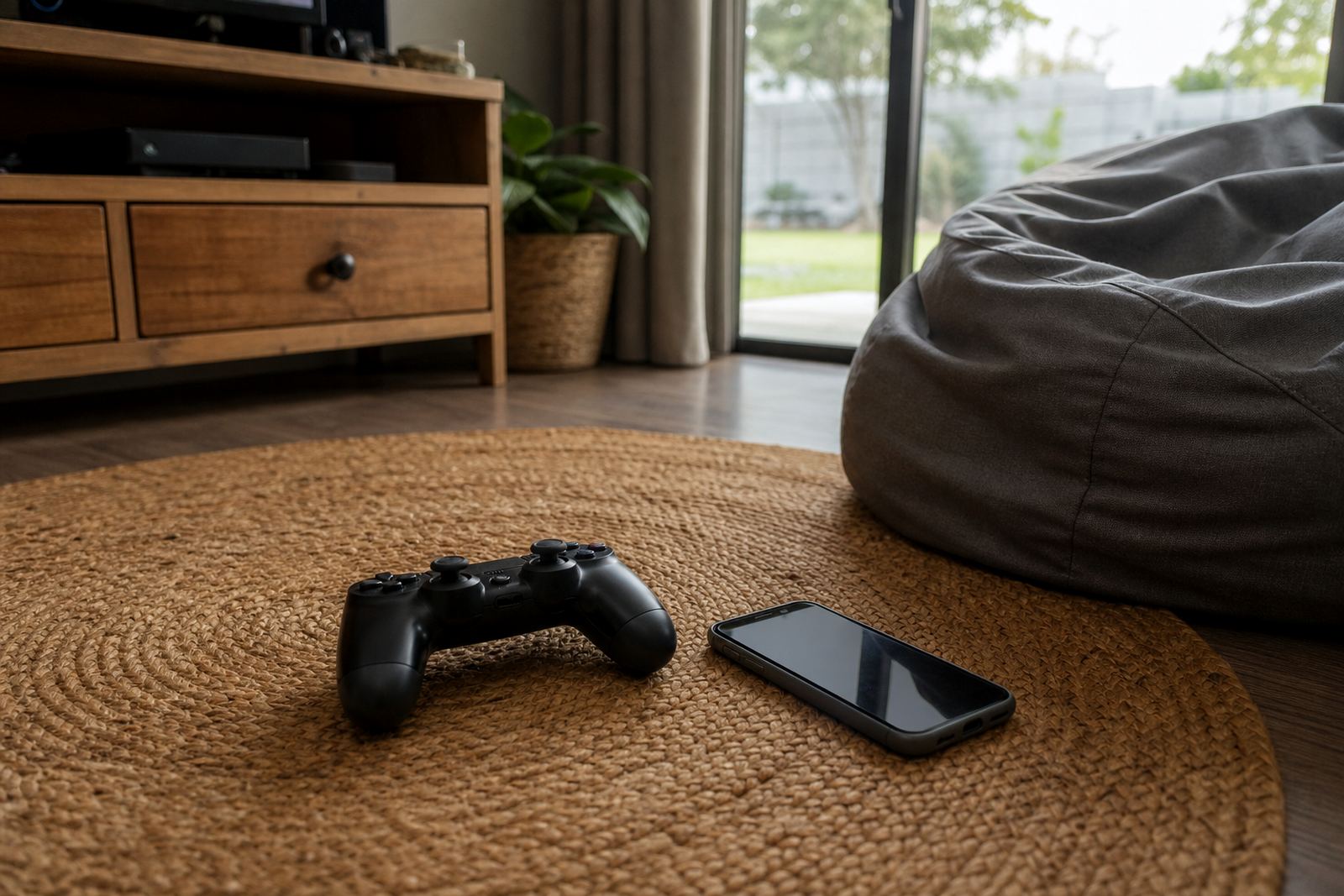



What Gaming Session Timers Do For Family Routines
Gaming Session Timers are a practical part of a family media plan. They let parents set a session length for games, add a warning before time is up, and keep the routine consistent on school nights, weekends and holidays. The aim is not to remove gaming from family life, but to make it predictable and easier to stop.
They work well where a child tends to lose track of time, where siblings share one device, or where parents want one rule that applies across the week. This is general guidance only and not medical or psychological advice. If screen use is causing serious concern, speak to a qualified professional.
- Set a daily or weekly gaming limit
- Send a reminder before the timer ends
- Lock or pause access when time is up
- Adjust rules for school days, weekends and holidays
Timer Options That Fit Different Ages And Households
Every family has its own pattern, so the session timer can be set up in a few different ways. Some parents want short weekday sessions, while others prefer longer weekend blocks with a clear stop time. In larger households, you can set separate rules for each child so one child does not use the full allowance meant for another.
Common options include one device per child, a shared family device, or age-based settings that change as children grow. You can also pair session timers with bedtime limits, study time planning and social app boundaries for a fuller routine.
- Single child profiles or shared family rules
- Fixed session length or fixed end time
- Weekday and weekend schedules
- Different rules for younger children and teens
Where Session Timers Work Best In South Africa
This service suits families in Durbanville, Cape Town, Johannesburg, Durban, Pretoria, Bloemfontein, Gqeberha and Stellenbosch, especially where devices move between home, aftercare and grandparents.
It can also help in homes where the dining table, lounge and bedroom are all shared spaces. A clear timer gives children a known stopping point before homework, supper or bath time. In coastal areas like Cape Town and Durban, families often prefer a routine that keeps devices out of bedrooms at night due to charging, heat and general clutter.
- Busy school-night routines
- Shared households and blended families
- Homes with grandparents helping after school
- Holiday periods when normal routine slips
A ten-minute gaming session timers setup
Screenage Gaming Session Timers are set up through the app on a compatible phone or tablet. You will need a current device, a stable internet connection for setup, and access to the child profile you want to manage.
Most families can get going with the following basics: a parent account, one or more child profiles, device permissions and the gaming schedule you want to use. If a device changes hands between home and school holidays, it helps to check the profile before each change in routine. Some families like to test the timer on a quiet afternoon first so that everyone understands the warning messages and the final lockout.
- Compatible smart device with app access
- Internet connection for setup and changes
- Parent control access for the household
Care, Updates And Keeping The Rules Clear
Good timer settings need regular check-ins, especially when school terms change or sports practice starts again. Families often review gaming rules once a month and after holidays. If a child’s homework load changes or a new game becomes part of the routine, the timer should be checked too.
Keep the parent profile details up to date, make sure notifications are still going to the right device and review any shared access with co-parents or caregivers. Wipe and charge the phone or tablet as normal, and keep the app updated so the timer and reminders stay reliable. If you want family-wide consistency, the same rules should be used by all adults in the home where possible.
- Review settings monthly or at each term change
- Check alerts after a device upgrade or reset
- Confirm access for co-parents and caregivers
- Keep the parent account details current
Before your first session
Before placing an enquiry, think through how your family actually uses gaming time. Check whether the timer needs to work for one child or several, whether rules should differ between weekdays and weekends, and whether the main device is a phone, tablet or shared family screen. If the children use different logins, that should be set up from the start.
You should also decide how firm the stop point needs to be. Some families want a warning only, while others want the game to pause fully when time is up. If you travel often, ask how the rules will work when the family is away from home. Clear details at the start save a lot of back-and-forth later.
- Number of children and devices
- Preferred session length and warning time
- Weekday, weekend and holiday rules
- Need for co-parent or grandparent access
Quick facts
| Control type | Parental time limits with warning and stop settings |
|---|---|
| Use case | Gaming sessions for children and teens |
| Profiles | Single child or multiple child profiles |
| Scheduling | Weekday, weekend and holiday rules |
| Setup | App-based setup with parent access |