




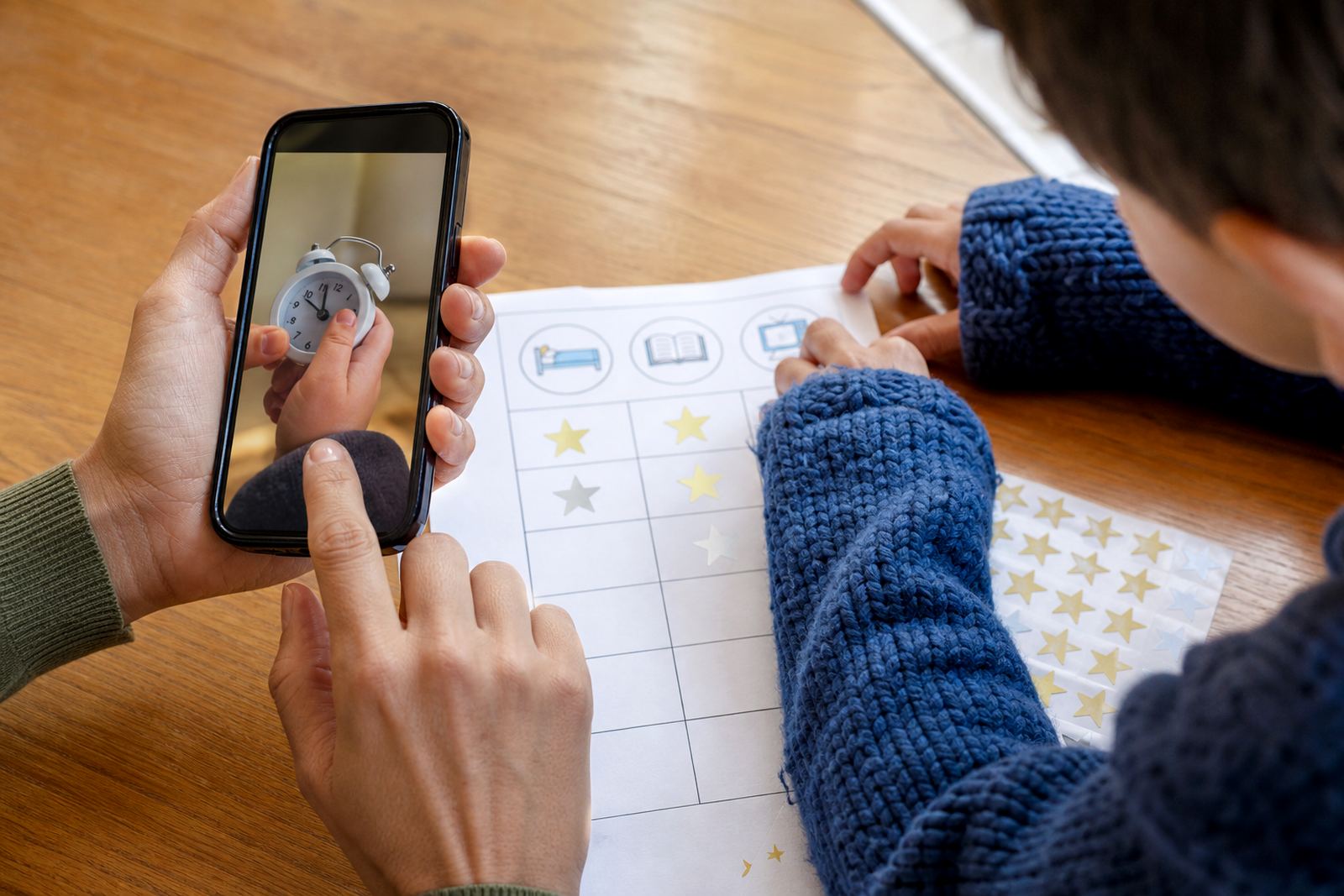
What One Tap Family Pause does in a busy household
One Tap Family Pause is a family control feature for times when everyone needs the same break from screens. With one action, a parent or caregiver can pause selected child profiles at once rather than handling each device separately. That helps when the taxi is waiting, supper is on the table, or the family has agreed on a no screens hour before bed.
It is best used as part of a wider family media plan, not as a stand-alone fix. Parents can still set ordinary limits, schedule access by day and time, and decide which apps or device functions should remain available. If your child has school work on a laptop or tablet, the pause can be applied with more care so learning tools stay available where needed.
These are general screen-time control features and family routines, not medical or psychological advice. If you have ongoing concerns about a child’s behaviour, sleep or wellbeing, speak to a qualified professional.
Pause options for different family setups
Every home handles screens a little differently. Some families want a simple all-in pause for younger children, while others need a softer approach for teens who use a mix of learning, messaging and gaming apps. One Tap Family Pause is set up to suit both. You choose which profiles it affects, when it can be used, and whether the pause should apply straight away or after a short warning.
- Multiple child profiles can be paused in one action
- Useful for shared households with siblings of different ages
- Can support bedtime routines, homework slots and weekend rules
- Can be combined with app category limits and daily time allowances
For grandparents, au pairs and shared caregivers, this can reduce confusion. A single family rule is easier to follow than a different instruction for every child. In homes with patchy connectivity, the pause is still useful for managing the device side of screen access, even if the network itself is busy.
Where it suits, from compact flats to larger family homes
One Tap Family Pause suits families in apartments, freestanding homes and multigenerational households where several devices are in use at once. It is helpful in Cape Town homes with after-school schedules, Durban homes where children move between indoor and outdoor time, and Pretoria or Bloemfontein households where homework and gaming often share the same device.
It can help reduce last-minute arguments about finishing a video, and it gives parents a clearer way to close screen time before lights-out. Coastal humidity does not affect the controls directly, but families who use devices in hot, damp rooms should still keep tablets and phones charged safely and away from moisture.
For shared homes, it can be set around common times such as breakfast, school collection, bath time and prayer or quiet time. Where there are several children in different grades, a parent can pause only the younger profiles and leave a teen’s study access open if that is the family rule.
Phones, tablets and consoles
It works through the family’s device settings and the control app already linked to each child profile. A stable internet connection is useful for updates and syncing, but the practical day-to-day use is designed to be quick even for a busy parent in the middle of school rush hour.
- Works with supported phones, tablets and family-managed devices
- Requires each child profile to be added and linked first
- Needs basic internet for initial setup and account changes
- Best used on devices with current operating software
- Parents should keep login details safe and up to date
If your home shares devices between siblings, check that each child has the right profile attached before you start. In some homes, one tablet is used by two children after school, and the pause should only affect the child who has gone past their agreed screen time. That is where profile management matters most.
Reviewing the plan
Good care for this feature is mostly about routine. Keep the family agreement clear, review limits now and then, and make sure the adults in the home are using the same rules. If one parent pauses screens and another restores them straight away, children quickly learn to test the gap. A short family check-in every few weeks helps keep the rule fair.
We also suggest reviewing the setup when a child changes schools, starts using a new device, or moves into teen years. A younger child may need stricter limits, while an older child might only need pause rights during meals and bedtime. If screens are being used for online schoolwork, it is worth checking which apps should stay open during a pause so learning is not interrupted.
For support homes and families across Johannesburg, Cape Town, Durban, Pretoria and Bloemfontein, a regular review can be more useful than big changes. Small adjustments keep the plan realistic, especially when sport, tuition and aftercare all run on different days.
Before your first session
Before ordering, check how many child profiles you need to pause, which devices are in use, and whether both parents or caregivers should have control. It also helps to know if you want one shared family rule or different limits for each child. The more clearly you define that before setup, the smoother things go later.
- Number of child profiles to be managed
- Which devices must be included or excluded
- Whether homework and school apps should remain available
- Which adults need control access
- Preferred times for daily pauses and weekend changes
- Any special rules for grandparents, shared custody or travel days
If you are unsure, the team can help you work through the family setup using the enquiry form on the contact page. That is often the easiest way to plan around school routines, sibling fairness and household rules without overcomplicating it.
Family use across South African homes
Screenage supports families in Durbanville, Cape Town and across South Africa, including Cape Town Families, Durbanville Families, Johannesburg Families, Durban Families, Pretoria Families, Bloemfontein Families, Gqeberha Families and Stellenbosch Families. One Tap Family Pause is often chosen by parents who want a calm, practical way to move the whole home toward the same screen boundary instead of repeating the same instruction four times.
Led by Michaela van der Merwe, the Screenage team includes family coaching, support and content specialists who work with parents on everyday screen habits. That includes New Family Onboarding, First Phone Planning, Teen Rule Reset, Sibling Fairness Session, Bedtime Routine Session and Family Media Plan Session. For many homes, the pause feature becomes easiest when it is paired with a clear plan for meals, homework and bedtime.
Quick facts
| Feature type | Family screen-time pause control for selected child profiles |
|---|---|
| Control style | One action pauses multiple profiles at once |
| Best for | Meals, homework, bedtime, shared family breaks and travel days |
| Device support | Supported phones, tablets and family-managed devices |
| Setup need | Linked child profiles and adult control access |