



What Weekend Screen Windows Is For
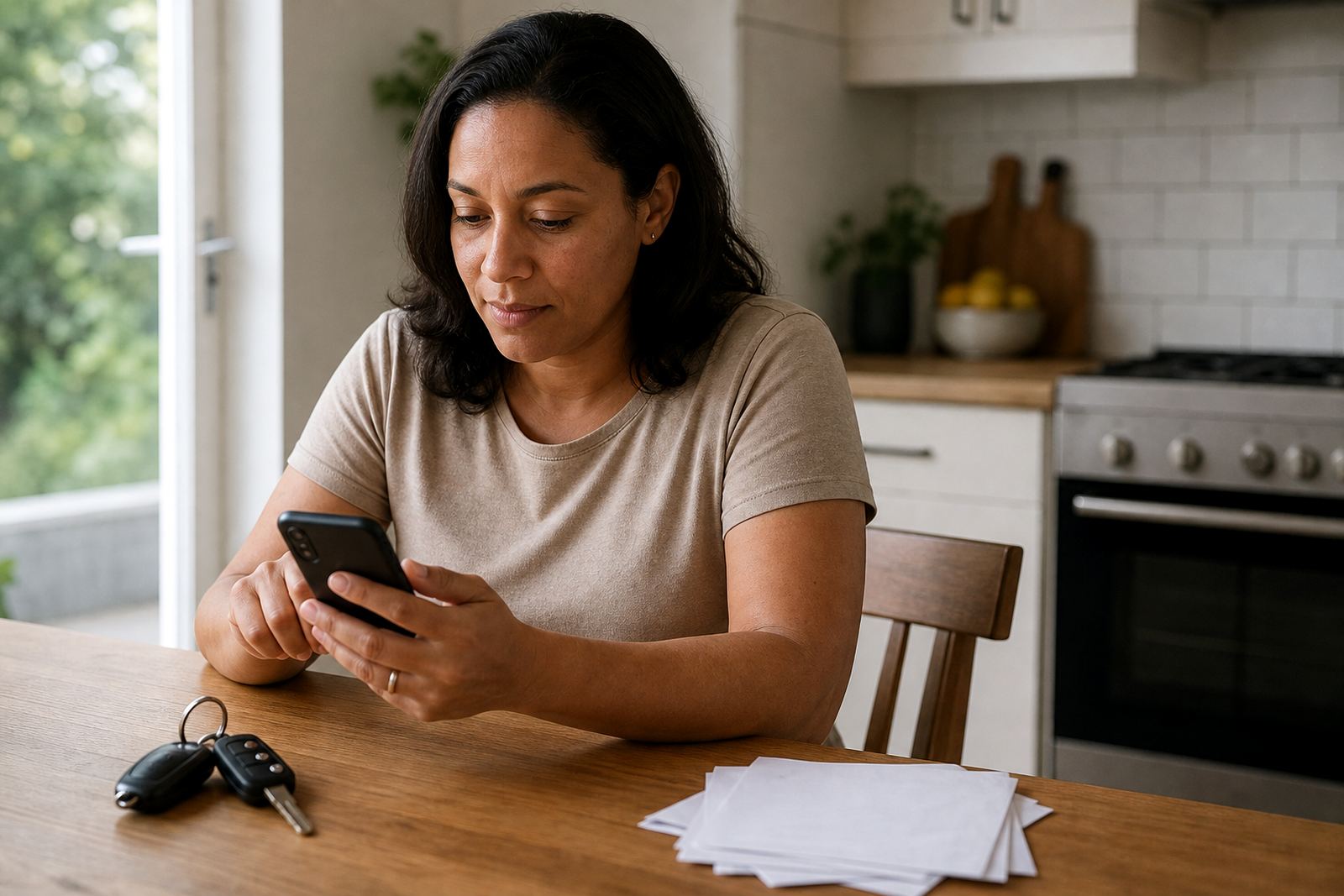
Weekend Screen Windows is a family screen-time setting for households that want a looser routine on weekends, while still keeping firm boundaries in place. It is useful when children need extra time for games, videos or social apps after a long school week, but parents still want meals, chores, sleep and family time protected. The aim is simple: more freedom when it makes sense, and less conflict around “just five more minutes”.
This option works well for families in Durbanville, Cape Town and across South Africa who want a plan that fits real life. It helps you set a weekend rhythm that everyone can understand.
How the Weekend Setting Can Be Structured
You can shape Weekend Screen Windows around your family’s devices, ages and routines. Some homes prefer a single window in the afternoon, while others want two shorter sessions with breaks for outdoor play or chores. Limits can be set by time of day, total screen time, app category or device type, depending on what the family needs.
- Short weekend window for younger children after lunch
- Longer gaming or streaming block for older children
- No screens at breakfast, meals or before bed
- Separate rules for school work and leisure use
- Different limits for phones, tablets, consoles and shared TV use
Parents can also use a family media plan to match weekend rules with the rest of the week, so children know what changes and what stays the same.
Where It Suits Best in a Family Home
This product suits homes that want a practical middle ground. It is a good fit for families with one child or several siblings, especially where older children are ready for more trust but still need supervision. It also helps when grandparents, co-parents or carers are involved, because the weekend plan can be explained clearly and kept consistent.
Weekend Screen Windows is especially handy in households where devices move between bedrooms, living areas and cars. If children spend time with a nanny, au pair or aftercare, the same basic rules can still apply. In apartments, townhouses and free-standing homes, it can help keep screen use from taking over the whole day. For families in busy areas such as Johannesburg, Pretoria, Durban, Bloemfontein and Gqeberha, that kind of structure can make weekends less tense.
How families start using it
This is a digital family setting, so the main requirement is a compatible phone or tablet for the parent, plus the child’s device if controls are being managed there too. A stable internet connection is helpful for setup and updates, though some rules may still work during brief connection interruptions depending on the device.
- Parent device: smartphone or tablet with current app support
- Child devices: phones, tablets, shared family devices and some gaming devices
- Connection: mobile data or Wi-Fi for setup and syncing
- Best practice: set rules before the weekend starts, not halfway through it
Families in coastal areas should also keep chargers and devices away from damp spots, especially if the house is closed up during wet weather.
Care, Updates and Keeping the Plan Working
Weekend Screen Windows works best when it is reviewed from time to time. Children grow, school demands change, exams come and go, and holiday schedules are never the same for long. A good family check-in every few weeks can help adjust times without turning it into a fight. If a child keeps asking for extra access, the issue may be the rule itself, or it may simply mean the window needs a small change.
Parents should also check that devices are updated, time limits are still correct, and notifications are not overriding bedtime rules. If the family shares devices, it helps to keep logins organised and make sure each child’s settings are still attached to the right profile. When a phone is replaced or reset, the weekend plan should be checked again so limits do not get lost.
Before your first session
Before ordering, it helps to work out what kind of weekend you actually want. Some families need a strict no screens before noon rule, while others only need limits on gaming and short video apps. It also helps to know which devices are in use, who sets the rules during holidays, and whether the same plan must work in more than one home.
- Number of children and ages in the household
- Which devices need limits: phone, tablet, console or shared TV
- Whether you want time limits, app limits or both
- Who needs access: parents, carers, co-parents or grandparents
- Whether weekends include travel, sport, church, braais or shift work
- How bedtime, homework and meals should be protected
If you are unsure, a family media plan session can help set the weekend rules properly from the start. That makes the plan easier to stick to and easier to explain to the kids.
A Balanced Weekend That Still Feels Like a Weekend
Weekend Screen Windows is not about taking all the fun away. It is about making room for rest, family time and a bit more digital freedom without letting screens run the house. For many South African families, that balance is what makes weekends easier to manage and Monday mornings less of a struggle.
If you want a plan that suits your family’s routine, you can reach the team through the enquiry form on the contact page. They work with families across Cape Town, Durbanville, Johannesburg, Durban, Pretoria, Bloemfontein, Stellenbosch and Gqeberha.
Quick facts
| Product type | Family screen-time setting for weekend leisure use |
|---|---|
| Best for | Parents who want more flexible Saturday and Sunday limits |
| Control methods | Time windows, app limits, bedtime rules and device-specific settings |
| Supported devices | Parent phones or tablets, child phones, tablets and some gaming devices |
| Setup needs | Charged devices, internet access for syncing, and a clear family routine |
| Use environment | Homes, shared care arrangements, holiday periods and weekend schedules |