

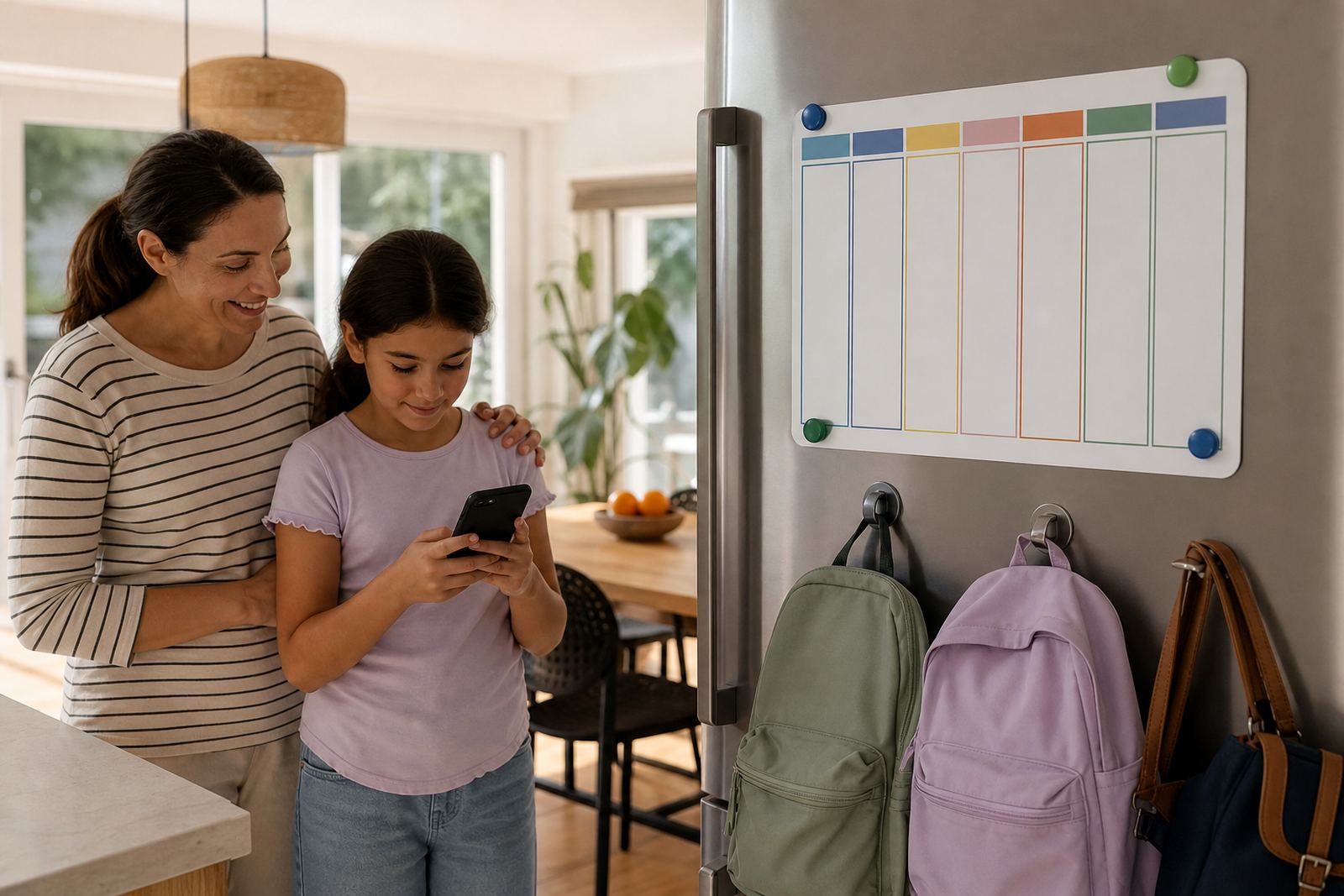



What School Night Schedules do for families
School Night Schedules let you set the same screen-time rules for Monday to Friday, so children know what happens after school and what happens before lights out. You can set cut-off times for entertainment apps, allow study tools to stay open longer, and decide when phones or tablets should be off for the night. It is a simple way to reduce the back-and-forth that often comes with school evenings, especially when homework, supper and bath time all overlap.
It also helps when children share devices, because the limits can be set per child, not just for the whole house.
- Recurring weekday rules from Monday to Friday
- Separate limits for homework, entertainment and bedtime
- Clear structure for one child or several children
- Adjustable for different ages and school schedules
Adjusting school night schedules for each child
There is no one fixed setup for every home. Some families only need a basic school-night rule set, while others want more detailed controls for different children or devices. You can keep it simple with one evening schedule, or build a fuller plan with study time, supper time and winding-down time built in. That makes it easier to match the way your family actually runs.
Typical options include a single weekday schedule for one child, a split schedule for schoolwork and leisure, or separate profiles for older and younger children. You can also keep weekends open, then tighten weekday limits during term time. If your family needs extra structure, you can add a second evening review so rules are checked after sports, tutoring or church activities.
- Basic weekday schedule for one child
- Multi-child setup with different limits per age group
- Term-time schedule with stronger weekday controls
- Study-first option that keeps learning apps available longer
- Weekend-free or weekend-light variations
Where it suits best for families
School Night Schedules suit households that want a steadier weeknight rhythm, whether you are in Durbanville, Cape Town, Johannesburg, Durban, Pretoria or Bloemfontein. They are especially useful for families balancing school runs, homework and multiple devices in one home. If the evening is often busy, this gives everyone a clearer line on when screens are allowed and when they need to be put away.
They also work well for homes where grandparents help with childcare, or where co-parenting arrangements need the same rules in both houses. The same schedule can be used across the week so children do not get mixed messages. If a child uses a phone for school communication, the rule can allow that function while still closing down games and social apps later on.
- Families with fixed homework and bedtime routines
- Shared homes with different caregivers
- Co-parenting households needing consistent rules
- Children using devices for school messaging or study
Getting the whole family on board
Getting the schedule in place usually starts with the child’s device, the apps they use, and the times your family wants to protect. Parents can set the weekday window, choose which apps stay available, and decide whether a device should lock fully or just reduce access to games and social apps. If the household uses a mix of phones, tablets and shared screens, each one can be handled separately.
It runs through the app and the family’s internet connection, so a stable connection is helpful when rules are being set or updated. If devices are often left flat, the routine can be adjusted so the schedule still works in practise.
- Works on phones and tablets that are linked to the family setup
- Can be set by child, device or daily routine
- Best used with a reliable internet connection for changes and updates
First week at home
School-night settings do not need much day-to-day care, but they do work best when they are reviewed now and then. School terms change, sports fixtures move, and bedtime shifts as children get older. A quick check every few weeks helps keep the limits realistic. If a child starts getting homework later in the evening, the schedule can be adjusted rather than left too tight.
It is also useful to review the rules after holidays, exams or a change in caregiver. The same applies if a child begins using a new app for school work, because that may need to stay open longer than games or streaming. Families often find that a short monthly check keeps the system working without turning it into a big admin task.
- Review term-time and holiday settings regularly
- Update bedtime cut-offs as children get older
- Check new apps before they are added to the schedule
- Revisit rules after school changes or family routine changes
Before your first session
Before setting up a School Night Schedule, it helps to know how many children need rules, which devices they use, and what time school nights usually start and end in your home. Parents should also decide whether the aim is to limit total screen time, to block certain apps after a certain hour, or to keep study apps available while entertainment closes earlier. That choice makes the final setup cleaner and easier to stick to.
It is worth checking who will manage the settings, especially in homes with two parents or a grandparent helping after school. If both adults need access, the handover should be clear so the same limits are used every night. And if you are not sure what rules are practical for your family, it is better to start with a steady basic plan and tighten it later if needed. For concerns about a child’s behaviour or wellbeing, speak to a qualified professional, as screen limits are not medical or psychological advice.
- Number of children and devices in the home
- Homework times, supper time and bedtime targets
- Which apps should stay open after school
- Who will manage changes to the schedule
- Whether the same rules should apply in both homes
Quick facts
| Product type | Recurring weekday screen-time schedule for family devices |
|---|---|
| Primary use | Set homework, supper and bedtime limits for school nights |
| User setup | One child, multiple children, or co-parenting households |
| Schedule range | Monday to Friday with optional term-time and holiday settings |
| Controls | App limits, device cut-offs, study-time access and bedtime lockouts |
| Support coverage | Families across South Africa including Cape Town, Durbanville, Johannesburg, Durban, Pretoria and Bloemfontein |