


What Guest Device Rules Do In A Busy Household
Guest Device Rules are for those times when children have visitors staying over, a birthday weekend runs long, or family from out of town arrives with a tablet in hand. Instead of negotiating each game, video or chat one by one, you can set a short set of household rules that apply to guest devices while they are in your home.
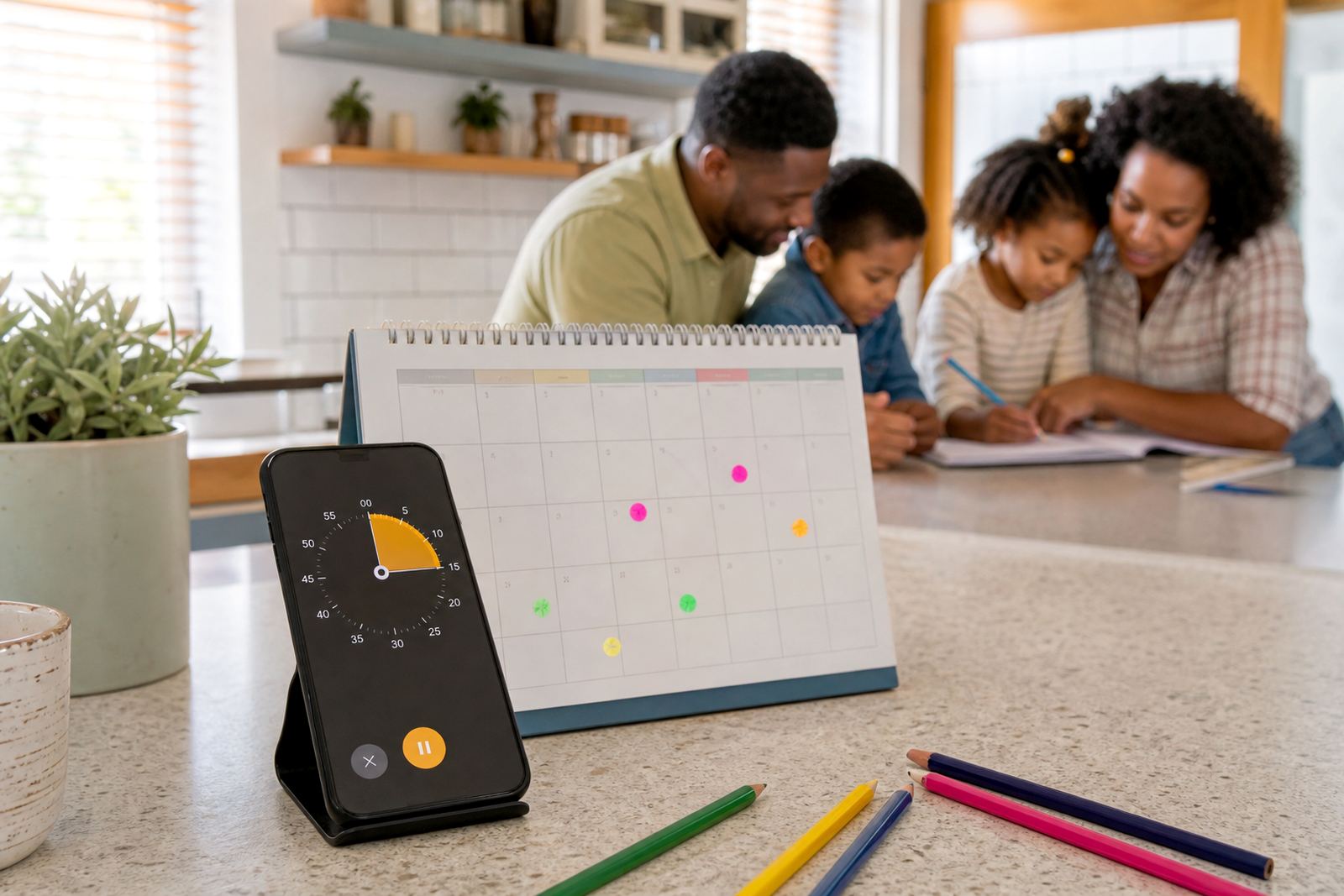
With Screenage, families can use guest rules to keep screen use predictable. That may include no devices at the supper table, no short video apps after lights out, or only one hour of gaming before braai time. It also helps when you want the same rule to apply to everyone in the house, not just your own children.
Because every home works differently, the approach is flexible. Some families want a full pause on guest devices during meals and bedtime, while others just need quieter access in shared spaces. The aim is to make the house rules clear without turning a visit into a debate.
Ways To Set Up Guest Access And Time Limits
Screenage can be used as part of a family media plan, with guest rules turned on for specific dates, weekends or school holidays. You can keep it broad for a one-night stay, or set tighter controls for a longer visit in the holidays. Families in Durbanville, Cape Town, Johannesburg, Durban, Pretoria and Bloemfontein often use this when cousins visit from another suburb and routines get a bit loose.
- Set daily time limits for guest devices during the stay.
- Choose quiet hours for bedtime, homework and family meals.
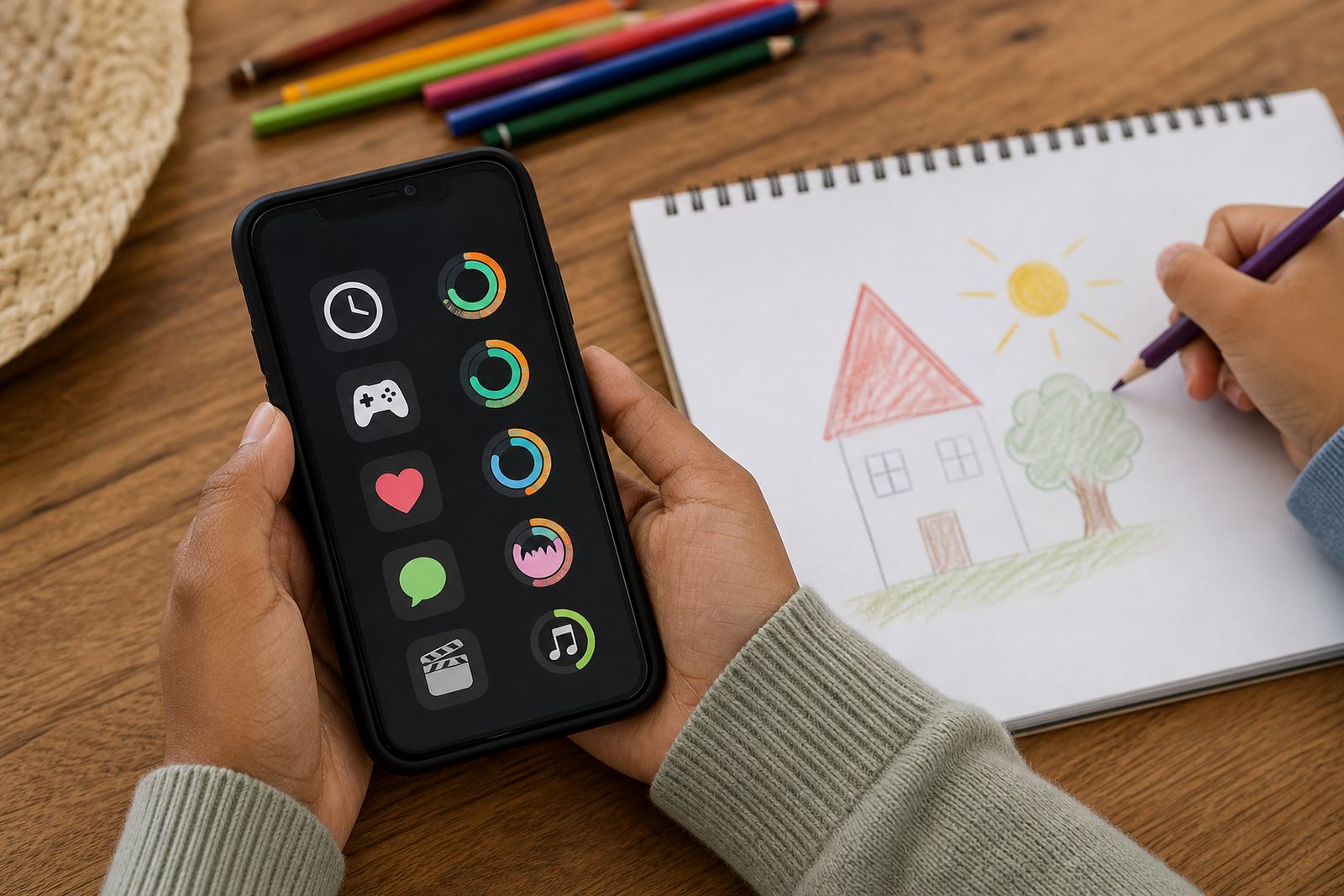
- Block or allow selected app categories, such as games or social apps.
- Use a simple start and end time for weekend visits.
- Apply different rules for younger children and teens.
For co-parenting households or homes where grandparents help out, guest rules can be aligned with the normal family plan so nobody is unsure what applies. That is often useful during school holidays, sleepovers and festive season visits when routines are already stretched.
Where After-School Unlock Fits South African Homes
Guest Device Rules suit homes where children regularly move between rooms, devices and activities. They are useful in sectional title apartments, family homes, holiday houses and homes where visitors often stay for the weekend. In coastal areas like Cape Town and Durban, families also like having a clear device routine indoors when weather keeps the children inside for longer periods.
It works well for households that want a practical house rule rather than a heavy handed approach. If you need a fair way to handle a sleepover, a cousin’s visit, or a long Sunday lunch, guest device rules help keep expectations steady. They can also be used alongside a study time plan, a bedtime routine session or a holiday screen plan.
Parents often choose this option when they want the same access rules to follow the visit itself, not just their own child. That can be especially helpful when a friend brings a gaming device or when several children are sharing one Wi-Fi connection and everyone wants different things at once.
Setting up on your family's devices
You only need a supported phone or tablet, internet access for setup, and the usual family devices you already manage.
The service is suited to common home setups across South Africa, including fibre, LTE and mobile data connections.
Because some families share devices between adults and children, it is a good idea to confirm which phone will be used for day to day control before you start. That avoids confusion later, especially in busy homes where everyone is rushing in and out.
Before your first session
Before ordering, think about how your household really uses screens during visits. Some families only need guest rules for a few hours after school, while others want them active for an entire weekend or holiday break. If your children visit different homes too, it can help to keep the rules simple enough that they are easy to explain.
- Check how many children or guest devices you want to include.
- Decide whether the rules should work for one day, weekends or longer stays.
- Choose whether you need app blocking, time limits, or both.
- Think about meal times, church, homework and bedtime in your home.
- Confirm which parent or caregiver will handle changes and approvals.
If you are unsure, the Screenage team can help you choose the right setup through the enquiry form on the contact page. Families in Stellenbosch, Gqeberha and surrounding areas often start with one simple rule set, then adjust it after the first few visits.
Reviewing the plan
If your children’s routines change, or if sleepovers start happening more often, it makes sense to review the limits and tidy up the house rules. A plan that works for Grade 3 children may not suit a teen hosting friends in the school holidays.
Plain wording usually works best. A short, calm explanation usually works better than a long list of conditions. Many families keep the same core rules for screen use, then add one or two guest specific limits for visits. That keeps things fair and easier to remember for everyone, including grandparents or other caregivers.
For support, updates and changes to your family plan, use the contact page enquiry form. If you are setting rules around shared family time, Study Time Planning, Bedtime Routine Session or Grandparent Support Session can work well alongside this product.
Quick facts
| Product type | Digital guest device rule set for family screen management |
|---|---|
| Best for | Cousins, friends, sleepovers, holiday visits and shared family time |
| Access control | Time limits, quiet hours, app category controls and planned exceptions |
| Compatibility | Supported family phones and tablets used for parent or caregiver control |
| Coverage | Families across Durbanville, Cape Town, Johannesburg, Durban, Pretoria, Bloemfontein, Gqeberha and Stellenbosch |