


Start With Clear Boundaries From Day One
New Device Onboarding is a guided setup service for families who want to put structure in place the moment a child gets a new phone or tablet. It is useful whether the device is for school, messaging, gaming or a first step into social apps. The goal is simple: agree on rules early, set the controls that match your child’s age and routine, and reduce the back and forth that often starts after the device has already been handed over.
The session focuses on everyday choices that matter in real homes, like when the device may be used, which apps are allowed, and what happens during homework, meals and bedtime. It is not medical or psychological advice, and if your family has deeper concerns around behaviour or wellbeing, speak to a qualified professional. For most homes, though, a clear family media plan at the start makes things easier from the first week.
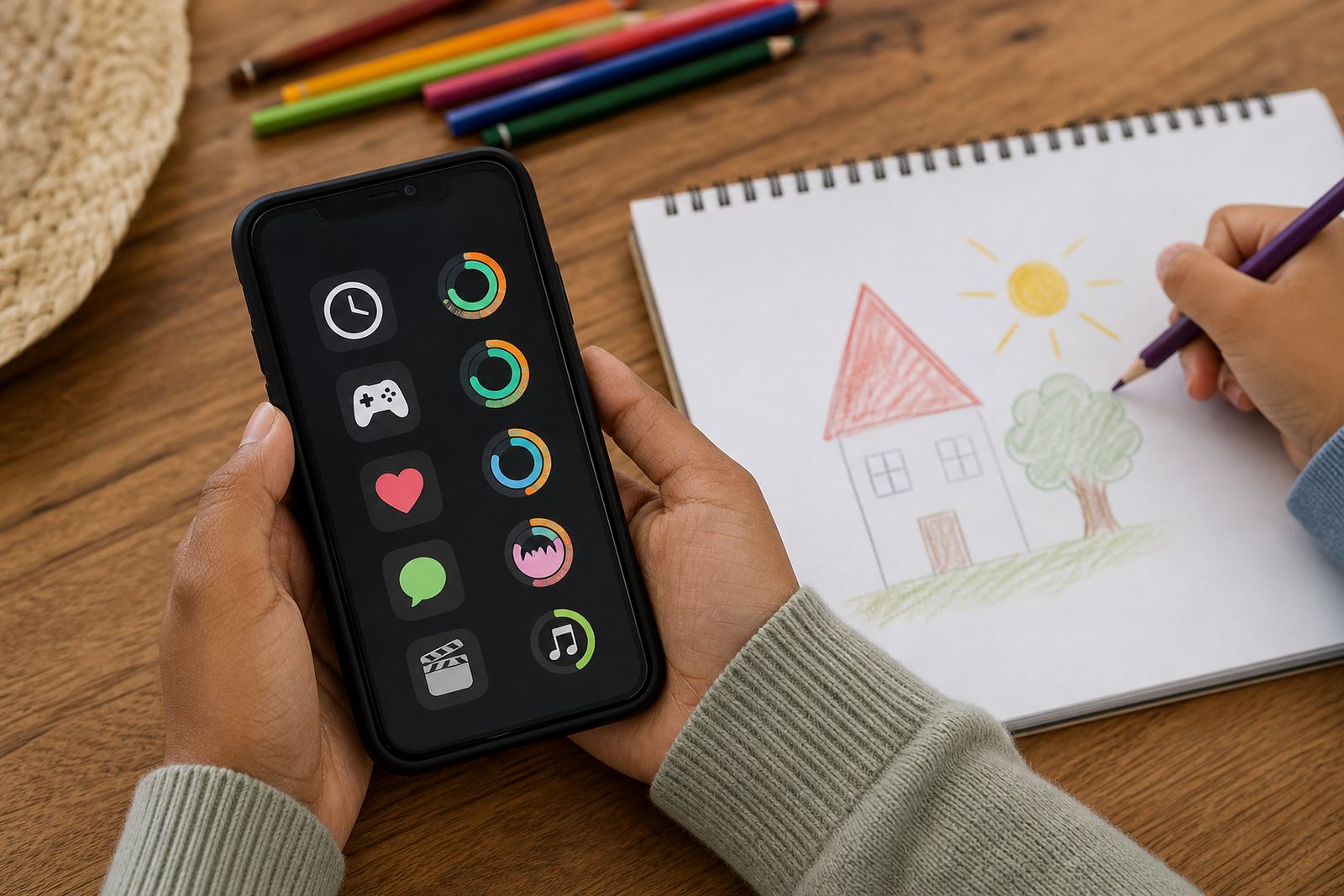
- Set daily and weekly screen-time limits
- Choose app permissions and content filters
- Agree on bedtime, school time and weekend rules
- Build a shared family media plan
What The Onboarding Session Covers
We keep the session practical and specific to your household. Families in Durbanville, Cape Town, Johannesburg, Durban, Pretoria, Bloemfontein, Gqeberha and Stellenbosch can use the same process, but the final plan is always tailored to the child, the device and the parent or caregiver responsible for it. Where needed, we also help with shared care arrangements so both homes are on the same page.
Typical areas covered include new phone setup, tablet setup, app rules, location settings, purchase approvals and communication boundaries. If a child is moving from a basic phone to a smart device, or from a shared tablet to a personal one, we also help reset old habits and avoid confusion. The aim is to make the device easier to manage, not harder.
- First phone planning for younger children and tweens
- Teen rule reset for older children with growing independence
- Co-parenting alignment for shared households
- Social app boundaries and gaming time rules
How new device onboarding changes with age
There is no one-size-fits-all approach, so the service is offered in a few clear options. Some families only need a short setup session, while others want a fuller plan that includes more than one device, multiple children, or a mixed household with different ages. We also work with families who want to review an existing device and bring it back into line after months of loose rules. Screenage offers this as a service rather than a fixed product box, which means the scope can be adjusted to suit the family.
Options are usually shaped by the child’s age, the type of device, and how much support the parents want after setup. A simple case might be one phone for one child. A larger family may need separate settings for siblings, shared tablets in the lounge, and different bedtime cut-offs. The important thing is that the limits feel workable on a school night in Pretoria or a busy weekend in Durban, not just in theory.
- Single device setup for one child
- Multi-child family setup with separate rules
- Shared device review for home tablets
- Parent and caregiver alignment for blended or split households
Where It Suits Best In Real Homes
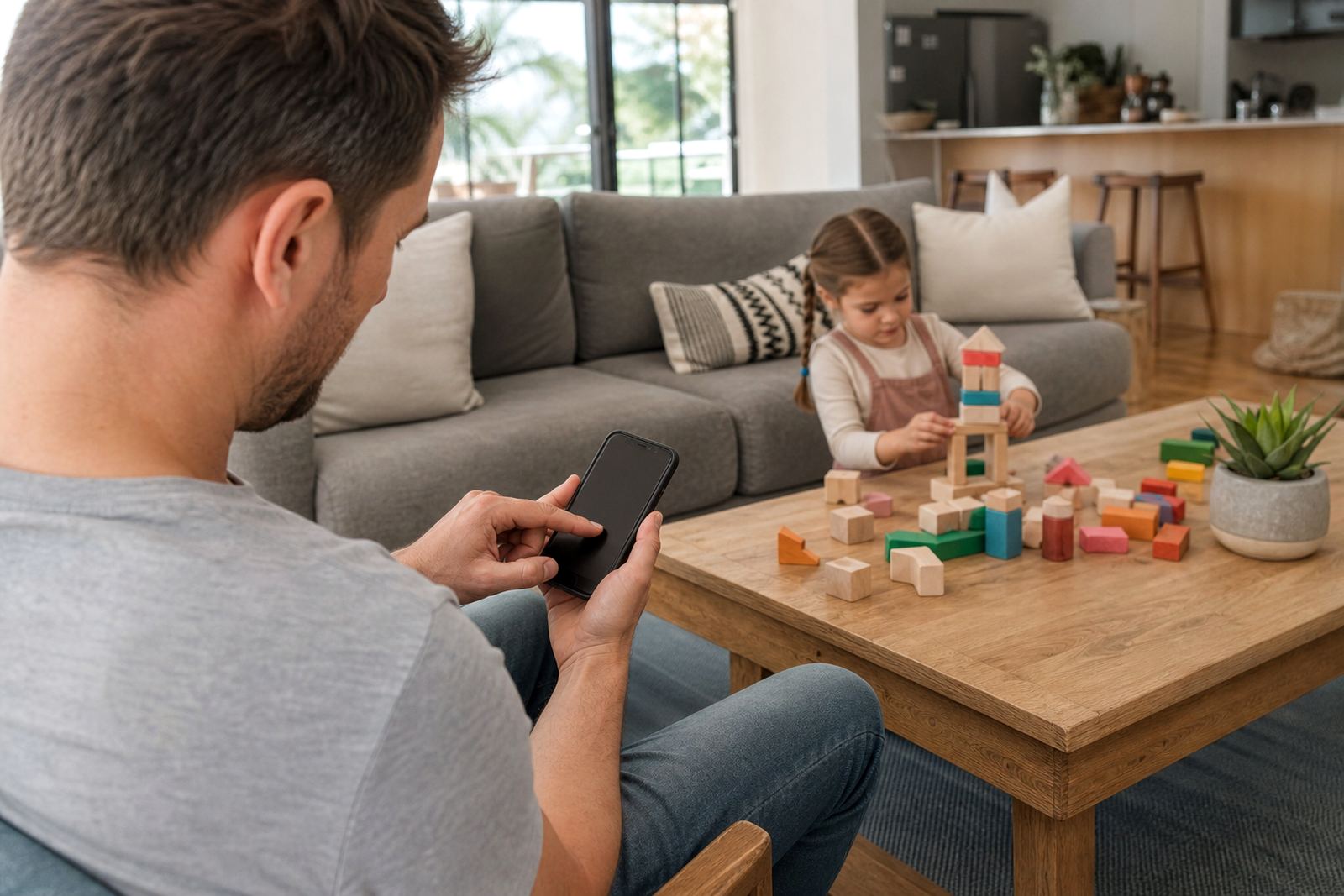
This service suits families who want structure around phones, tablets and gaming from the start. It is especially useful when a child is getting a device for school transport, aftercare messaging, homework platforms or weekend entertainment. It also helps if the family has already had a few arguments about too much scrolling, late-night use or private app chats that were not discussed first.
South African homes often deal with patchy routines, shared bedrooms and a mix of school demands, so the plan should fit the way your household actually runs. For many South African families, that kind of planning makes school nights, shared spaces and device handovers much easier to manage.
- Homes with shared bedrooms or limited quiet time
- Families managing homework and after-school activities
- Parents who want a clear start before habits form
Devices, accounts and first steps
The onboarding service is delivered remotely or by arranged guidance through the enquiry process on our contact page. Families do not need special equipment beyond the child’s device, the parent or caregiver’s device, and access to the relevant account settings. In some cases, you may need to know the child’s school message, existing app logins, or household Wi-Fi details. We keep the setup simple and step by step, so it works for busy parents who are not looking to spend a whole afternoon on settings.
Once the setup is complete, day-to-day use is mostly about consistency. The controls do the work in the background, while the family follows the same rules at home, after school and on weekends.
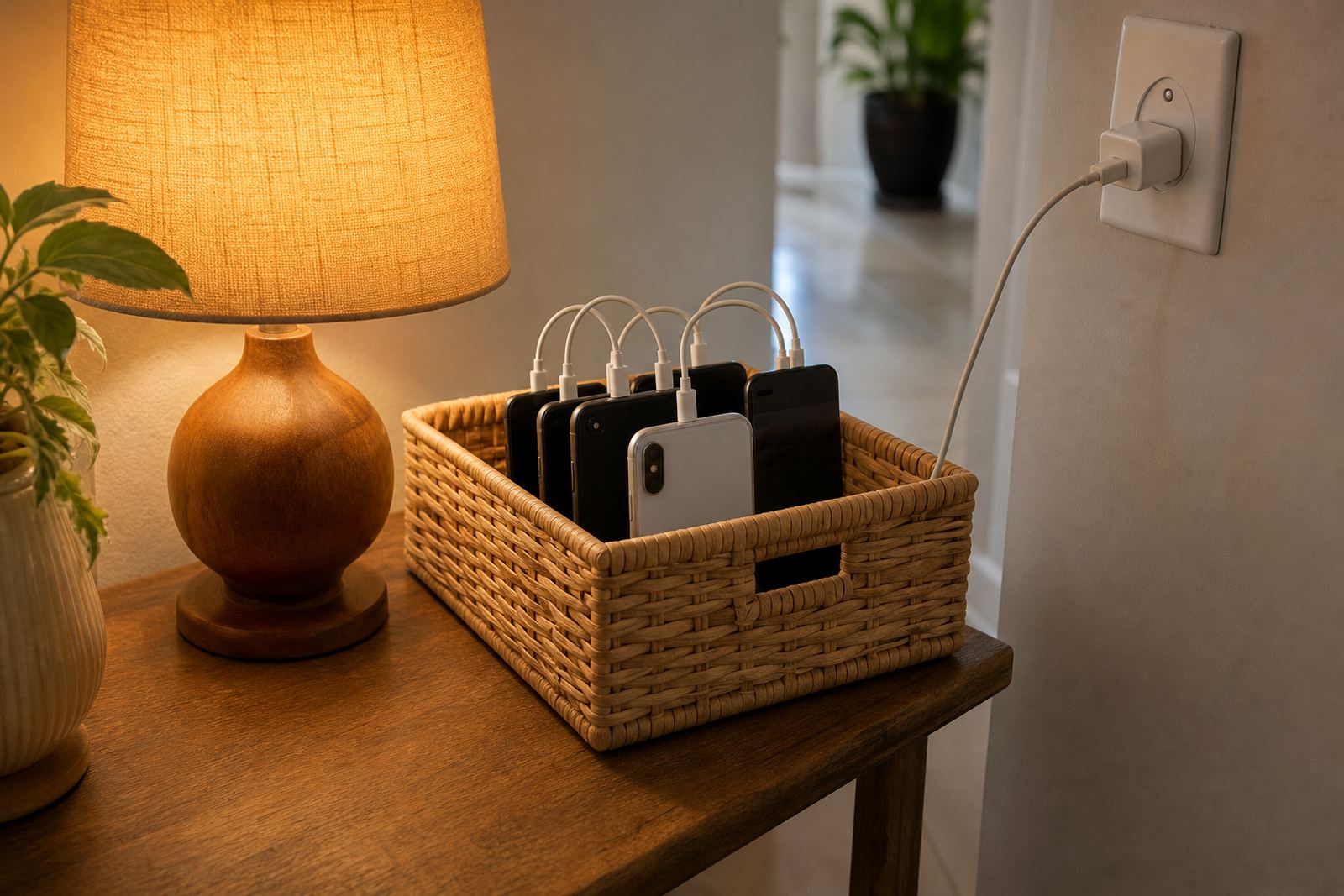
- Fully charged child device and parent device
- Stable internet connection during setup
- Access to account passwords and approval settings
- Basic knowledge of the child’s daily routine and school times
Reviewing the plan
Good screen-time management is not a once-off exercise. Children grow, school demands change and new apps appear. We recommend regular review sessions, especially before holidays, the start of a new school year, or after a big change like a new sport schedule or a move between households. Small adjustments are normal. The point is to keep the rules realistic, not rigid.
Before ordering, check the number of devices involved, the child’s age, whether both parents or caregivers need access, and what you want to happen with app downloads, bedtime access and purchase requests. It also helps to decide whether you want support for one child only or a wider family media plan. If you are not sure, start with the basics and add more later. That is often the easiest way to keep things manageable for everyone.
- Confirm the number and type of devices
- Check who needs access or approval rights
- List the main problem times, like bedtime or homework
- Note any split-household or grandparent care arrangements
Quick facts
| Service type | New Device Onboarding for families |
|---|---|
| Use case | Setting screen-time limits and parental controls from day one |
| Device support | Phones and tablets |
| Family fit | One child, multiple siblings, or shared care households |
| Coverage | Cape Town, Durbanville, Johannesburg, Durban, Pretoria, Bloemfontein, Gqeberha and Stellenbosch |
| Start point | Clients enquire through the contact page form |