

What After School Unlock Does In A Family Media Plan
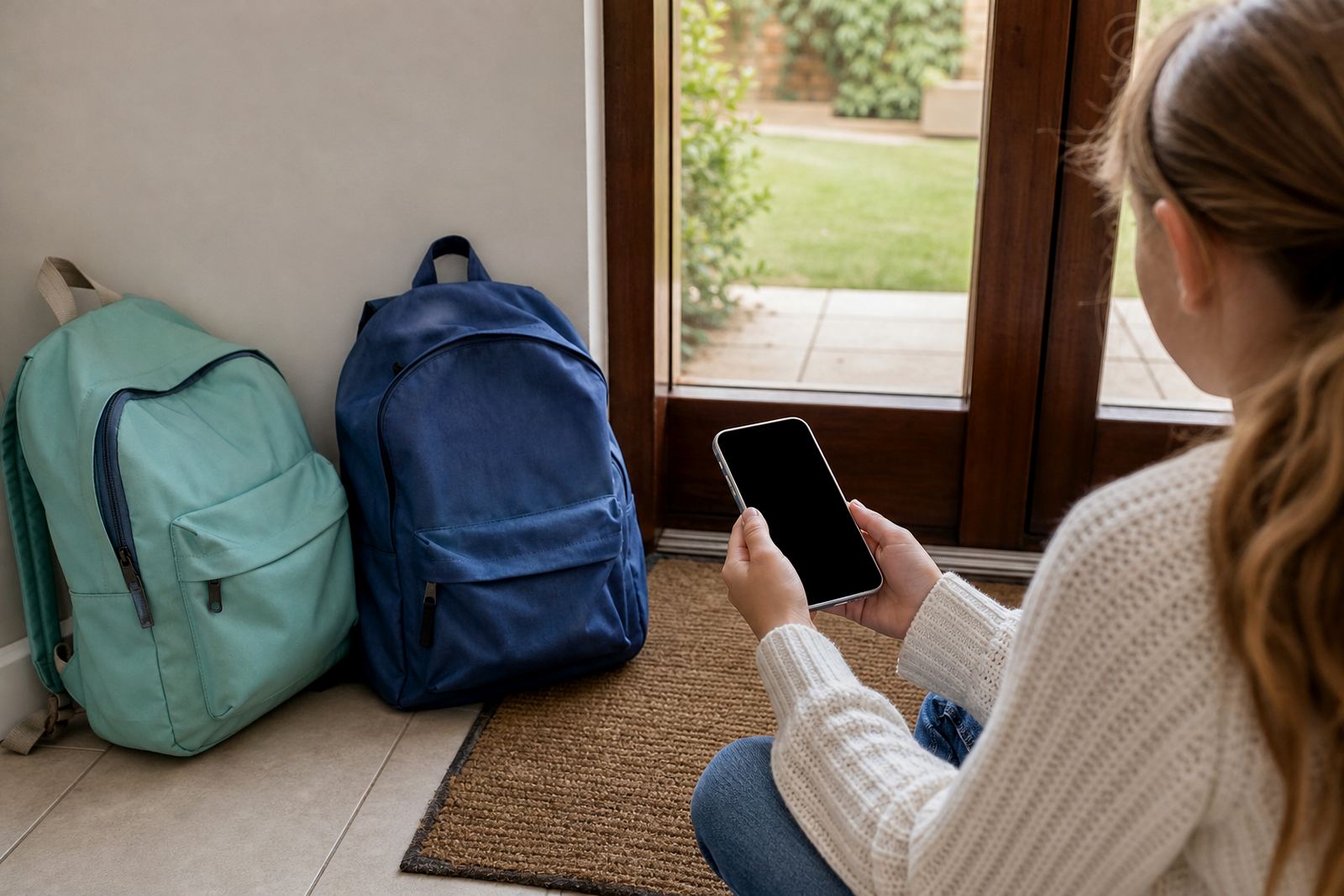
After School Unlock is a simple access window built into a family media plan. Parents set a start time, a finish time and the type of device use allowed in that window, then the app handles the rest. It is useful when children arrive home at different times, or when a parent wants homework, chores and a snack to happen before open play on a phone, tablet or other connected device.
The aim is not to remove all screen time, but to make it predictable. That helps many families avoid the daily back and forth of, “Can I go on now?” and it gives everyone a clear routine. For some homes that means 30 minutes for a quick chat, a game or a favourite show before homework starts; for others it means no access until the homework basket is checked and the gate is locked.
This is general guidance only and not medical or psychological advice. If screen use, sleep, mood or schoolwork is becoming a concern, speak to a qualified professional for support.
How after school unlock changes with age
Every home runs differently, so the setting can be matched to the age of the child and the structure of the day. A single child may only need one daily unlock, while a bigger household may need different rules for siblings, shared tablets and school devices. The controls can be set per child or per device, which helps when one child is in Grade 3 and another is in matric.
- Single daily unlock for younger children who only need one after school window
- Split access windows for homes with sport, homework and supper in between
- Weekend-only changes for families who want looser rules on Saturdays and Sundays
- Sibling settings so each child has fair but different access times
- Separate rules for phones, tablets and shared household devices
Families often use this feature with first phone planning or a teen rule reset, especially where there has been a run of late-night scrolling or arguments about device time. A clear rule usually works better than changing the limit every day.
Where After-School Unlock Fits South African Homes
After School Unlock suits families who want a steady routine after a long school day. It is useful in Durbanville, Cape Town, Johannesburg, Durban, Pretoria and Bloemfontein, especially where transport times, aftercare collections and extra lessons mean that the afternoon is not the same every day. It also works well for coastal homes where children come in from sport, take a shower and then need a short bit of screen time before supper.
It can help in flats, townhouses and free-standing homes alike. In some homes the rule is tied to returning home, not a fixed clock time, which is handy when lifts are late or aftercare runs over.
- Homes with mixed pickup times after school
- Families that want homework before gaming or social apps
- Shared care arrangements where rules need to be consistent
- Households managing more than one child with different ages
Turning on after school unlock the first evening
Setting up After School Unlock is straightforward for a parent or guardian. The family is first linked to the app, then each child profile is added with the correct device and chosen access time. Once set, the unlock schedule can be adjusted for exam week, holidays, sports trips or a family braai. Most homes only need a stable internet connection for setup and occasional changes, though the exact behaviour depends on the device and its permissions.
It is a digital control setting, so what matters most is that the phone or tablet is switched on, connected and managed under the correct family profile. If a device is older, has limited battery life or is often off line, it is worth checking how that may affect the timing. In coastal areas like Durban or Gqeberha, parents should also keep devices charged and dry, because humid conditions can shorten battery life over time.
If the family uses more than one home or a co-parenting arrangement, the same settings can be copied across households so that the rule is the same after school at both addresses. That reduces confusion for children, which helps a lot when routines change midweek.
Reviewing the plan
Like any family routine, this setting works best when it is reviewed every so often. A child in Grade 1 may need a very short window, while a teenager may need a longer one for homework, group chats and transport updates. Parents can change the time, length and device permissions as school demands change. It is worth checking the rule each term, and again before holidays or examination periods.
Good care is mostly about consistency. If the rule is only applied now and then, children will keep asking for exceptions and the setting loses its purpose. A family media plan works better when the same rule is used by all carers, including grandparents and au pairs, because kids pick up mixed messages very quickly.
- Review the after school time at the start of each term
- Check whether homework now takes longer or shorter than before
- Update rules for holidays, camps and travel days
- Make sure all carers know the same unlock time
If a parent notices repeated conflict around screen use, it may help to add a sibling fairness session or a bedtime routine session alongside the after school rule. That keeps the family plan practical rather than overly strict.
What To Check When Ordering This Product
Before choosing After School Unlock, it helps to think through the household routine in detail. Check the usual school finish time, transport arrival, homework load, supper time and any sports or music lessons. If a child uses the device for school notices or homework apps, the rule should allow that use and not block it by mistake. Families should also decide whether the same rule applies on weekends, public holidays and half days.
It is also wise to confirm who will manage the settings and who should receive updates. In a co-parenting arrangement, both adults should agree on the same basics before the rule is switched on. If the family includes younger children and teens, the settings may need to be different, because one size does not suit every age. A clear plan now saves a lot of debate later, and yes it is easier to keep the peace at 4pm than at 9pm.
- Child age and grade
- Typical home arrival time after school
- Homework and study expectations
- Whether shared devices need separate rules
- Who manages the family account
- Any co-parenting or grandparent care arrangements
For personalised help, families can use the enquiry form on the contact page and ask for the product setup that best fits their routine.
Quick facts
| Product type | Family screen-time access setting |
|---|---|
| Use case | Open access at agreed times after school |
| Typical window | 30 to 120 minutes, set by the parent |
| Device support | Phones, tablets and shared family devices |
| Setup time | Usually same day once profiles are added |
| Management | Parent or guardian controls via family account |