

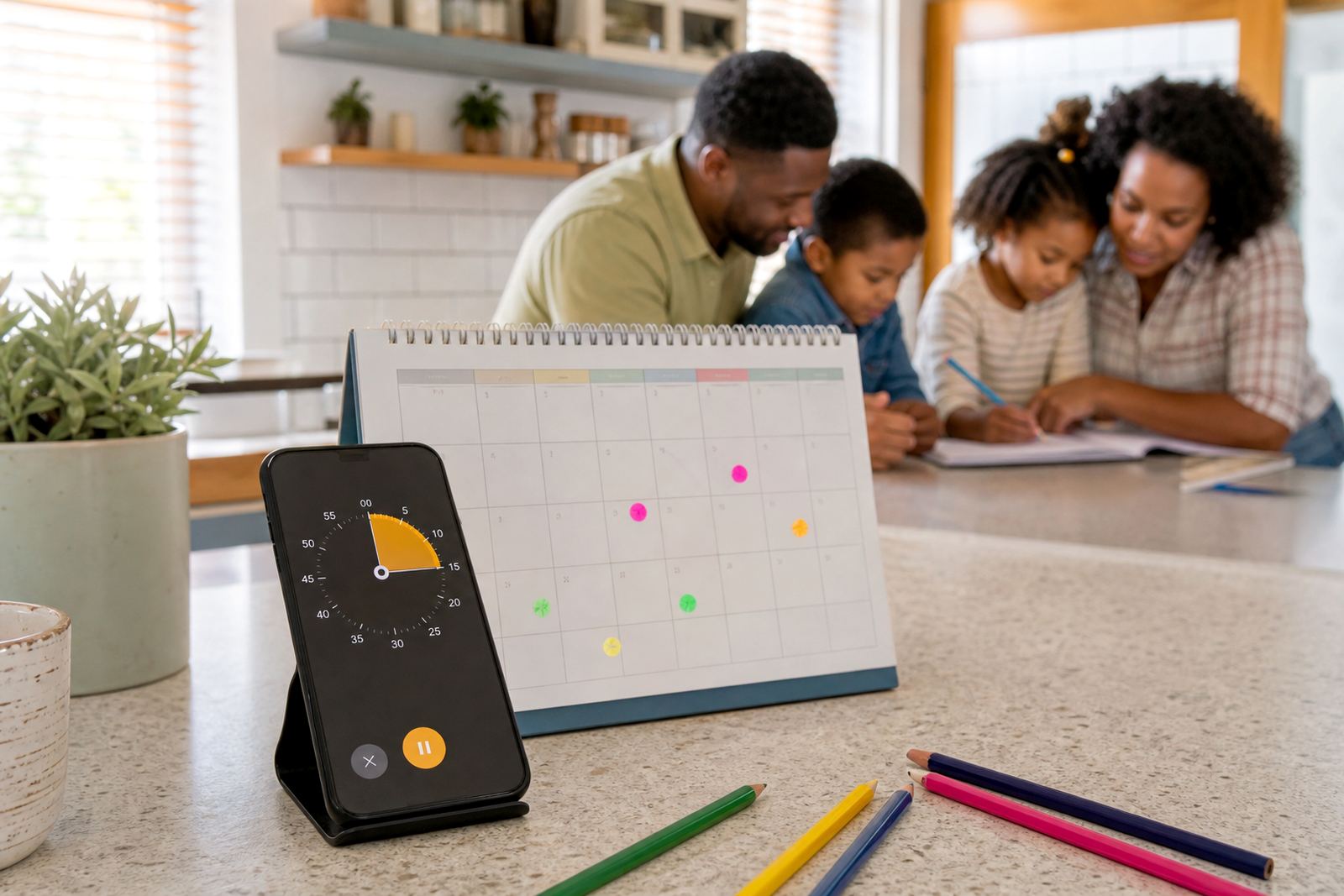



Set Daily Limits That Children Can Understand
Daily Screen Limits gives parents a practical way to set a start time, finish time and daily allowance for phones, tablets and other connected devices. Instead of repeating the same warning every afternoon, you set the rule once and the app helps keep it consistent. That matters in busy homes where homework, chores, sports practice and family supper all happen at different times.
Families in Cape Town, Durban, Johannesburg and Pretoria often want the same thing: fewer arguments about when to stop. This feature makes the rule visible and predictable, so children can see how much time is left and what happens when the limit is reached. It works well for school days, weekends and holiday periods when routines change and the same old rule no longer fits.
- Set a daily allowance for one child or for each child separately
- Choose different limits for weekdays and weekends
- Use a warning before time runs out
- Pause or extend time when a parent needs to make an exception
How It Works With Parental Controls
Daily limits are part of a broader parental control setup. You can combine them with app blocks, bedtime settings, content filters and approval requests so the whole family media plan works together. For example, a child may have 90 minutes for social apps after homework, but no access after lights out. Another child may have more time for educational use and less for gaming.
Screenage is set up for families who want clear structure without turning every evening into a negotiation. The limit can be used on its own, or as part of a more detailed family media plan session. If you are unsure how strict to be, a family coaching session can help you shape the rule around age, school demands and household routines. This is not medical or psychological advice. If you have concerns about a child’s wellbeing or behaviour, speak to a qualified professional.
- Daily time caps for gaming, social apps and general device use
- Separate rules for school nights, weekends and holidays
- Bedtime lockouts for better evening routines
- Parent approval for extra time when needed
Adjusting daily screen limits for each child
Daily Screen Limits is suitable for one child, a pair of siblings or a larger household with several devices. The setup can be kept simple for younger children, or made more detailed for teenagers who need study time, messaging access and fair limits around entertainment apps. In many Durbanville and Stellenbosch homes, the best arrangement is the one that matches the actual routine, not a perfect rule on paper.
You can choose the level of structure that suits your family. Some parents only need a single daily limit. Others want separate allowances for weekday homework time, weekend leisure time and evening wind-down time. If siblings share a tablet or TV-linked device, fair-use settings help reduce arguments about who used up the time first. It is also useful for co parenting households where both homes need the same expectations.
- Single-child profile or multiple child profiles
- Simple daily limit or detailed weekly schedule
- Different settings for phones, tablets and shared devices
- Support for co-parenting households with aligned rules
Where Daily Limits Suit Best
This product suits families who want to keep screen time steady in real life, not just on paper. It is useful for school mornings, after-school downtime, long car trips, rainy weekends and holiday periods when devices can take over the day. It also helps when grandparents, au pairs or other caregivers need a clear rule that is easy to follow.
Across South Africa, families use daily limits to bring a bit more order into homes where everyone is online at different times. In Bloemfontein and Gqeberha, that may mean keeping evenings calm during homework season. In Durban, where humidity and coastal living often mean more indoor time, it can help avoid all-day scrolling. In Johannesburg, where traffic and long days change routines, it can keep device use from spilling into every part of the evening.
- After-school routines with homework first
- Bedtime routines where screens stop on time
- Holiday schedules with looser but still clear limits
- Homes where several adults help with care
Switching on daily screen limits with your child
A parent needs a compatible phone or device, a stable internet connection for setup and the child’s device to be linked correctly.
For the best result, check each device type before ordering your family plan session. Some homes use only one phone, while others have tablets, school laptops and a shared media device. If a child uses both mobile data and home Wi-Fi, the rule should still apply across the day. The aim is to keep the limit consistent, no matter where the device is connected.
- Compatible with commonly used phones, tablets and connected devices
- Needs internet for setup and account management
- Best set up while devices are charged and available
Reviewing the plan
Daily limits work best when they are reviewed from time to time. As children grow, school work changes, sports get busier and bedtime routines shift. A limit that worked for a Grade 2 learner may not suit a teenager with more homework and a later bedtime. It helps to check the age of each child, the number of devices in use, and whether the rule should apply to entertainment only or to all screen time.
When ordering, be ready with the basics so setup goes smoothly. Confirm how many children need profiles, which devices must be covered and whether both parents or caregivers need access. If you want the rule to support study time, ask for a family media plan session so the limit fits around school work rather than fighting it. Regular check-ins are useful, but the daily rule itself should stay clear and easy to follow.
- Check the number of children and devices before setup
- Decide if school work is included or excluded from the limit
- Confirm who can adjust settings in the home
- Review the rule each school term or after a routine change
Quick facts
| Product type | Daily screen-time limit feature for family device management |
|---|---|
| Primary use | Set clear daily start and end times for children’s screen use |
| Control options | Daily allowance, bedtime lockout, app blocks, approval requests |
| Sizing | 1 child, sibling profiles, or multi-device family setup |
| Coverage area | Families in Durbanville, Cape Town, Johannesburg, Durban, Pretoria, Bloemfontein, Gqeberha and Stellenbosch |