




What Social App Limits Covers
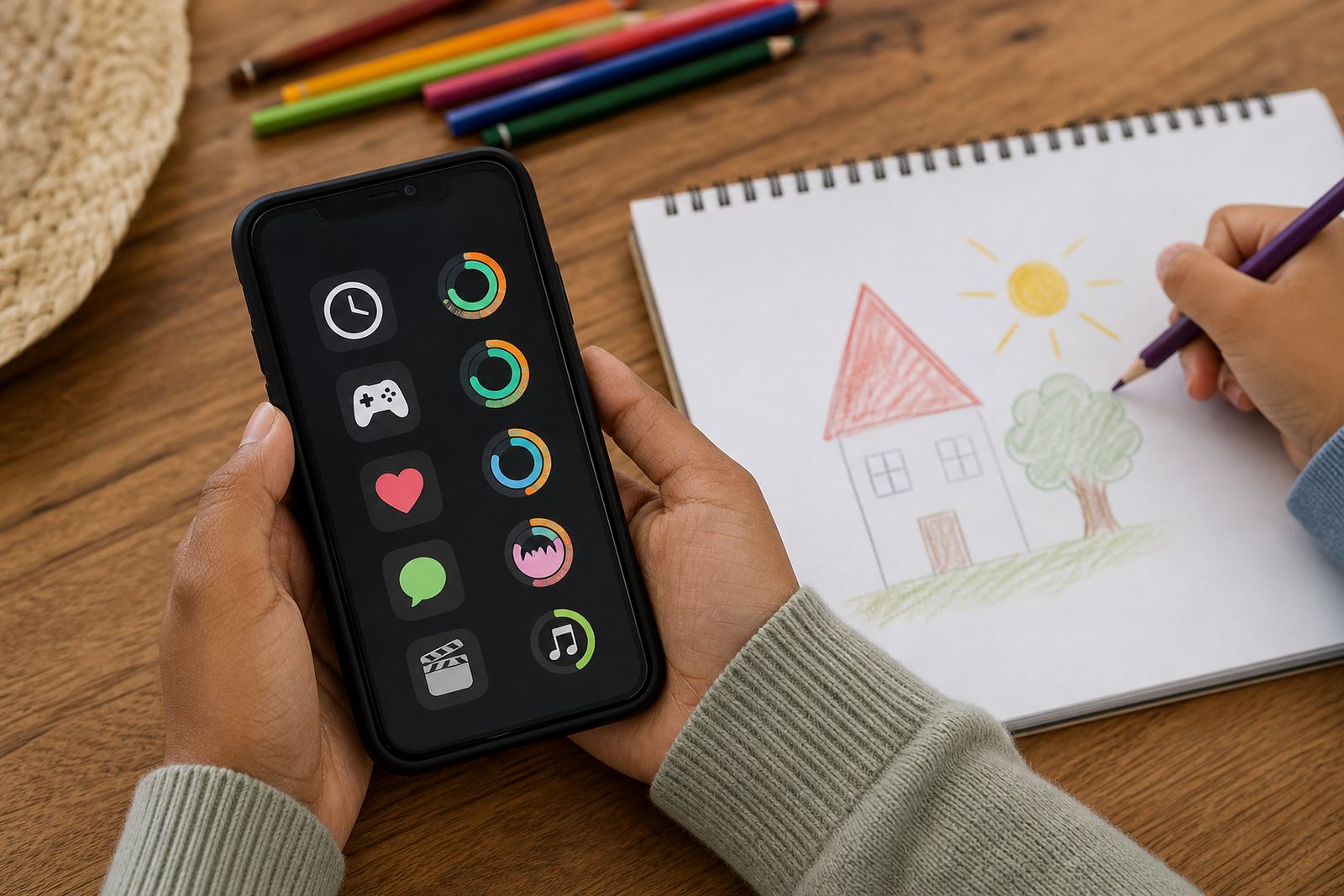
Social App Limits is a family coaching service and parental control setup focused on the apps that tend to take the most time in the day. That usually means messaging, short-video feeds, group chats, reels, and other social apps that keep running long after homework, meals or bedtime should have started. The aim is to help parents set clear limits, reduce constant interruptions and agree on a plan that children can follow.
The service is built around general screen-time management and family media planning. It is not medical or psychological advice. If your family is dealing with anxiety, sleep problems, risky behaviour or anything that feels beyond a normal home routine issue, speak to a qualified professional.
- Daily time limits for social apps
- Quiet hours and bedtime lockouts
- App category controls for age-appropriate use
- Permission settings for installs and in-app changes
- Family rules for homework, chores and meals
Options For Different Age Groups And Households
Every family uses social apps differently, so the setup is adjusted to the child’s age, school demands and how many devices are in the home. A younger child may need tighter limits and more supervision, while a teenager may need a bit more freedom with stronger boundaries around nights, school days and weekends. Families in Durbanville, Cape Town, Johannesburg, Durban, Pretoria and Bloemfontein often ask for a simple split between weekdays and weekends, which keeps it realistic.
Options can also be matched to homes with mixed ages, shared tablets or more than one caregiver. If grandparents, aftercare or a co-parent are involved, the controls and rules can be aligned so everyone is working from the same plan.
- Starter limits for first phones
- Teen rule reset for older children
- Sibling fairness settings for shared household routines
- Co-parent alignment for two-home arrangements
- Holiday screen plans for school breaks and travel
Where It Suits Daily Life Best
Social App Limits works well in homes where screens are used between school, transport, sport and family time. It is useful when children check chats during supper, scroll in bed, or keep switching between apps when they should be resting. It also helps families in busy suburbs and estates where devices are on mobile data, fibre or Wi-Fi, because the rule is about time and access, not just the internet connection.
Many parents use it alongside study time planning, bedtime routines and gaming limits. That way the app rules are not standing alone, they fit into the rest of the house routine. In coastal areas like Cape Town and Durban, parents also like having one clear plan when weather keeps children indoors for longer periods and screen use can drift upward without anyone noticing.
- Homes with evening homework battles
- Families with shared Wi-Fi and several devices
- Households needing tighter bedtime rules
- Parents wanting less conflict around “just five more minutes”
- Homes with split care between weekdays and weekends
Setup, Devices And What The Service Needs
Getting started is straightforward. We first look at the child’s devices, the main social apps being used and the family rules you want in place. Then the limits are set up so they match your schedule and the child’s age. In most homes, this is done on a phone, tablet or family device with a regular internet connection.
A device that is always flat cannot be monitored properly, so families are often encouraged to keep a charging routine at night and to use a stable home charging spot. The setup should also be checked after device upgrades or changes to a child’s login, because small changes can affect the controls.
- Works on phones and tablets used at home or on the move
- Needs a stable internet connection for account management
- Best used with a regular charging routine
- Can be adjusted when a child gets a new device
- Suitable for single-parent, two-parent and co-parent homes
Care, Support And Ongoing Reviews
Social app use changes quickly, so the plan should be checked from time to time. A child may start high school, join a sports team, or begin using a new app with a different habit pattern. We recommend reviewing the limits after a few weeks, then again when the family routine changes. That can include holidays, exam periods, new school terms or a move between homes.
Care is mainly about keeping the rules practical. If the limits are too tight, children may ignore them or argue all the time. If they are too loose, scrolling can take over homework, sleep and family time. A good setup usually needs a bit of trial and adjustment, and sometimes a missing rule is simpler than a complicated one. That is where the family coaching side helps, because the goal is consistency not perfect behaviour every day.
- Review limits after school term changes
- Adjust for exams, holidays and travel
- Check bedtime rules if sleep shifts happen
- Keep the same rules across caregivers where possible
- Use simple language that children can repeat back
Before your first session
Before placing an enquiry, it helps to know how many children need support, what devices they use and which social apps are causing the most friction. It also helps to think about your family routine, because a rule that works for one household may not suit another. For example, some families need stricter evening limits, while others are mostly concerned about school-time scrolling and chats after lights out.
When you reach out through the enquiry form on the contact page, it is useful to mention your area, whether you want a first-time setup or a reset, and whether both parents or other caregivers need to be included. For families in Cape Town, Durbanville, Johannesburg, Durban, Pretoria, Bloemfontein, Gqeberha and Stellenbosch, this helps the support team suggest the right starting point without wasting time.
- Number of children and ages
- Type of devices in the home
- Apps that need limits
- Whether the plan must work across two homes
- Any school-time or bedtime concerns
Quick facts
| Service type | Family coaching with parental control setup for social app use |
|---|---|
| Primary use | Screen-time limits, chat boundaries and family media planning |
| Device support | Phones and tablets used by children and teens |
| Household fit | Single-parent, co-parent and multi-caregiver homes |
| Location | Durbanville, Cape Town, with support for families across South Africa |
| Review cycle | Best checked after term changes, holidays or new devices |