

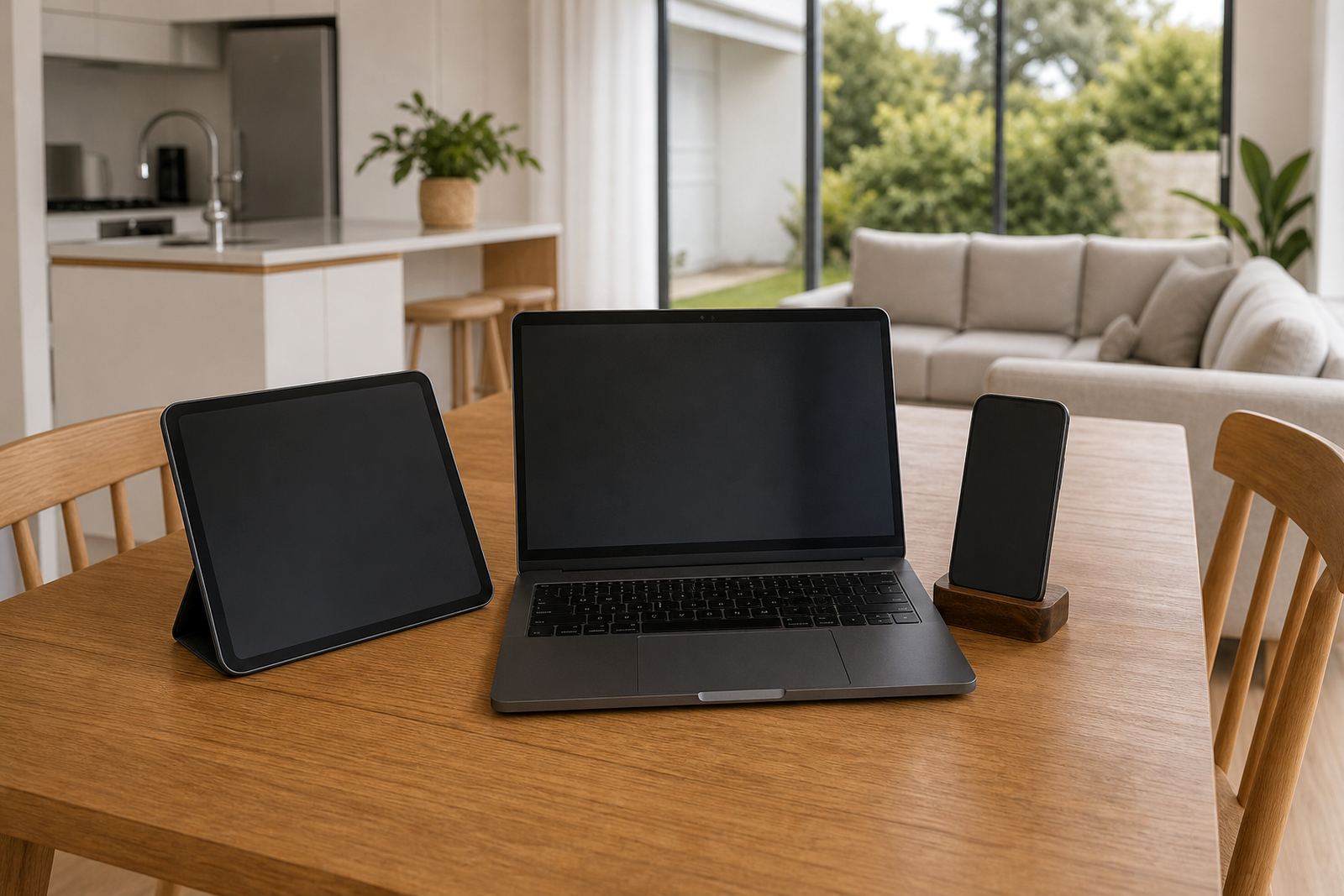


One Family Plan Across Every Linked Device
Cross Device Sync helps parents keep the same household rules in place across linked devices, so a child does not have one set of limits on a phone and a different set on a tablet. It is useful when children move between home, aftercare, grandparents and split households, because the same agreed settings follow the family plan rather than living on one device only.
In practical terms, the feature supports shared screen-time limits, app access rules, bedtime cut-offs and weekly allowances that can be managed from one family account. That makes daily oversight easier for busy parents, especially where several caregivers need to stay on the same page. For concerns about children’s behaviour, learning, sleep or emotional wellbeing, please speak to a qualified professional.
- Link multiple phones and tablets under one family profile
- Apply the same daily limits across selected devices
- Keep bedtime and school-night rules consistent
- Reduce the back-and-forth when one parent or caregiver changes settings
Where It Suits South African Households
This product suits families who need simple, repeatable controls rather than one-off changes on each device. It works well for homes in Cape Town, Durbanville, Johannesburg, Durban, Pretoria and Bloemfontein, especially where children use devices for homework, chats, games and streaming at different times of the day.
It is also handy in homes that need shared rules between parents, or where grandparents and aftercare helpers need to follow the same plan. In coastal areas like Cape Town and Durban, families often rely on mobile data and charger discipline too, so having one agreed setup can help reduce arguments about late-night use and unnecessary downloads.
- Families with more than one child and more than one device
- Shared caregiving between parents, grandparents and nannies
- School-night routines that need a firm cut-off time
- Holiday periods when rules need to be adjusted quickly
How cross device sync changes with age
Cross Device Sync is not about a physical size, but about how many devices and family members are linked into one plan. Smaller households may only need a parent phone and one child device, while larger families may want several phones, tablets and shared devices joined to the same account. The setup can be kept simple or expanded as children get older and need more independence.
Common options include device linking for two to six family devices, age-based profiles, separate caregiver access and timed rule changes for weekdays and weekends. If your household has mixed school times, sports, tuition or shift work, the plan can be arranged to suit those patterns without having to reset each device by hand.
- Starter setup for a parent and one child device
- Family setup for multiple children and caregivers
- Age-based profiles for younger children and teens
- Flexible weekday, weekend and holiday rule sets
Before your first session
Before choosing Cross Device Sync, check how many devices you want linked, which adults will manage the settings and whether the family needs the same rules every day or only at certain times. It helps to know the device types in the home, including Android phones, iPhones, tablets and any shared family tablet used for homework or transport bookings.
You should also think about the kind of controls you want in place. Some families need only time limits and bedtime cut-offs, while others want app blocking, approval requests and weekly usage summaries. If you are managing two homes or a blended family, it is worth agreeing in advance who changes settings and who receives notices when limits are reached.
- Number of child devices and parent devices to link
- Daily screen-time limits and bedtime settings needed
- Whether both parents or one caregiver should manage rules
- Need for app approvals, reminders or weekly summaries
Practical Use At Home, At School And On The Move
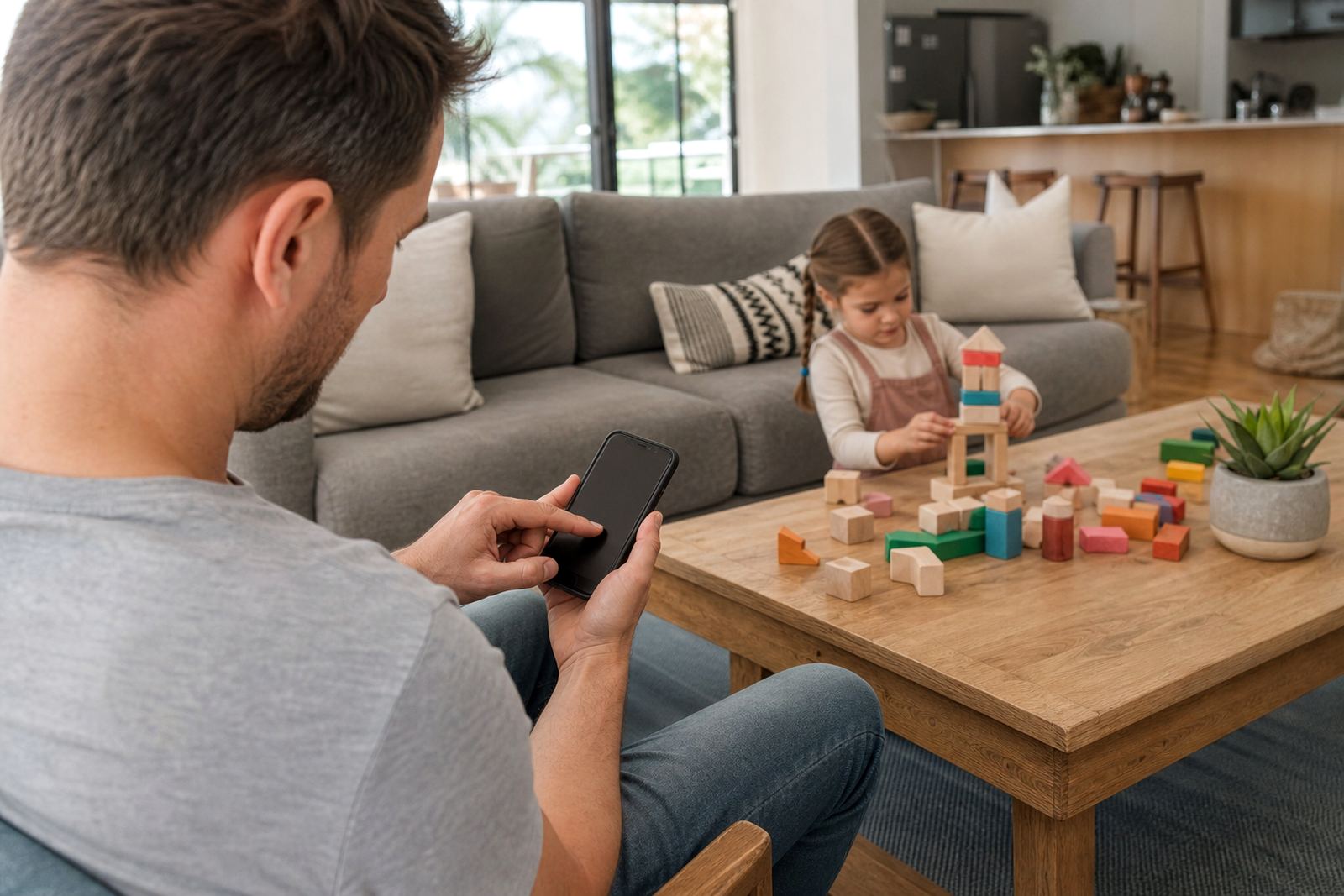
Cross Device Sync works best when a family media plan is already clear. That means setting the same ground rules for homework time, meals, bedtime, gaming and social apps, then applying them across linked devices. When everyone knows the rule, there is less arguing over whose phone has which setting, and children get a more predictable routine.
It is especially useful in homes where devices move between rooms, cars and different caregivers. For example, a child can use a tablet for reading after school, then a phone for messages later in the evening, while the same limits still apply.
- Homework and study time windows
- Bedtime routines with a firm last-use cut-off
- Weekend gaming allowances that differ from school nights
- Holiday schedules that can be relaxed without losing control
Reviewing the plan
Children grow, school demands change, and what worked in Grade 3 may not suit a teen who is managing more homework, more transport and more social activity. A quick review every few months can keep the settings sensible and avoid rules that are too strict or too loose.
If a new phone or tablet is added, it is worth checking that the device is linked correctly and that the right caregiver has access. Families should also confirm that each child knows the house rules in plain language. Keep the plan tidy, and if something seems off or a child has a bigger concern around sleep, anxiety or device use, speak to a qualified professional.
- Review settings after a new device is added
- Check access after a change in caregivers or custody arrangements
- Update bedtime and study rules at the start of each school term
- Revisit weekend and holiday limits when routines change
Quick facts
| Function | Links family screen-time rules across multiple devices |
|---|---|
| Device support | Phones and tablets for parent and child profiles |
| Control types | Time limits, app access, bedtime rules, approval settings |
| Family use | Single household or shared caregiving across homes |
| Management | One account with linked caregiver access |
| Best suited for | Families wanting consistent rules across daily routines |