



What Homework Time Rules Do In The Home
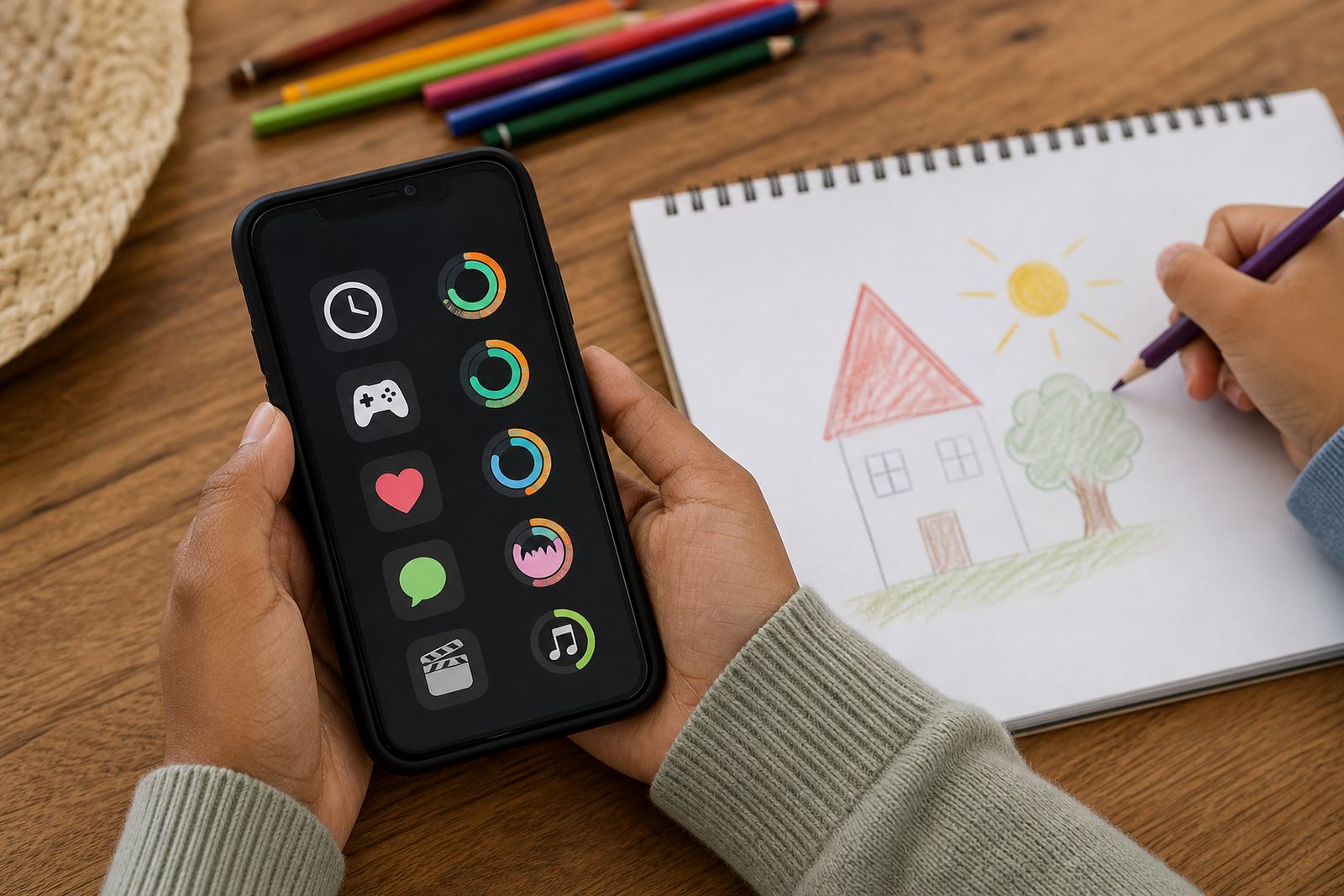
Homework Time Rules is a family setting for study periods, whether your child is on a tablet, phone or shared home device. It lets parents and carers pause non-essential apps, quiet notifications and agree on when screens may be used for schoolwork only. The aim is simple: make room for concentration without turning every afternoon into a battle.
It suits families who need practical boundaries around homework, tutoring, revision and project time. In many homes across Durbanville, Cape Town, Johannesburg and Durban, the challenge is not the school work itself but the interruptions around it. A clear rule set helps everyone know what happens at 3pm, after supper and before bedtime, instead of re-explaining it each day.
- Set study windows for weekdays and weekends
- Pause games, social apps and entertainment during homework time
- Allow school apps and learning tools where needed
- Use one shared plan for all children or different rules by age
Tuning homework time rules to your household
There is no one-size rule for every child. A younger learner may need a shorter study block with firmer limits, while a teen may need more independence and a bigger say in how the rules work. Screenage supports different family set-ups, so you can keep one approach for primary school children and a separate one for high school children if needed.
Families often choose one of these approaches:
- Small: A single homework window for one child, useful for younger learners or shared devices
- Medium: Two or three study periods a day with app limits before and after homework
- Large: Separate rules for siblings, teens and weekend revision, with different end times
You can also pair Homework Time Rules with other family settings, like Bedtime Routine Session or Study Time Planning, when homework tends to spill over into evenings. That helps if one child needs quiet reading time while another needs a calculator app or a school portal open.
Where After-School Unlock Fits South African Homes
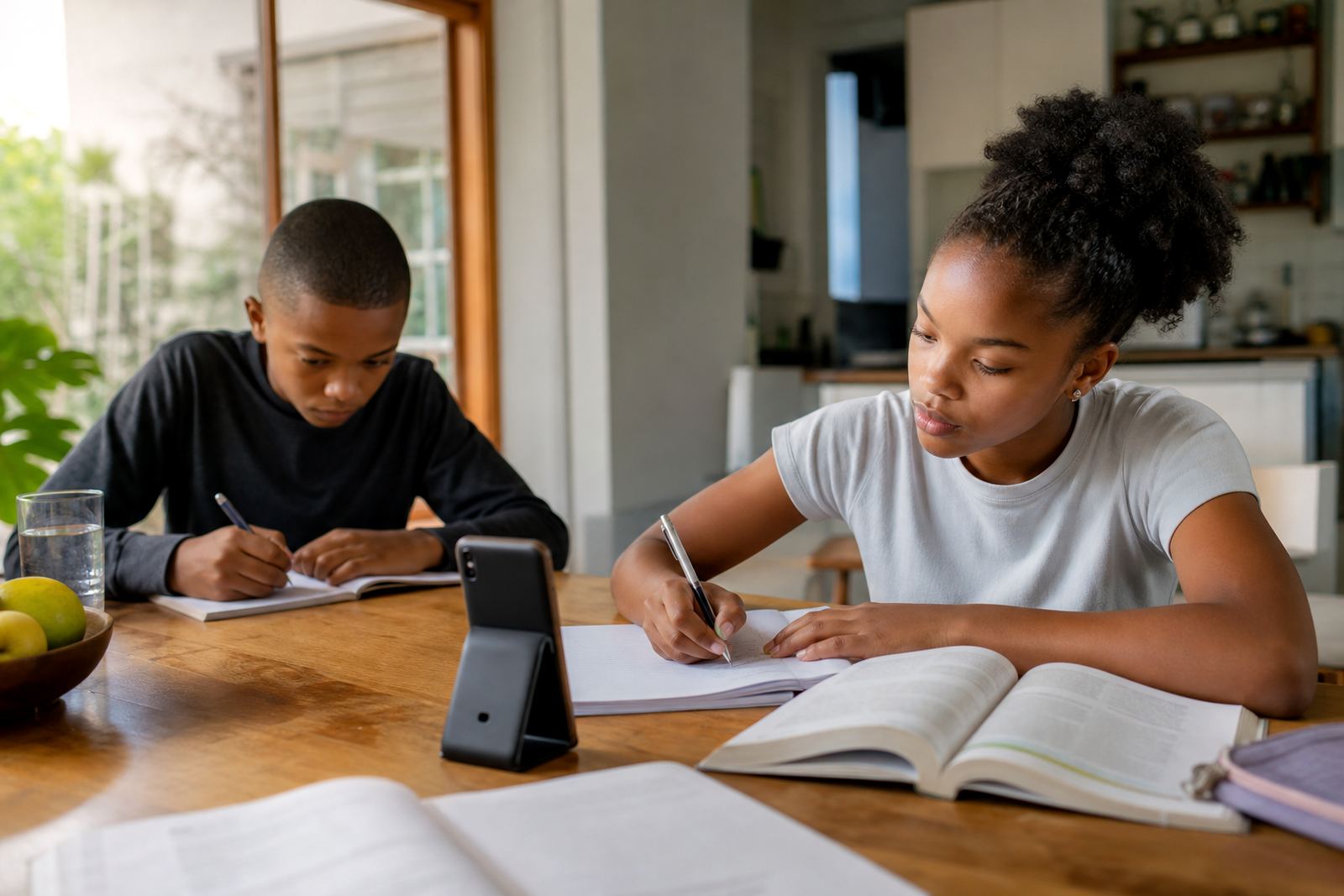
This product suits houses, flats and townhouses where screens are part of everyday family life. It is especially helpful where children do homework at the kitchen table, in a shared lounge, or in a room where younger siblings are close by and easily distracted. It also works well for blended families and co-parenting homes that want the same rule set in more than one house.
If devices are shared, the rule can be timed around supper, tuition or transport times too.
- Good for shared family phones and tablets
- Useful in homes with after-school care or grandparents helping out
- Helpful for learners who need fixed routines for exam periods
Getting homework time rules running on each device
Homework Time Rules is set up through the family account and applied to the child’s device or profile. You choose the devices, set the active hours and decide which apps stay available during homework. For families on mobile data, it helps to check that the child has enough data for school apps, messaging with teachers and any learning portals used for class work.
To get started, parents usually need a supported smartphone or tablet, a stable internet connection for setup, and a clear idea of the daily routine. The onboarding process helps you map out who needs what, then the rule can be changed later if after-school sport, extra lessons or transport times shift. If you have a mixed household with different devices, make a note of each child’s phone or tablet before starting.
- Supported on mobile devices used by children and teens
- Needs internet for setup and changes, but rules can still help during offline periods
- Works best when parents know the homework window, bedtime and school transport times
Care, Updates And Day-To-Day Use
Once the homework rule is in place, it is worth checking it every few weeks. School terms change, sport practice changes and exam season usually needs a tighter routine. If your child starts getting home later in winter or after extra-mural activities, update the hours so the rule still fits the real day. That keeps the plan sensible instead of letting it drift.
If a new child joins the family, or a teen moves from primary school to high school, the rule should be adjusted. It is also smart to check notification settings after software updates, because some devices reset small permissions on their own.
- Review study hours each term
- Check app access after device updates
- Adjust for exams, holidays and school events
When the family stays consistent, homework time feels less like a daily argument and more like a known routine. That matters in homes where one adult is working late, or where grandparents help after school and need a clear guide. A simple written rule plus a device setting can go a long way, even if the week is busy.
Before your first session
Before ordering Homework Time Rules, decide who the rule is for and what you want it to block. Some families only need to stop entertainment apps, while others want a stricter setup with no social media until homework is complete. Check the age of each child, the number of devices in the home and whether one parent or two carers need the same access.
It is worth looking at the school routine itself. Does homework happen straight after school, after sport, or after supper? Does one child need a long study block and another a short one? The more clearly you answer those questions, the easier the setting is to use. If concerns about behaviour or learning are part of the reason you want the rule, speak to a qualified professional for guidance that fits your situation.
- Number of children and devices to be covered
- Which apps should stay open during school work
- Whether both homes in a co-parenting arrangement need the same rules
- Whether the plan needs to cover weekdays, weekends or exams only
If you are setting this up for a child who shares devices with siblings, be specific about age gaps and evening routines. A good homework rule is clear, fair and easy to explain, even when everyone is tired after a long day.
Quick facts
| Product type | Family screen-time rule for study periods |
|---|---|
| Primary use | Pause distractions during homework and revision |
| Device support | Phones and tablets used by children and teens |
| Rule controls | App limits, notification quieting and time windows |
| Setup method | Family account configuration through onboarding |
| Use cases | Homework, exam prep, tutoring and school project time |