



When the whole house is connected, the rules must be shared
A screen-heavy home is not just one child on one device. It is the TV on in the background, a tablet in the kitchen, a teen on social media, gaming after homework and a parent trying to answer work messages at the same time. In that kind of home, the problem is usually not one device, it is mixed signals. One adult says “five more minutes”, another says “just tonight”, and the child learns that the rules change depending on who is watching.
Screenage works best where families want the same expectations across the home. That can mean a family media plan, age-based screen-time limits, app controls, bedtime cut-offs and a calmer way to handle pushback. We work with families in Cape Town, Johannesburg, Durban, Pretoria and Bloemfontein, and many of them simply need everyone to agree on the basics. If the home has multiple devices, the plan has to be practical enough for busy mornings and bedtime are where things fall apart fastest.
What a screen-heavy home usually looks like
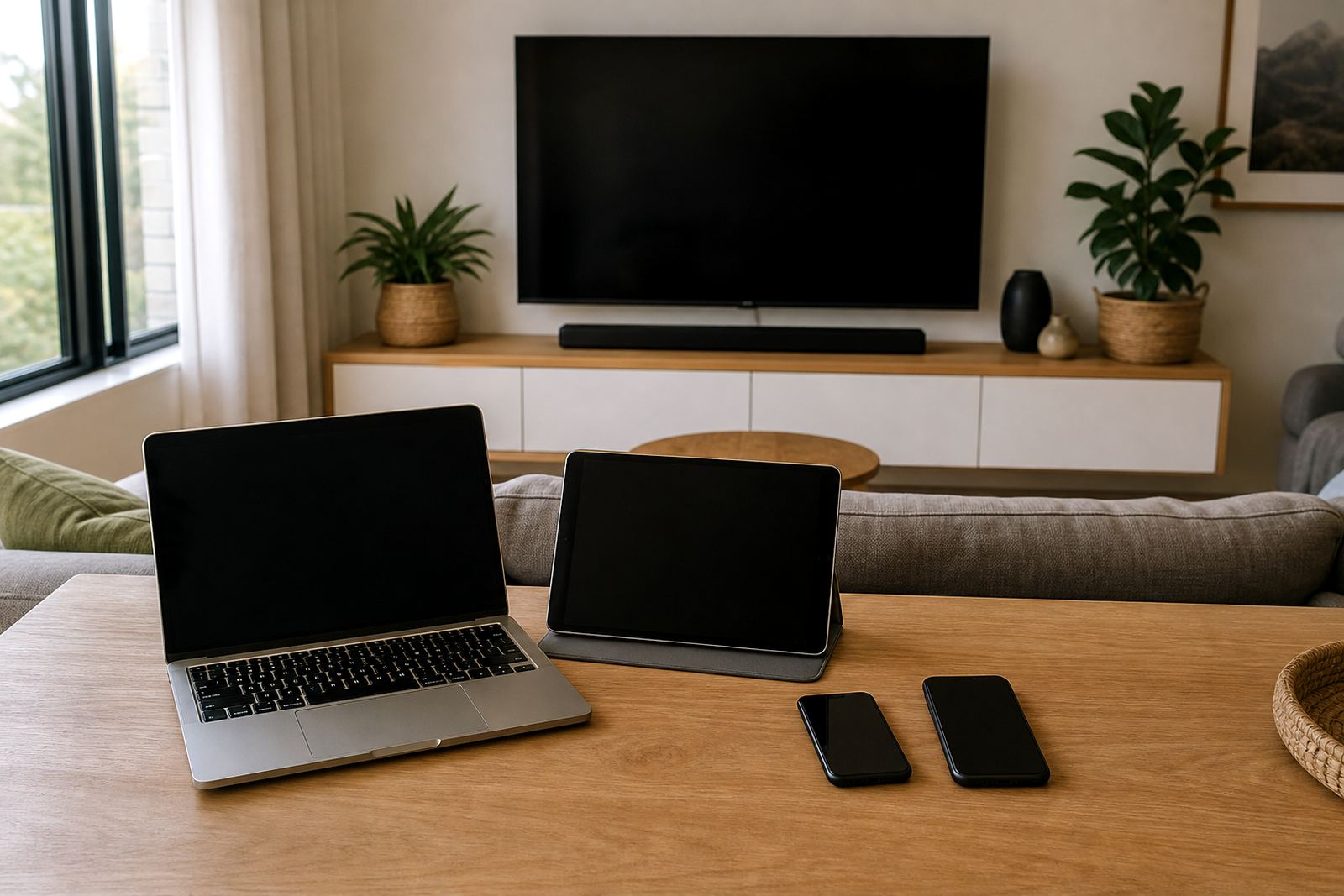
Many families in Durbanville, Stellenbosch and Gqeberha are managing more connected items than they first realise. A typical set-up may include one or two phones per child, tablets for entertainment or school work, smart TVs, gaming consoles, laptops, smart speakers and Wi-Fi that reaches most rooms. In some homes there are also second hand devices passed down to younger children, which can make supervision harder.
- Morning routines interrupted by videos, games or messaging before school
- After-school homework delayed by autoplay, chats or gaming sessions
- Evening arguments over “just one more episode”
- Different rules for different children, which leads to fairness complaints
- Devices charging in bedrooms, making bedtime harder to manage
When there are many screens in the house, families often need a broader reset rather than one small rule. That reset may include shared charging points, device-free meal times, limits on private bedroom use and a clear plan for weekends. For coastal homes, salt air and humidity can also make it sensible to keep charging areas dry and organised, especially in smaller flats where gadgets pile up quickly.
Planning the layout so screen habits are easier to manage
The physical layout of the home matters. If devices are scattered through bedrooms, lounges, study corners and even the kitchen counter, parents spend all day checking, reminding and repeating themselves. A better set-up is to create a few clear zones. For example, devices can be charged in one place, homework can happen in another and family viewing can happen in the lounge at agreed times. This keeps the house less tense and makes the rules easier to explain.
For many families, the first step is not strict control but visibility. Parents can see which devices are in use, when the main screen window starts and when it ends. A family media plan can also set rules for weekends, school nights and holidays, because a plan that only works on Tuesday afternoon is not much use. In homes with younger children and teens together, it helps to separate rules by age and need rather than giving everyone the same allowance.
- Put chargers in one common area if possible
- Keep bedtime devices out of bedrooms where this is realistic
- Use the same login and rule structure across devices where practical
- Review Wi-Fi schedules and app permissions before school terms change
- Keep family rules visible somewhere simple, not hidden in a long chat thread
The common mistakes that keep screen stress going
The biggest mistake is waiting until there is a blow-up before setting limits. Another common problem is adding rules that are too complicated to keep. If a parent needs three different passwords, two arguments and a calendar reminder just to manage one evening, the system will probably fall apart. Simple and consistent usually works better than strict but messy.
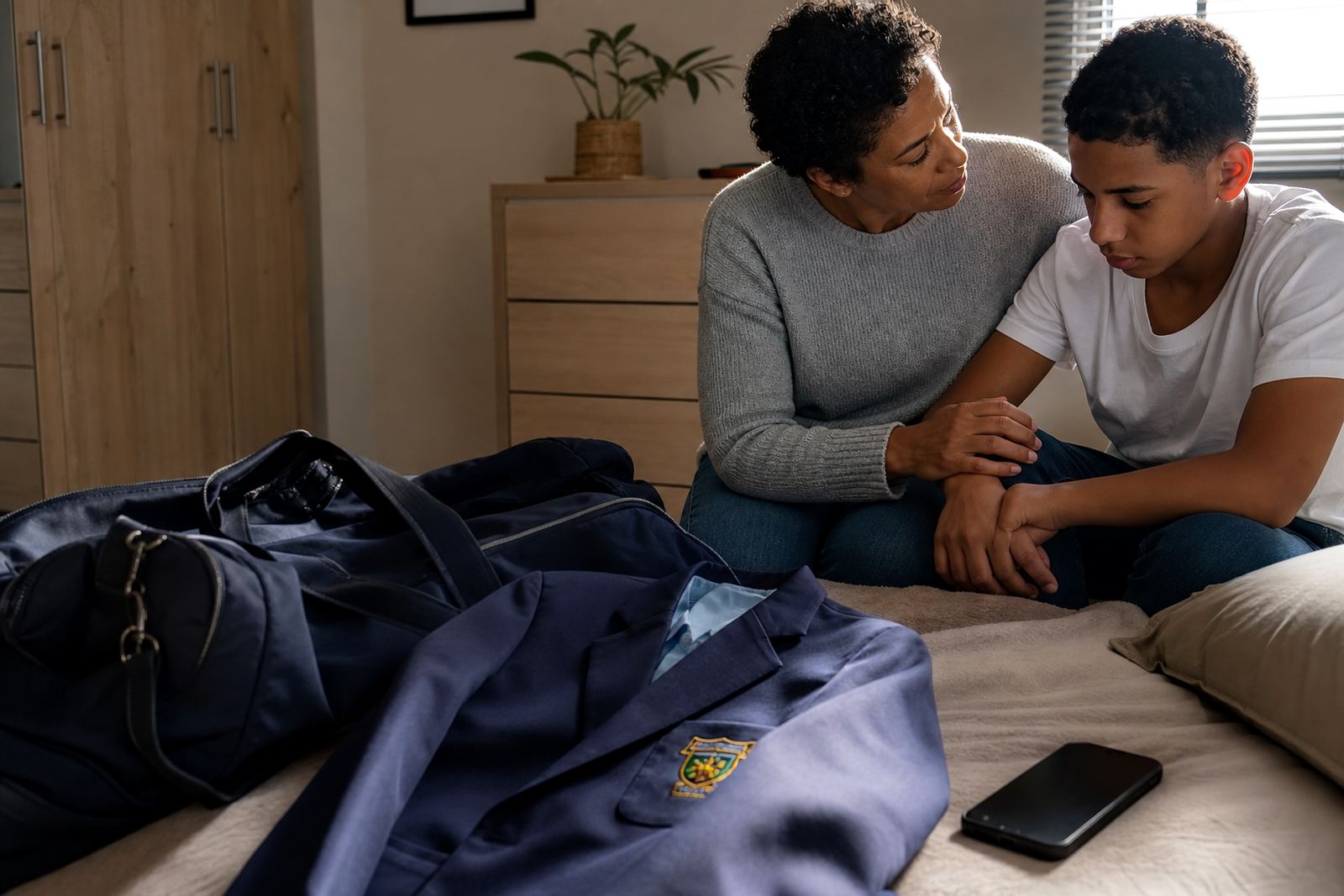
Families also get stuck when they focus only on time limits and ignore behaviour. A child may have plenty of minutes available but still need guidance on what apps are allowed, when gaming ends and what happens if homework is not done. It is also common for one adult to relax the rules after a tiring day. That is human, but over time it teaches children that limits are optional. Screenage supports families with practical coaching so the adults can align first, then apply the plan in a steady way.
It is worth saying clearly that screen management is not medical or psychological advice. If a child’s behaviour, sleep, anxiety or school attendance is a concern, speak to a qualified professional. A family plan can support everyday routines, but it is not a substitute for proper help when there is a deeper issue.
Typical budget ranges for family screen-time support
Families often want to know what to budget before they start. Costs depend on how many children are in the home, how many devices need rules and whether the main need is a quick reset or a fuller family media plan. In South Africa, a short one-off session may suit a home that only needs guidance on a single issue, while bigger families often benefit from a fuller package that covers morning, homework, gaming and bedtime.
As a practical guide, many homes should expect to plan for a few hundred Rand for a focused session, and more for multi-step support where adults need help setting up the whole household structure. If you are also replacing chargers, buying a family screen dock or using better mesh Wi-Fi so rules can be applied consistently, that can add to the budget. The right figure depends on what needs to change and how many people need to be involved.
- Focused issue support: lower entry budget
- Full family reset: mid-range budget
- Multiple children and many devices: higher budget
- Optional home setup changes: separate equipment budget
How Screenage helps a busy household get back in step
Screenage supports families across Cape Town, Durbanville, Johannesburg, Durban, Pretoria, Bloemfontein, Gqeberha and Stellenbosch with services such as New Family Onboarding, First Phone Planning, Teen Rule Reset, Sibling Fairness Session, Bedtime Routine Session, Study Time Planning, Social App Boundaries, Gaming Time Session, Co Parenting Alignment, Holiday Screen Plan, Grandparent Support Session and Family Media Plan Session. For screen-heavy homes, the useful part is not just the app settings. It is the shared plan behind those settings.
Families can start with one problem area and build from there. A home with too many screens may begin with bedtime rules, then move to study time and weekends once the evening routine is calmer. Some parents need help getting grandparents or co-parents on the same page so the child does not receive a different rule every day. Others simply want a way to reduce the noise around devices and get the household working again. That is often where the real progress starts, with less arguing and more consistency.