


What families usually need at this age
Toddlers and preschoolers do not need complicated rules, they need consistency. Most parents are looking for a way to keep screens from creeping into mealtimes, bath time, car rides and the hour before bed. In homes with more than one child, the challenge is often not the device itself but the arguing that starts when one child gets a tablet and another does not.
At this stage, a family media plan works best when it is simple enough for grandparents, caregivers and older siblings to follow. Typical limits include short viewing windows, no unsupervised app use, and clear start and stop points. If a child is already getting upset when a device is taken away, that is usually a sign the routine needs adjusting rather than adding more rules.
- Keep screen use to a few set times in the day, not all day access.
- Use one device place in the home so it is easier to monitor.
- Link screen time to calm moments, not to every request or tantrum.
- Choose content that is age-appropriate and easy to exit.
The set-up most households can manage
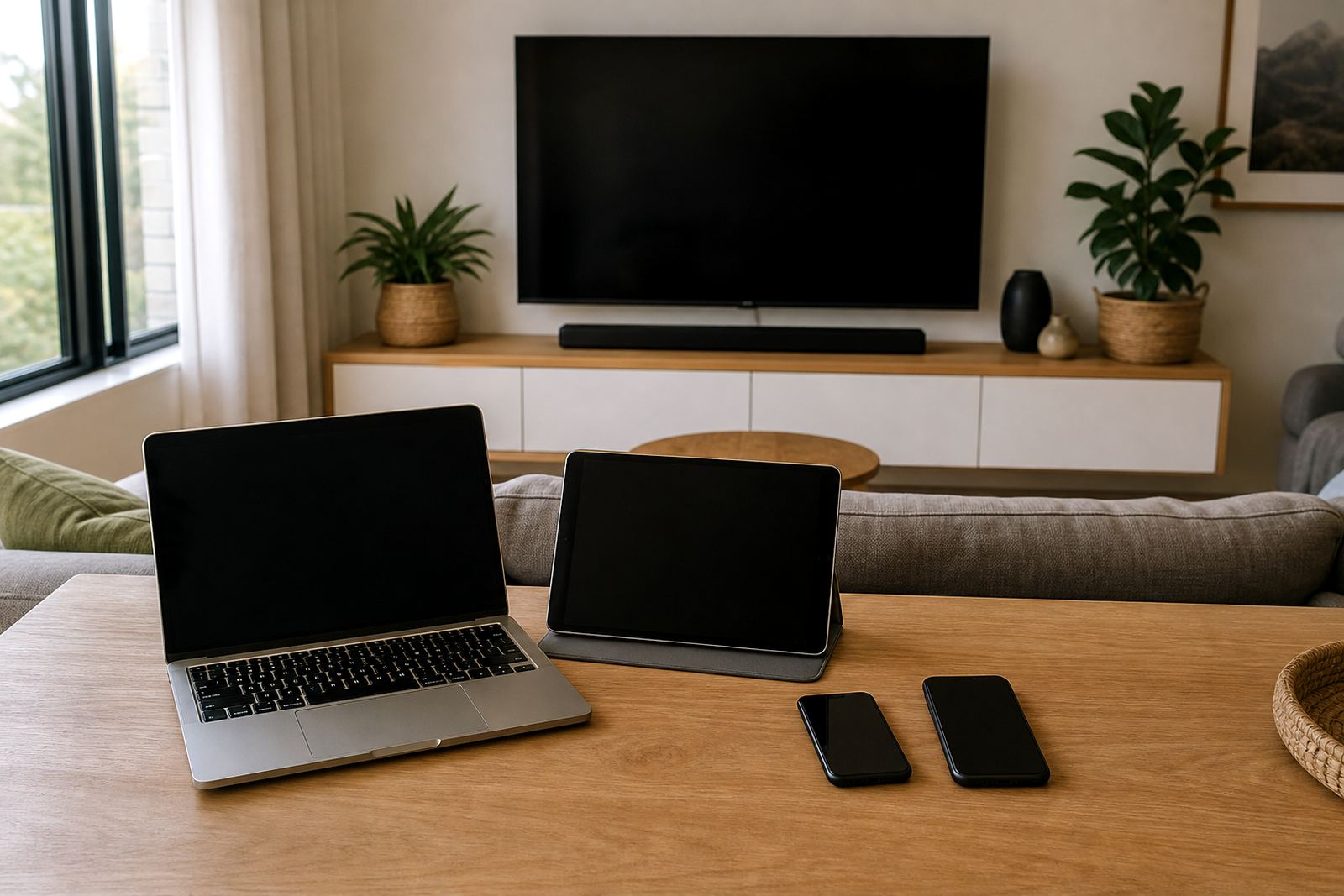
For younger children, the usual equipment set is modest: one phone, one tablet or a smart TV, plus a parent device for settings and approvals. A few homes also use a shared family computer for videos or learning apps. The goal is not fancy tech, it is making the existing set-up easier to control.
Screen-age planning usually starts with which room the device lives in, who can unlock it, and what happens when internet access is on. If a tablet is kept in a child’s bedroom, bedtime boundaries become far harder to hold. If the family TV is in the lounge, it is easier to keep use public and visible. Small households often do best with a single charging spot in the kitchen or lounge, not in bedrooms where it is harder to notice after-hours use.
- Use passcodes that children cannot guess or watch being entered.
- Keep notifications off for children’s devices where possible.
- Set bedtime cut-offs so devices are not available overnight.
- Make sure adults know how to change settings before a tantrum starts.
Simple boundaries that work for little ones
With toddlers and preschoolers, the best boundaries are short, visible and repeated in the same words. Families often get into trouble when one parent says yes, another says no, and a grandparent allows just one more episode. A child this age cannot manage mixed messages for long. Screen time is easier to guide when the rule is connected to an everyday event such as after snack, after a walk, or after the toys are packed away.
We also see families struggle when screens are used as the main calming tool. It can be useful now and then, but if it becomes the default response to boredom, fussiness or waiting in a queue, children often start asking for it more often. That can make the whole house feel on edge. A steadier plan is to keep screens as one part of the day, not the answer to every difficult moment, and to leave room for drawing, play, books and outside time. A little inconsistency now can create bigger headaches later.
- Say the rule out loud before the device is handed over.
- Use a timer or alarm so stopping is expected.
- Keep the end of screen time tied to another routine, like washing hands or tidying up.
- Have a backup activity ready so the changeover is smoother.
Common mistakes parents make with young children
One common mistake is thinking an educational app is always harmless, so no limits are needed. Even child-friendly content can become too much if it runs for long stretches. Another issue is leaving autoplay on, which can turn one short session into a much longer one. Many families also forget that loud, fast-moving content can be overstimulating, especially late in the day when children are already tired.
Another mistake is setting rules only after a problem starts. By then, the child may already be used to free access and the pushback is harder. It helps to set the rule first, explain it in simple language and then stick to it. Also, if a child is using a screen in the back seat or on the couch for long periods, adults can lose sight of how much time has passed. That is when small habits become difficult to undo.
- Do not rely on children to stop themselves without a timer.
- Do not leave app stores, browsers or open video feeds unattended.
- Do not use screens as the only way to get through every wait or car trip.
- Do not change the rule daily, as it makes the boundary harder to respect.
Practical family media planning for busy South African homes
For families in Cape Town, Johannesburg, Durban, Pretoria and Bloemfontein, a media plan needs to fit school, work, traffic and different caregiving arrangements. It should note who can approve new apps, where devices charge, and what happens on weekends, holidays and rainy days. If parents are separated or working different hours, the plan should be written down so there is less confusion between homes. This is not medical or psychological advice, and if behaviour around screens is becoming a serious concern, speak to a qualified professional.
A useful plan for toddlers and preschoolers is usually short. It may include a daily limit, no screens during meals, and a bedtime routine that ends with the device stored away. Families in flats or smaller homes may need to be more deliberate about where the device is used because background TV can be on all evening if nobody is watching it. If there are older siblings, fairness matters too because younger children notice when one child gets far more access. That sort of imbalance can create more conflict than the screen time itself.
What a normal budget looks like in Rand
Budgets for screen-time coaching and parental control support can vary a lot depending on whether the family wants only basic guidance, help setting up controls, or a fuller family media plan. For many households, the real cost is not just the service, but the devices already in the home and the time needed to sort out rules properly. A straightforward set-up is usually far cheaper than dealing with repeated conflicts after the fact.
As a rough guide, families often think in three bands: a basic one-off guidance session a quoted price, a more involved family planning and set-up session a quoted price, and an ongoing support arrangement a quoted price depending on how many children, devices and caregivers are involved. If a home has several tablets, a smart TV and separate parent devices, planning takes longer. It is better to sort it properly once than to keep patching the same problem. Ask for a quote
- Budget for at least one parent device review, not only the child’s device.
- Allow time for grandparents or caregivers to be shown the rules.
- Expect a follow-up when the first routine is not working as planned.