




When training, matches and lifts take over the week
In sport heavy households, screen time is not just about leisure. A child may be checking fixture times, texting a parent from the school gate, watching a warm-up video, or using a tablet in the car after a match in Durbanville or a tournament in Pretoria. The problem starts when devices carry the whole load of boredom, fatigue and downtime.
A good family media plan keeps the rules clear across the week. That means different limits for school nights, away games, weekends and holiday camps. It also means deciding what happens after a hard training session, because tired children are usually more likely to drift into endless scrolling or late-night gaming.
Typical setup for a sporting family home
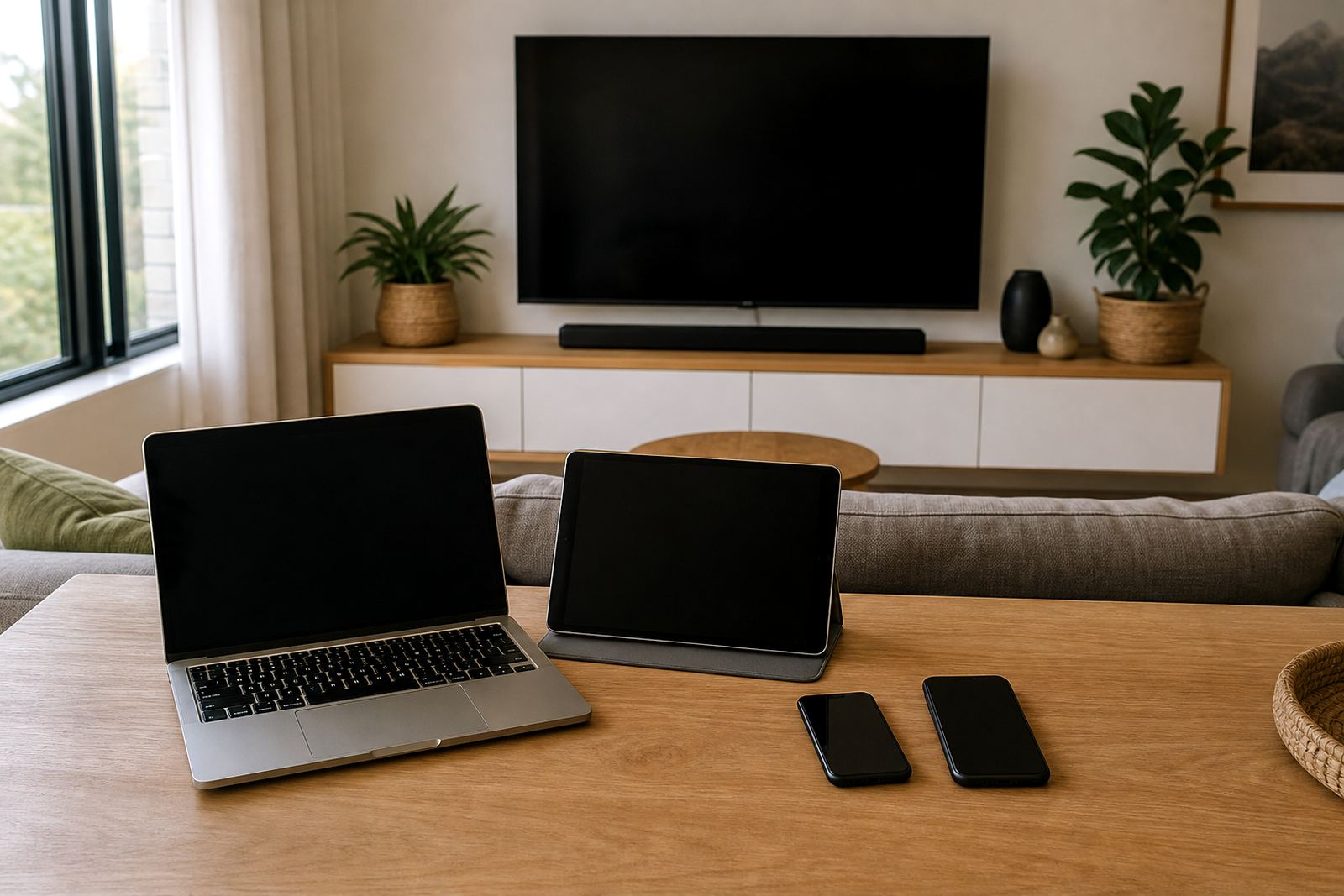
Most families do not need complicated gear. A workable setup is usually a mix of phones, one or two shared tablets, a family router, and a charging spot near the kitchen or scullery. Some homes also use a smart TV, gaming console, and a spare phone for travel or team coordination. The key is not the number of devices but having the same expectations on each one.
- Parent and child devices with screen-time limits set by age and routine
- Parental controls for app downloads, age ratings and purchase approvals
- Wi-Fi schedules for bedtime, study blocks and early morning starts
- Separate profiles for each child so rules do not get mixed up
- A shared calendar for fixtures, lifts, kit prep and recovery days
If the household uses different phones on different networks, keep the settings simple. A missed game because of a dead battery or a forgotten passcode is a common headache, especially when there are early drives to school or coastal humidity makes charging cables act up more often than expected.
Planning screen rules around transport and recovery
The best family media plans work around the rhythm of sport. For some homes, screen use is fine during the car ride to a fixture but stops once the team gets home. For others, the rule is no games before training, but messages and fixture updates are allowed. The point is to make the plan specific enough that nobody has to argue every afternoon.
A useful approach is to split the week into three parts: travel time, active time and recovery time. Travel time can allow a set amount of screen use. Active time keeps devices off during training and matches. Recovery time can include a short, calm window for music, a show or chatting with friends, then a firm cut-off before bed.
- Set one rule for school nights and a different rule for weekends
- Keep screens out of the change room and off the pitch side bench
- Use bedtime limits that still allow enough time to plug in devices
- Allow exceptions for fixtures, team chats and family coordination
- Agree on what counts as an emergency versus ordinary scrolling
Family tension points after a hard day of sport
The biggest mistakes usually happen when everyone is tired. Parents want quiet after the late drive home, children want to unwind, and a screen becomes the easiest way to settle the mood. That is when loose rules turn into arguments. Another common issue is treating every child the same when their schedules are not the same. A 10-year-old swimmer and a 15-year-old rugby player will not always need the same limits.
Some families also forget that sport can still be balanced with homework, sleep and family time. If a child is using a phone to avoid a shower, skip supper or stay up too late, the issue is less about the device and more about the routine around it. If you are concerned about behaviour, sleep or family stress, speak to a qualified professional.
- Do not let one child’s device rules set the tone for all siblings
- Do not rely only on verbal reminders after a long match day
- Do not leave app downloads and in-app purchases open by default
- Do not use screens as the only reward or the only way to keep peace
How we usually shape the plan for Durbanville and beyond
For families in Durbanville, Cape Town, Johannesburg, Durban, Pretoria and Bloemfontein, the plan usually starts with the real weekly calendar. We look at travel times, training nights, weekend fixtures, and who is responsible for pickups. From there, the family can set limits that work at home and on the road, instead of trying to force one rule onto every day.
Screenage supports services such as New Family Onboarding, First Phone Planning, Teen Rule Reset, Sibling Fairness Session, Bedtime Routine Session, Study Time Planning, Social App Boundaries, Gaming Time Session, Co Parenting Alignment, Holiday Screen Plan, Grandparent Support Session and Family Media Plan Session. Michaela van der Merwe leads the team with Sibusiso Moodley, Anele Mabaso, Hennie Jansen, Naledi Ledwaba and Tayla Naidoo supporting families from first setup through to day to day adjustments.
The aim is practical control, not policing every minute. Families often need a plan that keeps screens useful for sports coordination while still protecting sleep, study and time together.
Budget ranges for screen-time support in rand
Budget usually depends on how much help a family needs. Some parents only need help setting limits on a few devices. Others need a fuller family media plan, especially where children of different ages share the same home or where co parenting schedules are involved.
- Basic setup help for one household: a quoted price Ask for a quote
- More detailed family planning with sibling rules and bedtime limits: a quoted price Ask for a quote
- Coordinated support for separated homes, travel routines or holiday planning: a quoted price Ask for a quote
- Ongoing review for changing sports seasons and school terms: usually quoted after the first session
These ranges are a starting point only. The final amount depends on the number of devices, the complexity of the household routine and whether the plan needs to cover parents, grandparents or older siblings who help with lifts and after-school care.
What a calmer sports week can look like
When the rules are clear, the household is usually calmer. Children know when they can use a device, parents know what to expect after practice, and match days stop turning into screen battles. A good plan does not remove technology from family life. It simply gives it a place that fits around training, rest and proper downtime.
That works especially well in sport heavy households where the week already runs on timing, discipline and early mornings. With the right setup, screens become one part of the routine instead of the part that runs the home.