


Why single parent homes need simpler screen-time rules
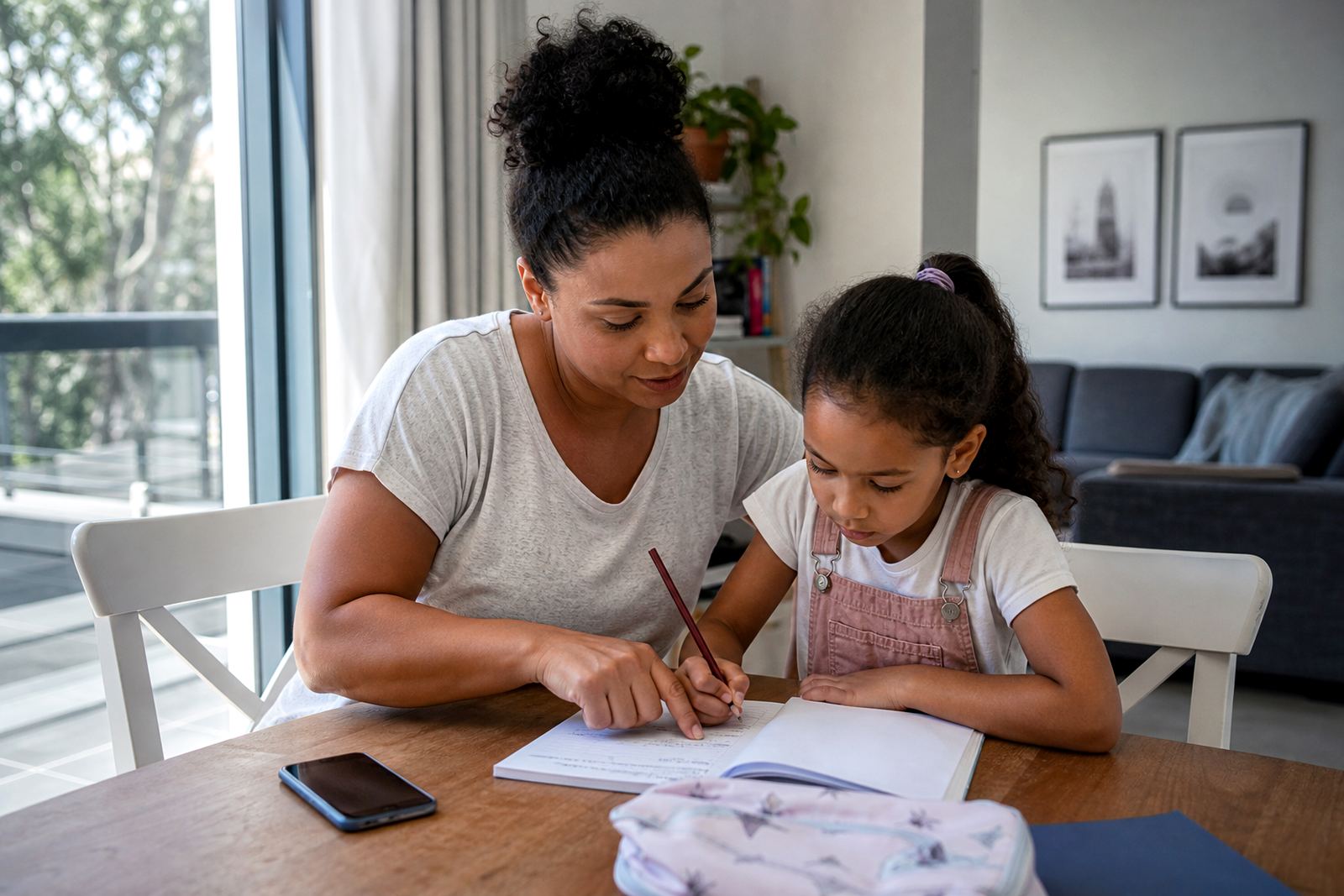
When one parent is managing school runs, supper, homework and bedtime, there is usually little time for long arguments about a tablet or phone. In single parent homes, screen-time rules work best when they are simple, clear and tied to the day’s routine. That means fewer decisions in the moment, and less chance of a child pushing for another five minutes every evening.
For families in Durbanville, Cape Town and other busy parts of South Africa, the main goal is often not to ban screens completely. It is to make sure devices do not take over the parts of the day that matter most, such as meals, homework, bath time and sleep. A good setup should help the parent hold the line without needing to explain the same rule ten times.
Screen-time coaching can help turn general ideas into a workable plan. That may include age-based limits, app approvals, downtime settings and clear rules for school nights, weekends and school holidays. If there are concerns about a child’s behaviour, sleep or wellbeing, speak to a qualified professional for advice.
Typical devices in a single parent household
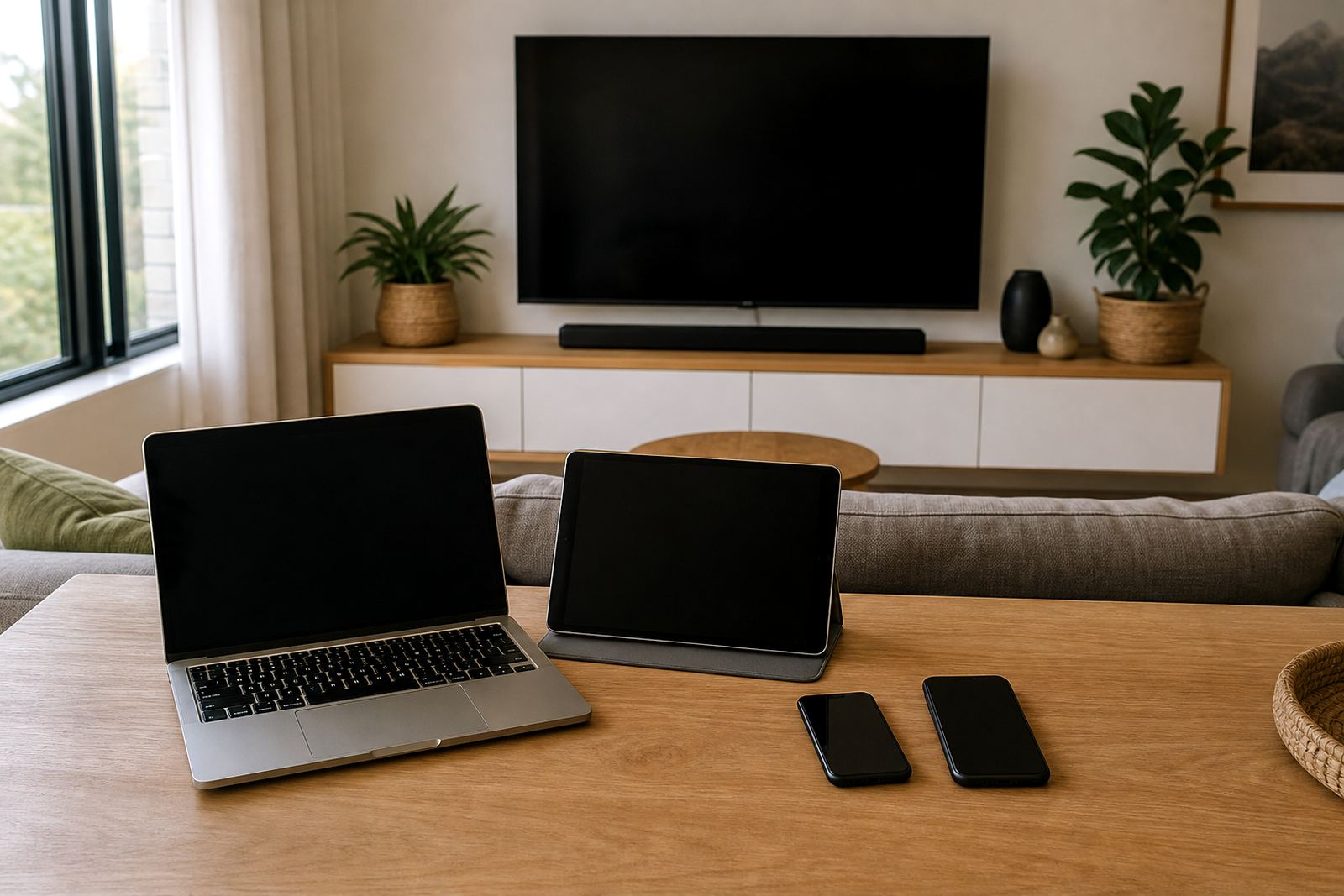
The equipment in a single parent home is often not complicated, but it can still create confusion if the rules are different on each device. A family may have one parent phone, one or two children’s phones, a shared tablet, a smart TV and a laptop used for schoolwork. In some homes there is also a gaming console or a small older device that gets passed between siblings.
The key is to know which device does what. A phone may need stricter social app boundaries, while a tablet may be kept for reading, learning apps and video calls with family. A laptop might be for homework only during the week, then open for family movies on the weekend. If all devices are left with open settings, children will usually move to the one with the easiest path.
- One primary parent phone for managing controls and approval settings
- One child phone or shared tablet with age-based limits
- Smart TV or streaming box with profile controls
- Laptop or computer for homework, research and school tasks
- a gaming console with clear play times and log-off rules
A practical layout for the home routine
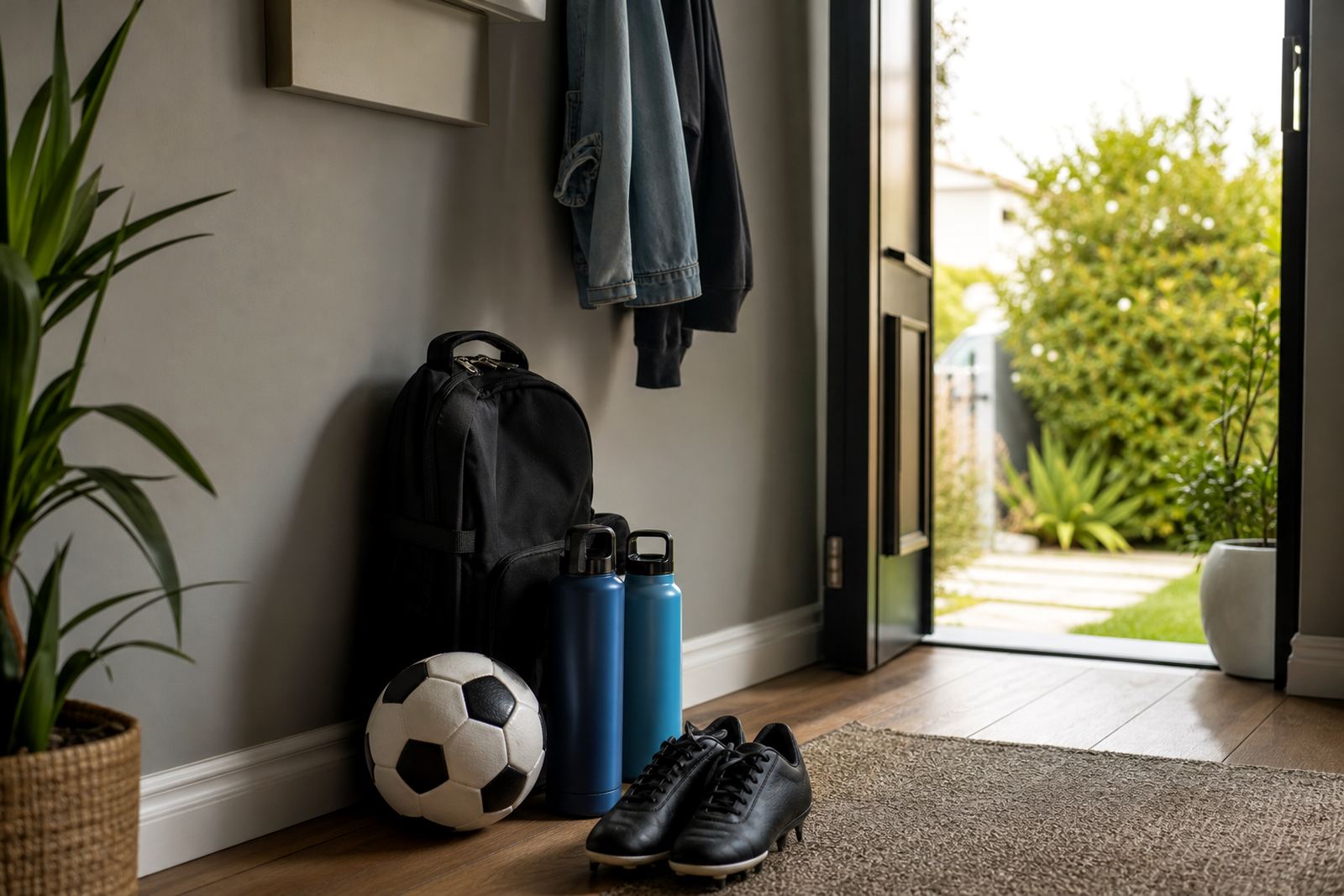
The best layout is not about where the charger sits, although that can matter too. It is about where screens are allowed, and when they are put away. In many single parent homes, a charging spot in the kitchen or lounge works better than devices being kept in bedrooms. That makes it easier to check what is in use and helps keep late-night scrolling out of the room.
Bedtime is usually the first place to start. A bedtime routine session can help set a cut-off time, then move devices to charge in a shared area before sleep. For younger children, that might mean screens off 30 to 60 minutes before bed. For older children, the rule may be less about punishment and more about keeping phones out of the bedroom overnight. That one change can save a lot of repeated conflict.
Weekend settings should also be planned in advance. If a child gets more time on Saturday, set the limit before the morning starts. Once the rule is in place, there is less room for bargaining. This is especially useful in homes where one parent is handling everything alone and does not want a fresh negotiation after a long day.
Common mistakes that make limits harder to keep
A common mistake is making the first rule too strict, then changing it the next day. Children quickly learn when a parent is exhausted and may test the limit again. Another mistake is setting a time limit but not matching it with app controls, which means the child can simply keep watching or gaming through another route.
Clear rules matter more than vague ones. Saying “less screen time” sounds sensible, but it is hard to enforce. A child understands “1 hour after homework” much better than “not too much.” In single parent homes, clarity matters because there is usually no second adult to back up an unclear instruction.
- Leaving controls off after a holiday, then forgetting to reset them
- Using the same rules for a toddler and a teen
- Allowing screens during meals one day and banning them the next
- Not checking gaming, social apps and video apps separately
- Using threats instead of a calm, written family media plan
Budget ranges in Rand for a sensible setup
The budget for a single parent home depends on the number of devices, the ages of the children and how much support is needed. A basic setup may only need one or two controlled devices and a simple family media plan. A more involved setup could include several children, shared devices and different rules for school nights, holidays and weekends.
For many South African families, a practical budget might be quoted per job for an initial planning session and setup review, then move higher if there are more devices or more detailed coaching needs. A fuller support plan for a larger family is quoted per job, especially if there is co-parenting alignment or a sibling fairness session involved. These are general planning ranges, not fixed prices. Ask for a quote
It is often cheaper to set the rules properly once than to keep changing them every week. That matters in Durban, Pretoria, Johannesburg and Bloemfontein, where families may be juggling work, travel and different after-school schedules. A clear setup can save time, reduce friction and make the household easier to run.
How Screenage supports one-parent households
Screenage offers practical support for single parent homes through services such as new family onboarding, first phone planning, teen rule reset, study time planning and holiday screen plans. The aim is to help the parent set limits that fit real life, not a perfect version of family life. That usually means clear rules, fair device access and a setup that can be managed without constant arguing.
Families across Cape Town, Durbanville, Johannesburg, Durban, Pretoria, Bloemfontein, Gqeberha and Stellenbosch can use these sessions to build a family media plan that suits their home. If grandparents help with childcare, a grandparent support session can also make sure the rules stay consistent. Where co-parenting is involved, a co-parenting alignment session can help both homes work from the same basic approach.
Support is available through the enquiry form on our contact page. The point is to make screen-time limits easier to live with, so the parent can spend less energy on daily battles and more on the parts of family life that really need attention.