


When the learning laptop becomes the family battleground
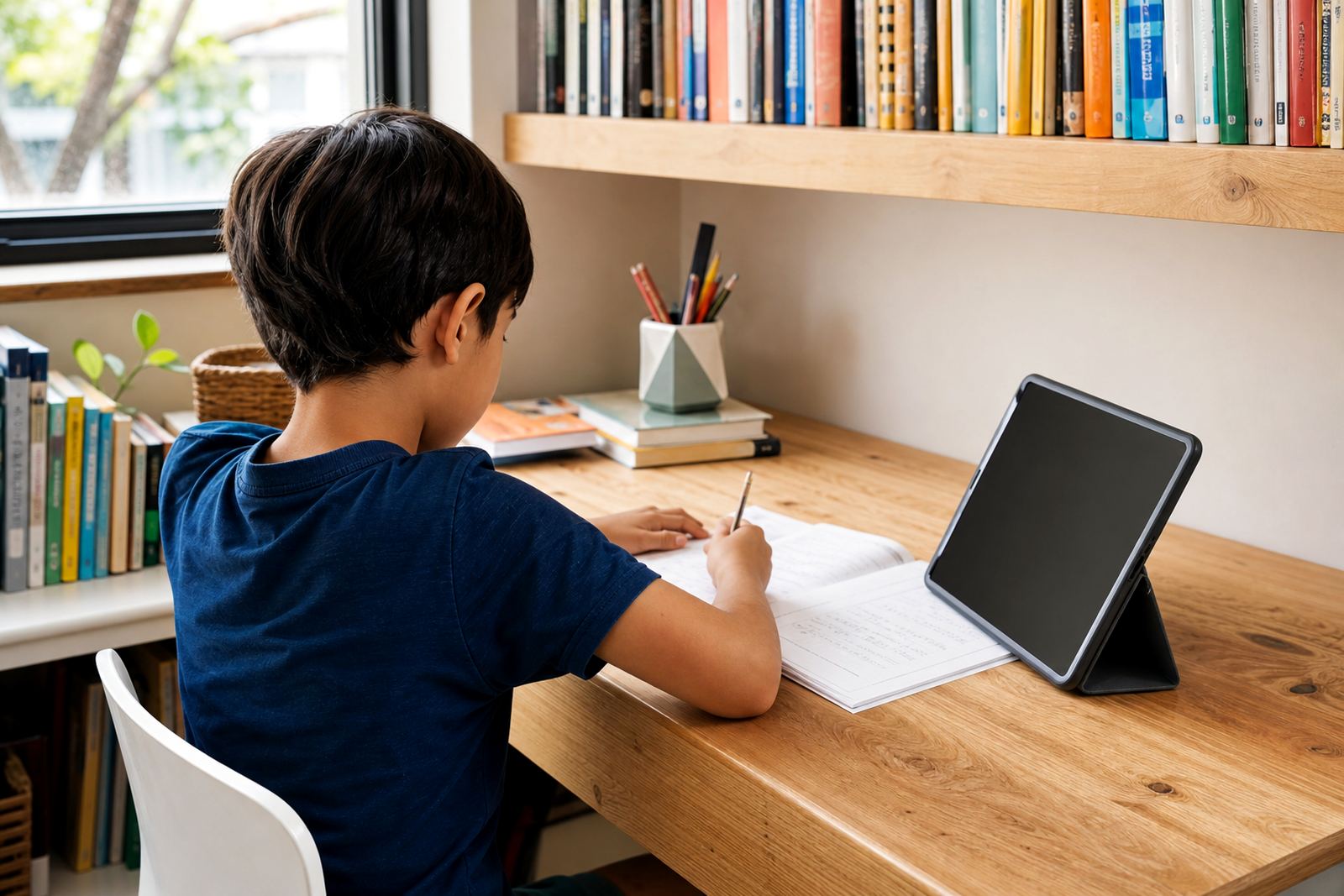
In many homeschooling homes, one device is doing too much. A child may use a laptop or tablet for lessons, then stay on the same screen for videos, gaming or chat apps once work is done. That is where good screen-time limits matter. They are not about banning devices, they are about making the day easier to manage.
A homeschooling plan usually needs to separate learning time, breaks, entertainment time and bedtime use. Without that, screens can slowly take over meals, chores and even family talk.
- Set school hours for learning apps only
- Keep entertainment apps off the main study profile
- Use different rules for weekdays and weekends
- Decide what happens when school is finished early
If your child has special learning needs or your home situation is more complex, it can help to speak to a qualified professional for advice that fits your family. Screen-time tools can support the routine, but they are not a medical or psychological solution.
Typical equipment in a homeschool setup
Most homeschooling families use a mix of laptops, tablets, smartphones, a home printer and at least one shared internet connection. Some also keep a smart TV in the living room for educational clips or language lessons. The problem is not the equipment itself, it is letting every screen have the same rules.
A practical setup usually starts with one main learning device per child where possible, plus a parent-controlled account. If siblings share a device, it helps to create separate profiles so school apps, browsers and entertainment apps do not mix. A phone can also need stricter controls than a laptop, because it is easier to carry away from the family area and use unsupervised.
- Laptop or tablet for lessons and assignments
- Smartphone with app limits and downtime settings
- Shared home router or mobile data connection
- Printer, headphones and charging points in one place
- TV or streaming device with clear viewing hours
A stable charging station in one room can save a lot of arguing later.
How to plan the home layout around school time
Homeschooling works best when the house has a clear rhythm. The learning zone should be separate from the entertainment zone if possible, even if that is just a corner of the dining room or a bedroom table. The point is to make the difference visible. When a child moves to a different space after lessons, the day feels more structured.
Screenage often helps families think through the practical parts of the day, such as when the child should access a learning app, when a break is due, and when the screen should be parked for the evening. This is especially useful where one parent is teaching, another is working shifts, or grandparents are helping with supervision.
A simple family media plan can include rules for music, video calls, research time, gaming and social apps. It can also cover who may change the settings, what happens during exams, and how to handle weekend catch-up work. That keeps the home rule from changing every day.
- Keep learning devices in a shared room during school hours
- Move entertainment devices out of the study area
- Use bedtime locks to stop late-night scrolling
- Agree on short breaks so children are not sitting for hours
Common mistakes homeschooling families make with screens
One common mistake is treating all screen time the same. Educational time and entertainment time are not identical, and a child often needs different limits for each. Another mistake is relying on verbal reminders only. A verbal rule can be forgotten by lunchtime, especially when there are several children and one parent is managing lessons, food and housework at the same time.
Another issue is making the rules too strict too quickly. If a family suddenly removes every favourite app, the household may spend the rest of the week in conflict. It is usually better to start with clear, fair rules and review them after a few days. Parents also sometimes forget to include older siblings, or they let one child have longer screen time because they are quieter. That can create resentment fast.
In some homes, the mistake is not enough supervision during the first setup. A child may know how to bypass settings, install new apps, or use browser workarounds. A proper family media plan includes checking the settings regularly, not only once at the start.
- Mixing school and entertainment apps on the same profile
- Using no bedtime limit on devices in bedrooms
- Changing rules without telling the whole family
- Allowing older siblings to set the tone for younger ones
- Forgetting to review controls after schoolwork changes
What families usually spend on a workable setup
Budget matters, especially when one household is covering curriculum, stationery and devices at the same time. A basic screen-time coaching and control setup can be kept modest if the family already has the devices. The main cost is usually the time spent setting up rules properly, plus any support needed to get the whole family aligned.
For many South African families, a practical budget may fall into one of these bands: under a quoted price for a basic one-off review and simple rules, a quoted price for a fuller family media plan and device setup guidance, or above a quoted price where several children, shared devices or co-parenting arrangements need more detailed planning. If new equipment is also needed, the device budget is separate and can rise quickly. Ask for a quote
It is worth spending a little more upfront if it prevents daily conflict later. A clear plan often saves money by reducing accidental data use, device damage and repeated app purchases.
Support for parents, grandparents and co parents
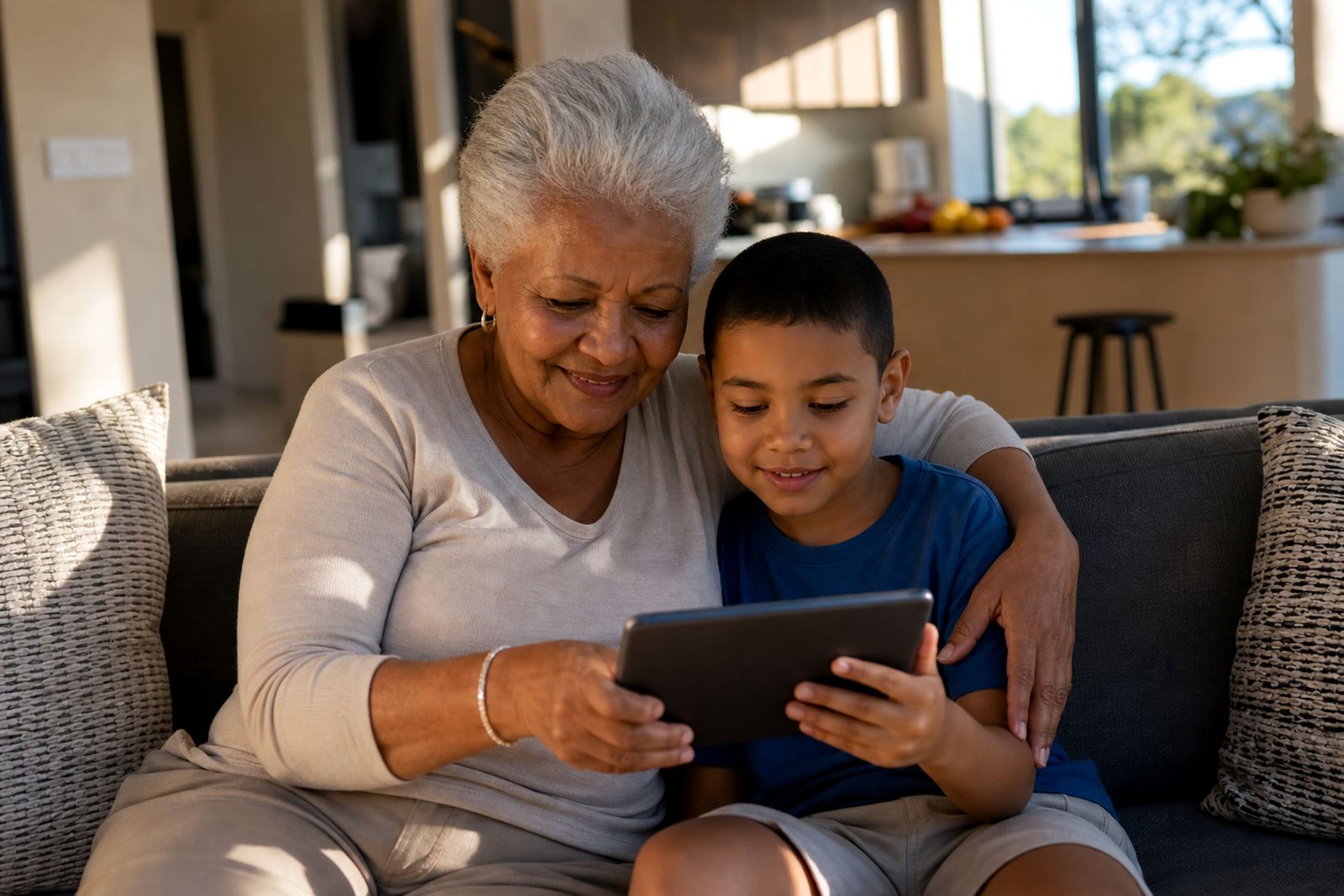
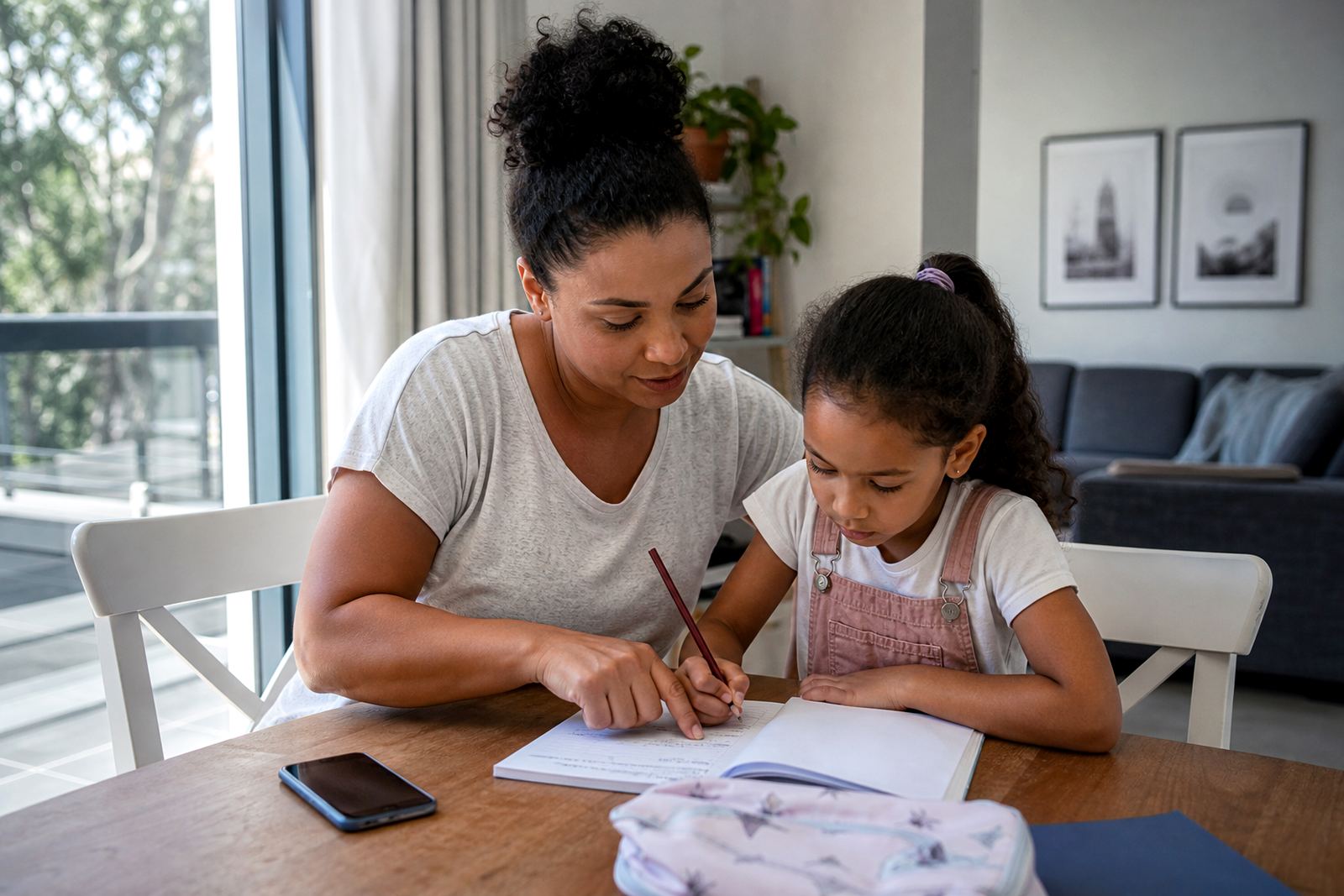
Homeschooling families are often supported by more than one adult. A mother may lead lessons, a father may work away during the day, and grandparents may help with afternoon supervision. If those adults are not using the same rules, the child gets mixed messages. That is where a family media plan session can help.
Screenage supports families across Cape Town, Johannesburg, Durban, Pretoria and Bloemfontein with practical rule setting for home learning, entertainment and evening shutdowns. The aim is not to remove screens from family life, but to keep them useful. For homes with shared custody or mixed routines, a co parenting alignment session can help everyone agree on the same approach across two households.
If your family is trying to fix a messy routine, start with the basics: who uses which device, when it is allowed, what the limit is, and where it is kept at night. Simple rules are easier to follow than clever ones, especially on busy school days.
- New Family Onboarding
- First Phone Planning
- Study Time Planning
- Family Media Plan Session
- Co Parenting Alignment