

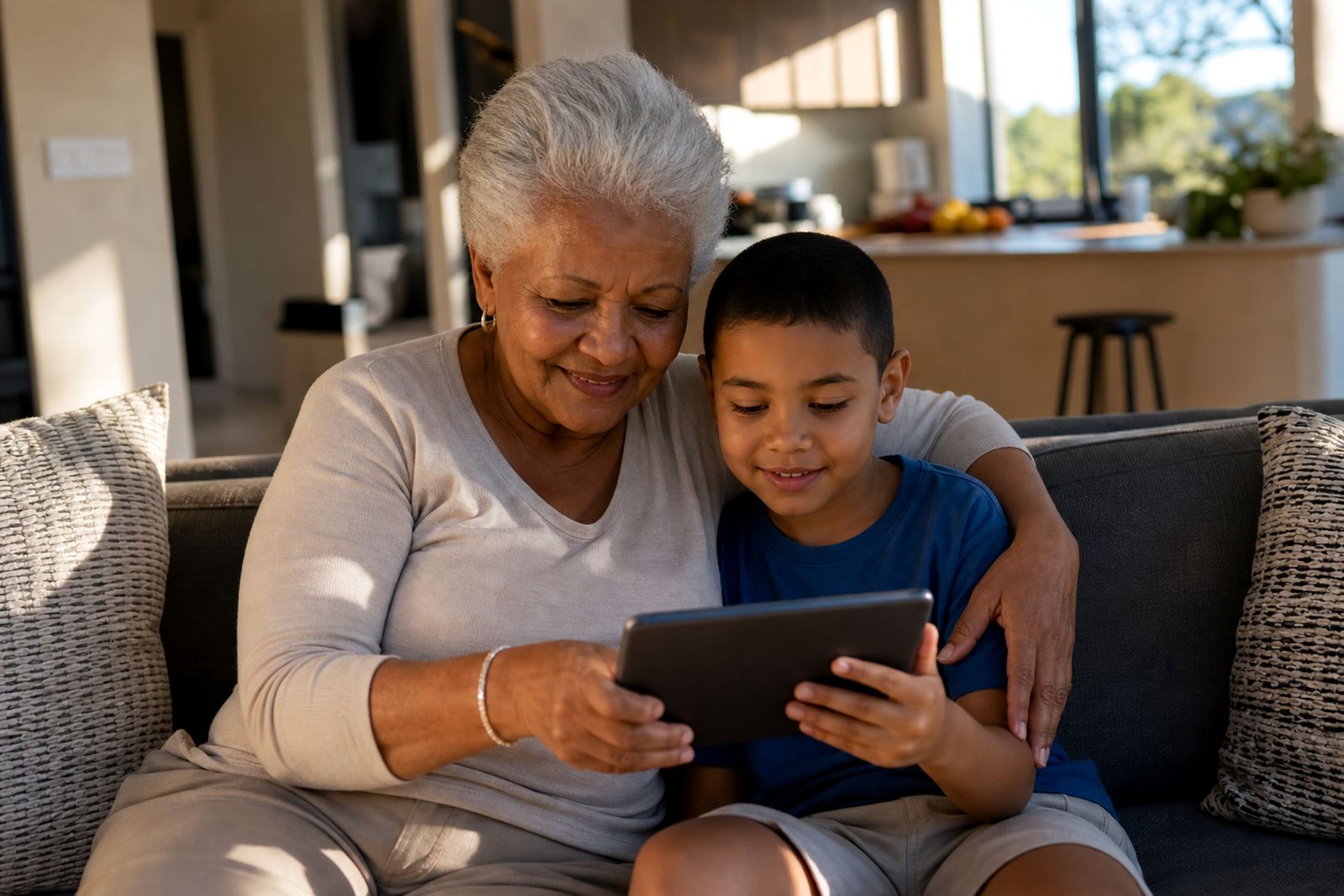


When Granny or Grandpa is the main carer
Many South African families rely on grandparents for school runs, meals and afternoon care, especially when parents are working long hours or travelling. In that setting, screen-time rules need to be easy to follow without a lot of arguing or app chasing. The goal is not to make every device use strict, it is to keep children safe, rested and able to switch off when needed.
For grandparent-led care, the best approach is usually one main phone or tablet per child, with simple limits for school days and a slightly different plan for weekends. Where children share a living room TV, it also helps to agree on when streaming is allowed and when devices stay off the table. If there are concerns about behaviour, sleep or anxiety, speak to a qualified professional rather than relying on app settings alone.
The usual setup in a grandparent household
A practical setup normally includes a parent or guardian account, one or more child profiles, and a family agreement that is written in plain language. In Durbanville and across Cape Town suburbs, we often see grandparents managing one tablet for homework and play, plus a phone used for calls or messages only.
- A child phone with call and app limits set by time of day
- A shared tablet for homework, reading and approved games
- A TV with a clear off time on school nights
- A charging spot in a common area, not behind a bedroom door
- A simple written family media plan on the fridge or near the kettle
For many families, a “first phone” setup is too complicated at the start, so it is better to begin with only the features that matter most. That usually means screen lock times, app approvals, bedtime limits and location or contact controls where needed.
How to set the house rules without confusion
Grandparents often do best with one short set of rules that everyone can remember. Keep the wording plain, avoid too many exceptions and use the same routine each day. Children cope better when the rule is not changed every time a parent phones or a cousin visits.
- No screens during meals unless it is a special family video call
- Homework first, then entertainment time
- No new app downloads without adult approval
- Devices charge in one shared place overnight
- Bedrooms stay screen-light after bedtime
A good family media plan also covers what happens when rules are broken. That might mean losing screen time for that day, or moving the device to a common room. The aim is consistency, not shouting. In many homes, grandparents find that once the routine is written down, everyone settles faster and there are fewer daily negotiations.
Planning for weekends, holidays and school breaks
Weekends and school holidays are where the biggest clashes tend to happen. Children want more time online, while grandparents may want quiet time, chores done and a bit of help around the house. A holiday screen plan can prevent the same argument repeating every morning.
For long breaks, it helps to split the day into blocks. For example, outdoor time before lunch, screen time after lunch and a final wind-down before supper. If cousins are staying over, the house rules should still apply to everyone. In Bloemfontein and Pretoria, where school holidays can mean long indoor hours during hot or wet weather, a clear plan can make the day easier to manage.
Typical coaching topics in this situation include study time planning, sibling fairness, social app boundaries and bedtime routines. If different adults care for the child at different times, a co-parenting alignment session can help everyone use the same approach.
Common mistakes that make things harder
One common mistake is giving the child full access because “it is only for a few hours”. That often leads to arguments when the timer ends. Another is setting limits on one device but forgetting the TV, tablet or gaming console. A third mistake is using different rules every day, which makes the child test boundaries more often.
Grandparents also sometimes feel pressured to understand every app in detail. That is not necessary. The practical steps are usually enough if they are applied consistently. If a child needs to contact a parent after school, keep that pathway simple and known to everyone. If a device is only for homework, remove entertainment apps or hide them from view where possible.
- Do not rely on memory for rules, write them down
- Do not set bedtime limits too late
- Do not leave app approvals to chance
- Do not mix reward time with endless scrolling
- Do not ignore the router or TV settings if they are part of the problem
Budget ranges for a practical family setup
Budget depends on whether the family already has devices, or needs to buy one for study and communication. A simple screen-time support plan can often be started with what is already in the home.
As a rough guide, many families in South Africa set aside between R0 and a quoted price for basic adjustments, help with settings and a written family media plan, if they already have the right equipment. A more complete setup with new child device controls, app configuration and a fuller planning session is quoted per job, depending on the number of devices and the amount of guidance needed. For households needing a new device as well, the total can be higher, especially if storage, battery and data needs must all be considered. Ask for a quote
It is usually better to start small and build up. A simple plan that grandparents can actually use is worth more than a long list of rules nobody follows.
How Screenage supports grandparent-led care
Screenage works with families across Cape Town, Durbanville, Johannesburg, Durban, Pretoria, Bloemfontein, Gqeberha and Stellenbosch, with care that stays practical for the home. For grandparent-led households, the focus is on simple app settings, clear household routines and support that is easy to repeat week after week. That might include New Family Onboarding, Grandparent Support Session, Family Media Plan Session or a Holiday Screen Plan.
For a family plan, write to Screenage through the contact page form with your children's ages and devices, then we help map out the family’s device use, daily routine and boundaries. The aim is to give grandparents a plan they can keep to without stress, whether the children are in primary school or older teens who need firmer limits. If there are health, behaviour or learning concerns, families should speak to a qualified professional for advice beyond screen-time management.