




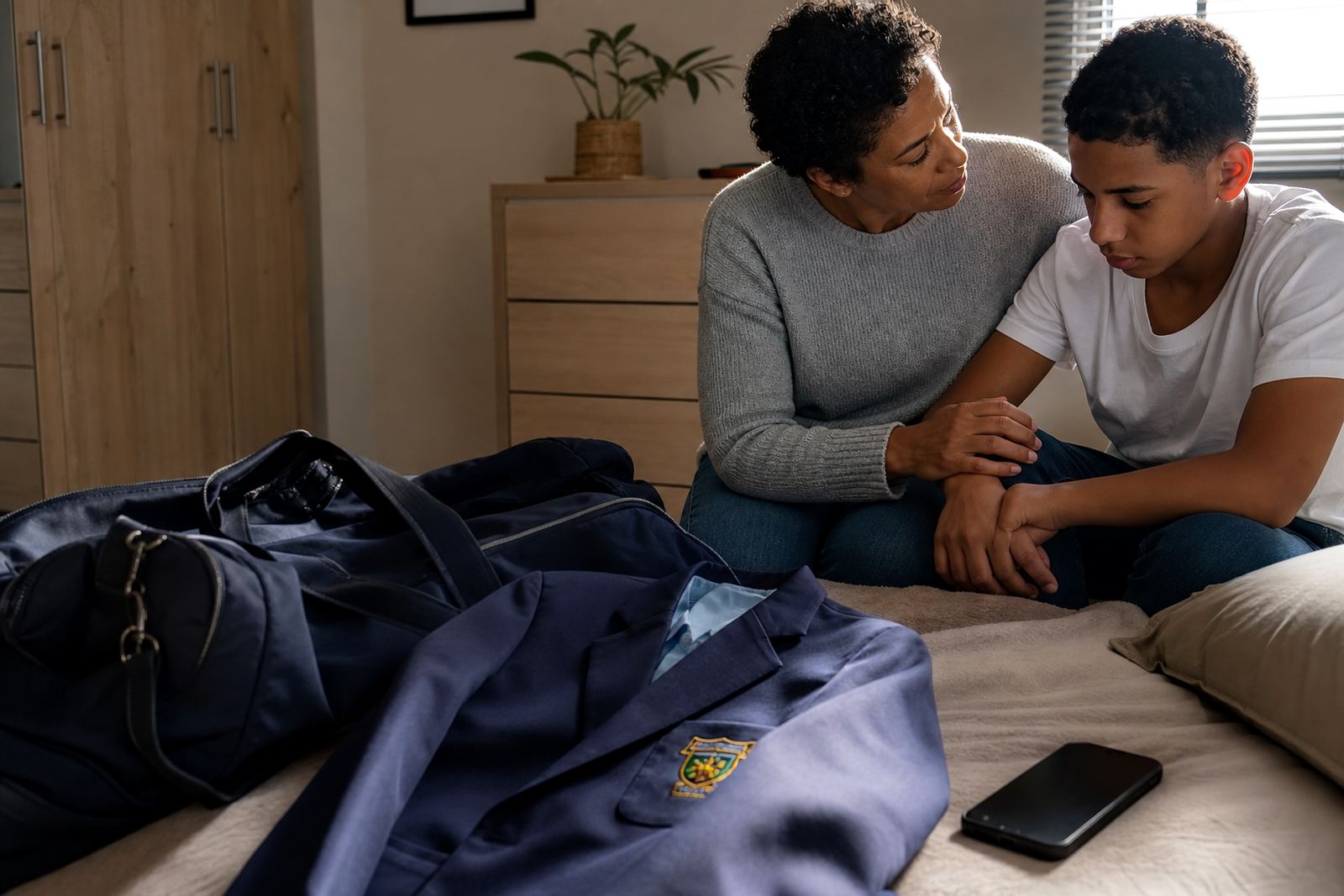
Why large sibling homes need different rules for each child
In a bigger family, one blanket rule usually causes trouble. A seven year old, a tween and a teen do not need the same app access, bedtime cut-off or gaming allowance, and parents often end up repeating themselves all week. The goal is not to keep everything identical, but to make it fair and easy to follow.
For families in Durbanville, Cape Town and across South Africa, the most practical approach is to use profile-based settings for each child. That lets you set age-appropriate limits, block risky downloads and keep homework time separate from entertainment time. It also helps when siblings share a tablet, a smart TV or a family laptop.
- Different screen-time limits for each child
- Separate access for games, social apps and video apps
- Bedtime rules that suit school nights and weekends
- Clear permissions for messaging, calls and in-app purchases
The typical equipment set in a busy family home
Large sibling families usually have a mix of devices rather than one neat setup. You may have a parent phone, one or two shared tablets, a laptop for school work, a smart TV in the living room and gaming devices in bedrooms or a family space. The challenge is not the number of devices, it is keeping them all aligned.
We normally look at who uses what, where the charger points are, and which devices stay in shared rooms. That matters in apartments, townhouse complexes and freestanding homes alike.
- One parent device for management and approvals
- Shared tablet or laptop for school and leisure
- Per-child profiles for older devices
- Gaming device rules for shared or bedroom use
Layout and planning that keeps sibling disputes down
Good planning starts with shared expectations. If one child is allowed an extra hour on a Saturday and another child is not, the reasons should be clear from the start. For example, one child may be finishing a reading assignment while another has sport, or a younger child may need an earlier bedtime. The rules can be different without becoming unfair.
We recommend writing a family media plan that covers school nights, weekends, holidays and travel. This is especially useful for families between Cape Town, Johannesburg and Durban where schedules shift often because of sport, events and long drives. Keep the plan short enough that everyone can remember it, and review it when school terms change. A practical plan also helps grandparents and other caregivers follow the same routine.
- Set household screen times by age and routine
- Place charging points in a shared area where possible
- Keep devices out of bedrooms overnight if that suits your home
- Use the same language for warnings, reminders and consequences
Common mistakes in homes with several children
One common mistake is using the same rule for all children and hoping it will feel fair. Another is changing limits every few days because someone complains. Children notice inconsistency very quickly, and sibling arguments often grow when the rules are fuzzy. A rule that works for Monday but not Thursday is hard to defend.
Another problem is giving full access to a shared device because it is easier than setting it up properly. That can lead to accidental purchases, late-night use or a younger child seeing content that is not right for them. It is better to spend a bit of time on the setup than to keep fixing the same problem later.
- Using one profile for all children
- Allowing free access on shared devices
- Forgetting bedtime controls on tablets and phones
- Not updating rules when a child moves from primary to high school
How Screenage supports larger families step by step
Screenage works best when the home has more than one child and the parents want a calmer routine. We start by looking at ages, school demands, sports schedules and the devices already in use. Then we help you decide which limits belong on each child profile and which rules should apply to the whole household.
Services that often help in larger sibling homes include New Family Onboarding, First Phone Planning, Sibling Fairness Session, Bedtime Routine Session, Study Time Planning and Family Media Plan Session. If co parents or grandparents also help with care, we can align the plan so that everyone is following the same approach. That gives larger households one clear plan instead of repeated debates between adults and children.
Our base is in Durbanville, Cape Town, and we support families in Gqeberha, Stellenbosch, Pretoria, Bloemfontein, Durban, Johannesburg and beyond. For a family plan, write to Screenage through the contact page form with your children's ages and devices.
Budget ranges for larger sibling homes
The cost depends on how many children need separate settings, how many devices are in the home and whether you want a simple review or a full family plan. Some families only need one session to sort out fairness across two or three children. Others need a more detailed setup because of shared devices, split households or a mix of school and gaming use.
As a guide, families is often quoted per job for a focused session, with more involved planning ranging a quoted price depending on the number of children and the scope of the work. If you are dealing with several devices and different care arrangements, it may take more than one session to get everything settled properly. Ask for a quote
That kind of planning can save time later, because fewer disputes means less repeated fixing.