


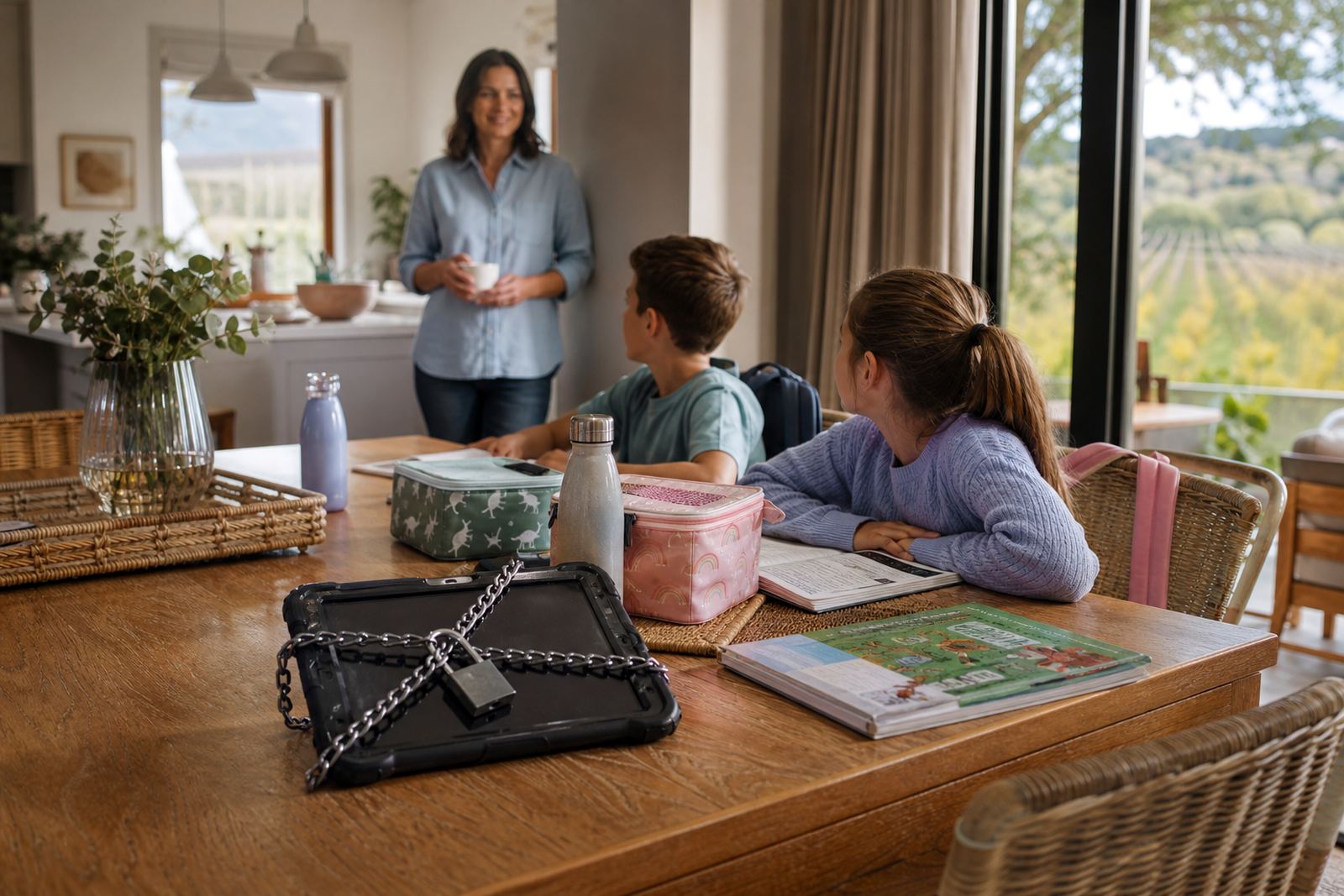


Holiday Breaks Changed the Rules at Home
The family came to us from Stellenbosch with a common problem: during term time the routine was steady, but once school closed for the holidays everything changed. One child was used to a fairly tight weekday structure at hostel, while at home the rules became blurred after a few days. The parents wanted screen-time limits that made sense for both seasons, without turning every school break into a fight.
The brief was practical. They wanted clear limits for phones, tablets and gaming, plus a way to handle later bedtimes, family visits and long car trips between the Cape Winelands and the city. They also asked for support that would work for both parents, and for grandparents who helped during holidays. No complex setup, just a plan the whole family could follow.
- Client type: family with a child in boarding school
- Town: Stellenbosch
- Main need: holiday mode screen-time rules
- Household focus: parents, child and extended family carers
What We Had to Keep in Mind
The main constraint was rhythm. In term time the child was away from home, so the family did not need day to day device rules in the same way. In the holidays, though, the household had to reset fast. That meant the plan had to be simple enough to explain in one sitting and flexible enough to handle different days, especially weekends, rainy days and public holidays when everyone is indoors.
We also had to work around the normal realities of South African family life. The home internet was shared, and a few family members used the same Wi-Fi for work and school admin. There was also the usual question of what happens when children visit cousins or spend time with grandparents who do things differently.
- Needed a holiday setting that could be switched on and off quickly
- Needed clear limits for bedtime, gaming and social apps
- Needed family members outside the parents to follow the same rules
The Family Media Plan We Put in Place
We started with a Family Media Plan Session and First Phone Planning, then shaped the holiday version around the child’s age, school routine and the parents’ household expectations. The goal was not to ban devices. It was to make screen use more predictable, with agreed times for study, rest, entertainment and family time. We set out device windows, no-screen periods and a bedtime routine that was easy to follow on school nights and holidays alike.
For this project, we used several parts of our service offering in one sequence. The parents also asked for a Teen Rule Reset because the older child had become used to stretching rules by day three of every break. We added a Sibling Fairness Session so the younger child would not feel treated differently, and a Grandparent Support Session so the wider family could keep the same approach when the children visited.
- Family Media Plan Session
- First Phone Planning
- Teen Rule Reset
- Sibling Fairness Session
- Grandparent Support Session
Holiday Mode Settings and Parental Controls
The technical side was kept straightforward. We helped the parents organise parental controls, app limits and device schedules so the screen-time rules could switch between term mode and holiday mode. The family wanted fewer arguments about when a phone could be used, so we focused on settings that reduced repeated checking and made the rules visible before anyone got upset. We also set up boundaries for social apps, gaming time and evening access, since those were the main pressure points.
Because the family moved between home, relatives and short trips, we built in a few practical safeguards. The settings allowed for longer daytime use on special days, but kept a firm cut-off in the evening. We also discussed what to do when a device was used for messages about lifts, sports plans or school admin. That detail matters in real homes, because one device can become the whole family’s notice board very quickly.
- Holiday mode screen schedules
- Bedtime device cut-off
- Social app boundaries
- Gaming time limits
- Flexible rules for special days and travel
Four-Week Timeline From Setup to Routine
The project ran over four weeks. In week one we held the first planning session and gathered the household routines, device list and main conflict points. In week two we set the screen rules, wrote the holiday version of the plan and checked the parent controls were working on each device. In week three we dealt with the grandfather and cousin side of the family, because those visits were often where the rules got softer. In week four we reviewed what had changed during the first holiday stretch and adjusted the settings for the next break.
The pace suited the family because they did not want a long programme. They wanted a proper start, a clear handover and enough support to make the first few days less messy. That worked well, since holiday routines usually break down when people rely on memory instead of a written plan. We kept things practical and left them with one page of clear guidance they could reuse.
- Week 1: intake and family routine review
- Week 2: settings and rule setup
- Week 3: extended family alignment
- Week 4: review and adjustment
What Changed in the Household
By the end of the project the family had a clearer holiday rhythm and fewer repeated conversations about devices. The child knew when entertainment time started and when it ended, which removed some of the pushback. The parents could also change the setting for a travel day or a special outing without rewriting the whole plan. That small change made a big difference to how the home felt during school holidays.
The strongest result was consistency. The family was not trying to manage screen time by mood or by who was in charge that day. The grandparents had simple instructions, the parents agreed on the rules and the child understood what to expect. There were still normal family disagreements, but the screen issue stopped taking up so much energy. For a boarding-school household, that matters because holidays are meant to feel like a break, not a second timetable.
- Clearer limits during holidays
- Less arguing over evening device use
- Better consistency across parents and carers
- Easy switching between term and holiday settings
What We Would Do Again for Similar Families
We would use the same approach again for any Stellenbosch family with a child in boarding school, especially where grandparents or other carers are involved. Start with the routine, not the device. Build the holiday plan around the family calendar, then set the controls to match. If there are siblings, make sure the rules feel fair. If there are regular trips to Cape Town, Paarl or the coast, allow for travel days and shared chargers too.
This kind of work is best done before the next break starts, not halfway through it. A family that knows what the holiday plan is, and who is allowed to change it, is usually in a better position to keep things calm. Screen time is only one part of the picture, but when it is managed properly the home often feels steadier all round. That was the goal for this Stellenbosch hostel family, and the plan stayed workable.
- Plan before the holiday begins
- Keep the rules simple enough for all carers to follow
- Build in special-day flexibility without losing the main limits
- Review the plan after the first break and adjust if needed
Quick facts
| Project type | Holiday mode screen-time setup for a boarding-school family |
|---|---|
| Town | Stellenbosch, Western Cape |
| Timeline | 4 weeks |
| Core services used | Family Media Plan Session, First Phone Planning, Teen Rule Reset, Sibling Fairness Session, Grandparent Support Session |
| Main controls | Screen-time limits, bedtime cut-offs, social app boundaries, gaming time limits |
| Household focus | Parents, child in boarding school, grandparents and siblings |