


Why the learning screen and the entertainment screen need different rules
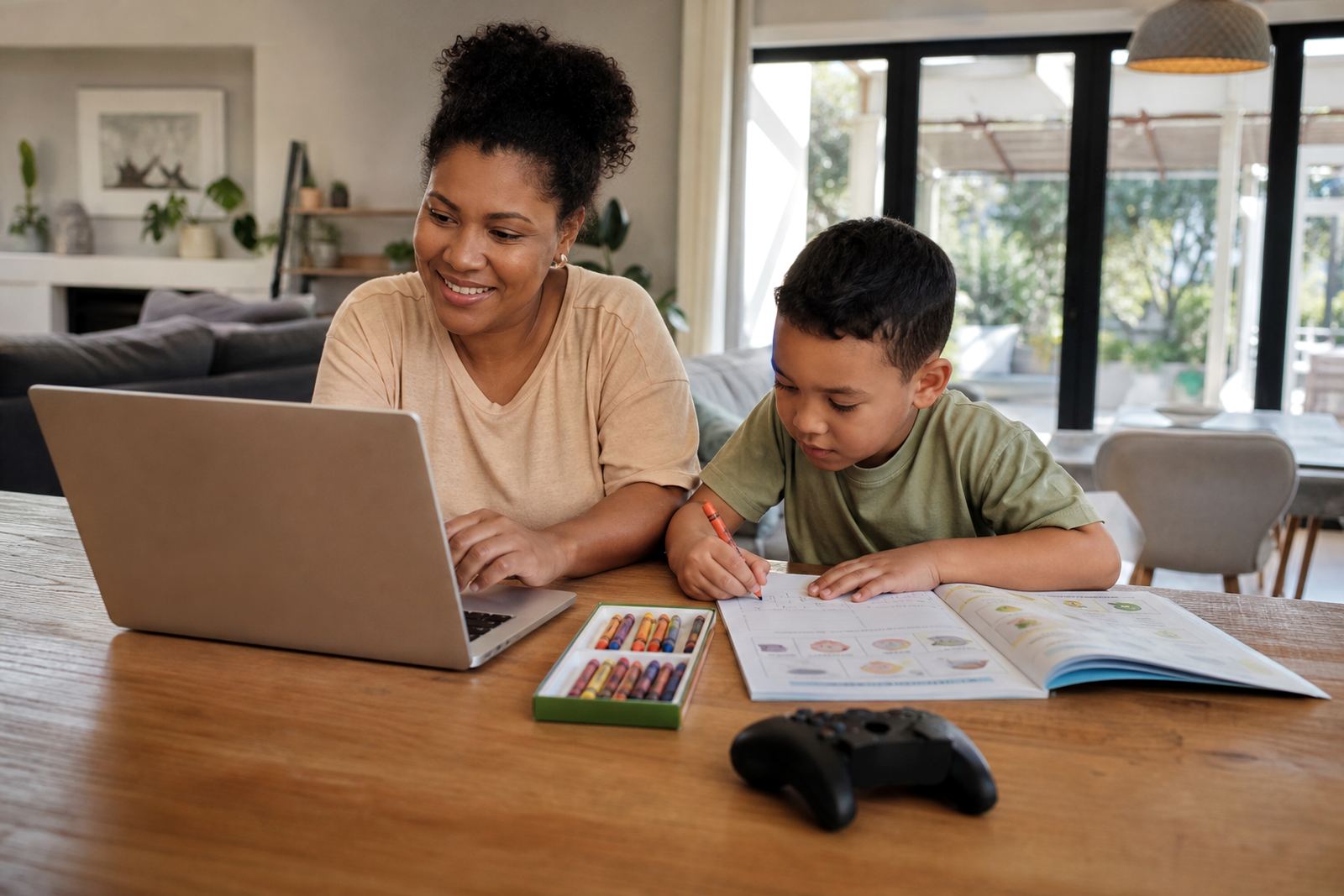
A phone, tablet or laptop can be a homework tool at 4 pm and an entertainment device at 7 pm, yet children often treat both the same. That is where confusion starts. If a child opens a maths app and then moves straight into videos or games, the original purpose of the screen gets lost. Families do better when they set rules around purpose, not just time.
In practical terms, learning screens are for school tasks, reading apps, research, typing, revision, online classes and approved educational content. Entertainment screens are for games, short clips, social apps and browsing for fun. The mix matters because children need to learn that not all screen use is equal. A 20 minute revision session has a different place in the day from 20 minutes of gaming.
This is not medical or psychological advice. If a child is struggling heavily with attention, sleep or behaviour around screens, speak to a qualified professional.
Start with one simple question: what is the screen for right now?
A good family rule is to ask, before every session, what the device is being used for. That one question can prevent half the arguments. It also helps children practise self control and makes it easier for parents to set a fair limit later on.
- Homework: school platform, notes, documents, research or message from the teacher
- Skill building: coding, language practice, music theory or educational videos
- Relaxation: games, series, short clips and general browsing
Once the purpose is clear, parents can set the limit to suit it. A school task may need 45 minutes, while entertainment might be allowed after chores and homework are done. The point is not to ban fun. The point is to avoid one activity quietly taking over the whole afternoon, which happens often in homes from Durbanville to Diepsloot, especially on rainy days when children are indoors and bored.
Use controls that match the age and the task
Parental controls are most useful when they match the child’s stage of development. Younger children usually need tighter boundaries, while teens may need more space but still require clear limits. A family media plan works best when it spells out what is allowed on each device, at what time and for how long.
Useful controls can include app approval, bedtime lockouts, website filters, daily time limits, purchase restrictions and downtime settings. Families can also keep learning apps available during homework hours while blocking entertainment apps until later. That way the device stays useful for school without becoming a free-for-all.
In many South African homes, the challenge is not only the child’s behaviour. A parent may need the same tablet to check school messages, pay accounts and keep a child busy while supper is being prepared. Clear settings reduce the stress.
- Set school apps to stay open during homework time
- Block games and social apps during the study window
- Use a bedtime setting so screens switch off before lights out
- Keep purchases locked behind a parent passcode
Signs that educational use is drifting into entertainment
Children do not always admit when a learning task has turned into something else. A quick worksheet may turn into a video hunt, and a spelling app may lead to a game inside the same device. Parents should watch for patterns rather than one off moments.
Common signs include extra tabs being opened, the child asking for more time without a clear reason, repeated complaints that a school task is taking longer than expected, or the device being carried off to a private corner. Another clue is when the child can name the assignment but cannot explain what was actually done on the screen.
Families can use a few simple checks:
- Ask the child to show what was completed
- Keep a short list of approved school sites and apps
- Check whether the time on task matched the actual work done
- Review browser history or app usage when needed
This is not about policing every move. It is about teaching honesty and building a habit of using devices with purpose. A steady routine is far easier than a big argument after supper.
A Durbanville example: one tablet, two different uses
Consider a family in Durbanville with two school aged children sharing one tablet. In the afternoon, the younger child uses it for a reading app and the older child uses it for science revision. After dinner, the same device becomes an entertainment screen for a short window of time. Without clear rules, the tablet would bounce between school, games and videos with no boundary.
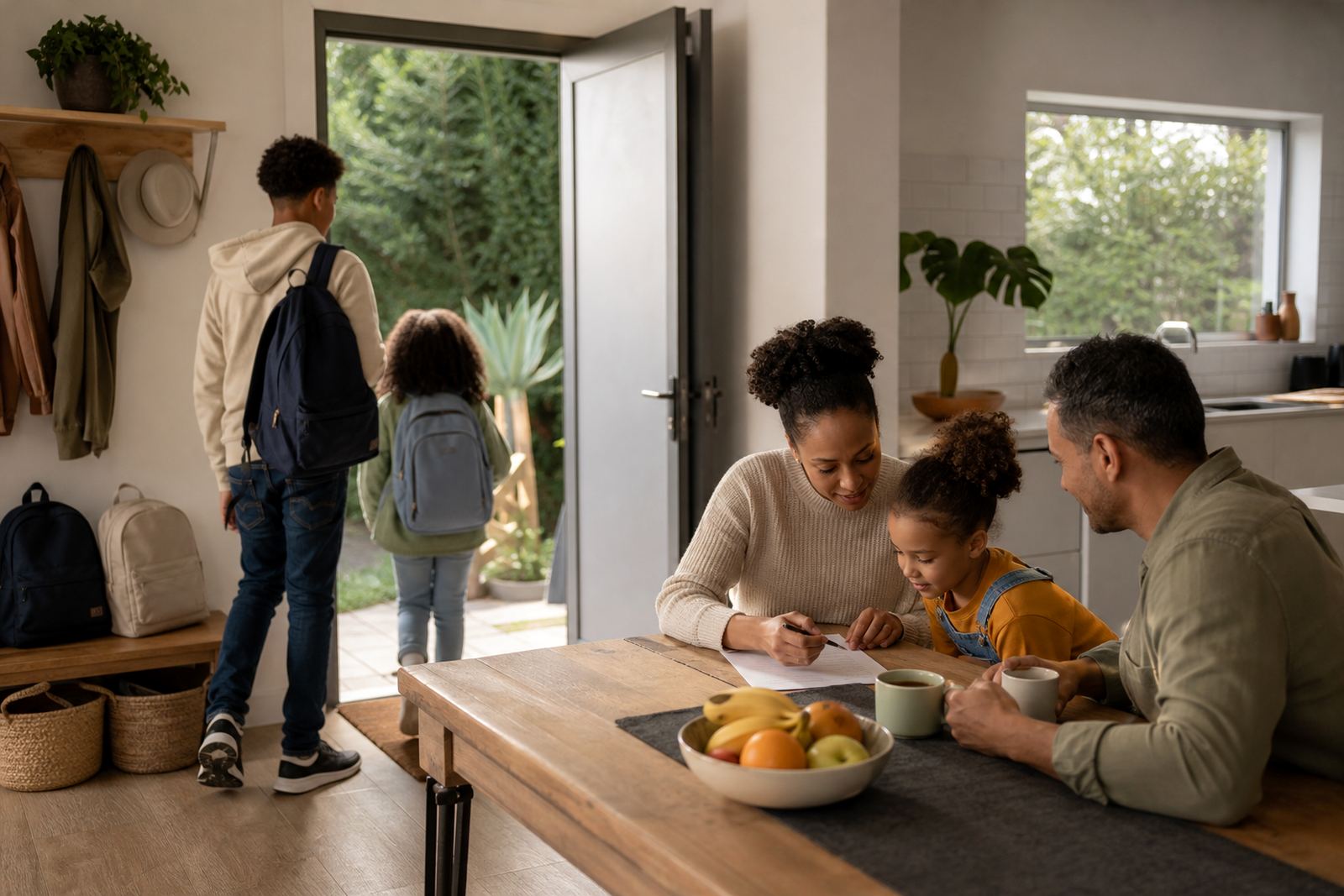
The parents set a family media plan with three parts. First, the tablet stays in the kitchen during homework. Second, only approved learning apps work during study time. Third, entertainment begins only after homework, bath and chores are done. On week nights the screen closes before bed so the children are not still awake looking at clips in the dark.
That kind of plan helps children understand that screens have a job. It also reduces the usual tug of war over who is “just finishing something”. The rule is not perfect and there may be small exceptions, but it keeps the household steadier and less tense.
Build a family media plan that covers both school and play
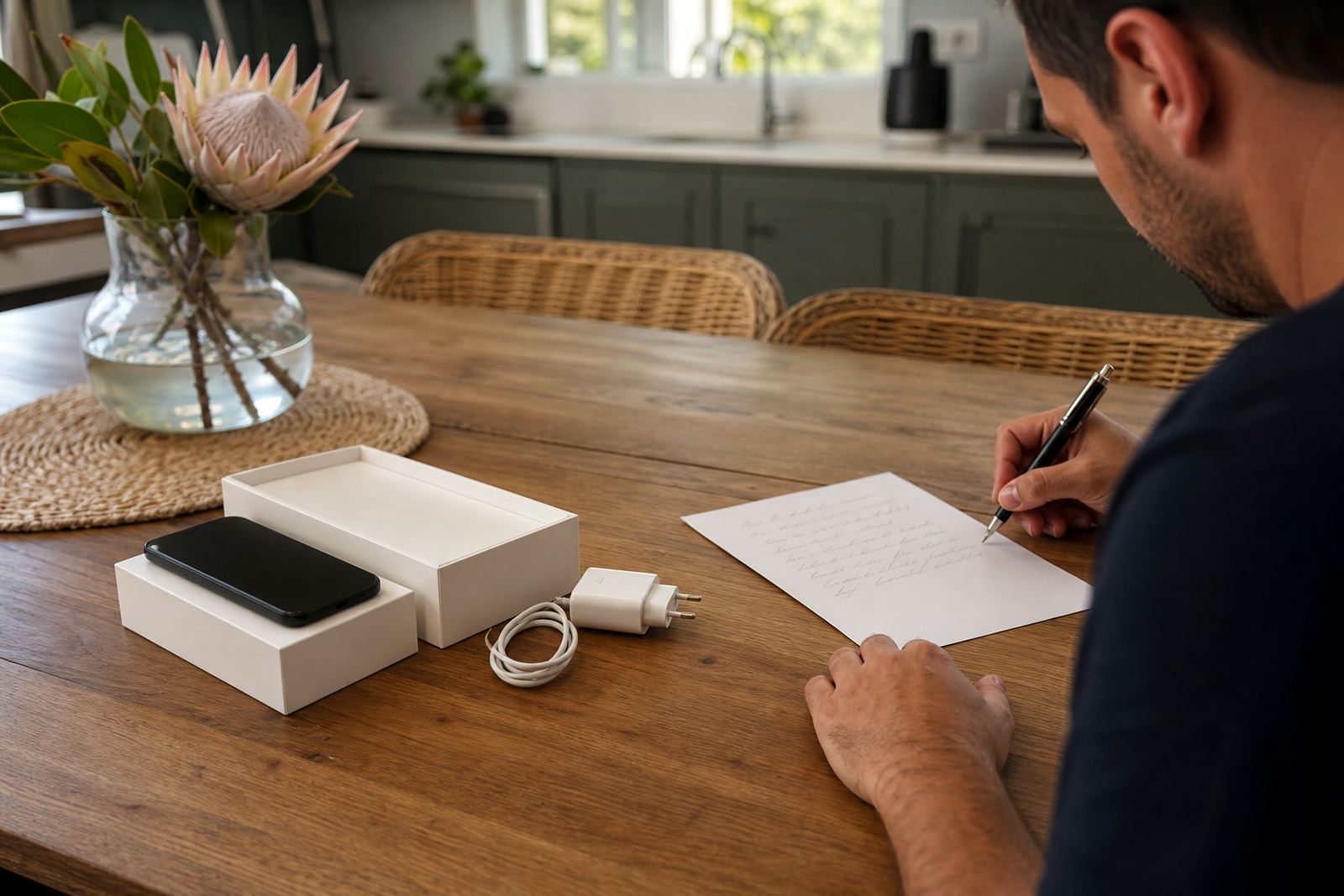
In practice, a family media plan is a written agreement for how screens are used at home. It should be practical enough for everyday life and flexible enough for school demands, birthdays and holidays. It should also be reviewed regularly because children grow and routines change.
A solid plan usually covers these points:
- Which devices are for school, and which are for entertainment
- What time homework starts and ends on school days
- When entertainment screens may be used
- Which apps, websites and games are allowed
- What happens if rules are broken
- How co parents, grandparents or caregivers will apply the same rule set
For families with children in more than one home, alignment matters even more. If one parent allows unlimited evening viewing and another enforces a strict cut off, children learn to argue for exceptions instead of following the plan. Consistency makes the rules easier to keep.
When to ask for help and how to keep the conversation calm
If screen use is causing repeated conflict, late nights, missed homework or constant battles over devices, it may be time to reset the plan. Some families need support with first phone rules, teen boundaries, sibling fairness or holiday screen planning. That support can be practical and calm, with clear steps that suit the household.
Keeping the conversation on routines rather than blame usually makes it more useful. Instead of saying a child is lazy or addicted, parents can say the plan is not working and needs adjusting. That wording lowers the temperature and makes it easier to find a solution.
It is a healthier pattern that gives learning screens a proper place and keeps entertainment in its place too. That way the device serves the family, instead of the other way around.