



Why the first hour after school matters most
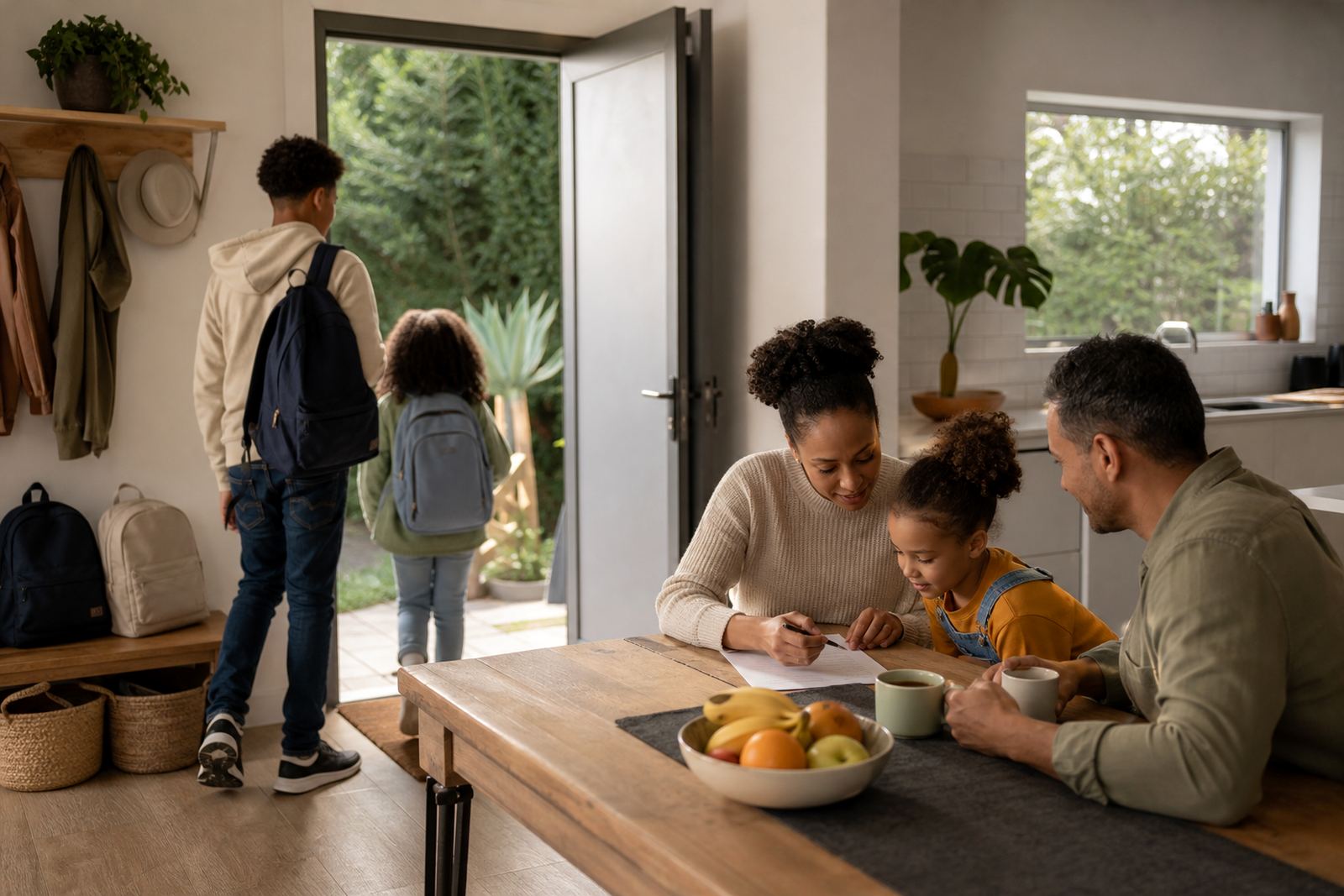
The hour after school usually sets the tone for the rest of the evening. Children may arrive home on a scholar transport van, walk in from aftercare, or come in late from sport and extra lessons, and each version of the afternoon brings different pressure points. That is why many families find it easier to start with a simple rule: no open-ended screen use the moment a child gets home.
Instead, the first part of the afternoon can be anchored by the same few steps each day. A snack, water, a short check-in and a clear plan for homework or play often work better than a long list of reminders. When children know what happens first, they are less likely to argue about what comes next.
- Keep the first 20 to 30 minutes screen-light if possible.
- Use a quick check-in to see what school work is due.
- Let children choose between a snack, quiet time, or a short walk before screens.
Build screens into the routine instead of leaving them loose
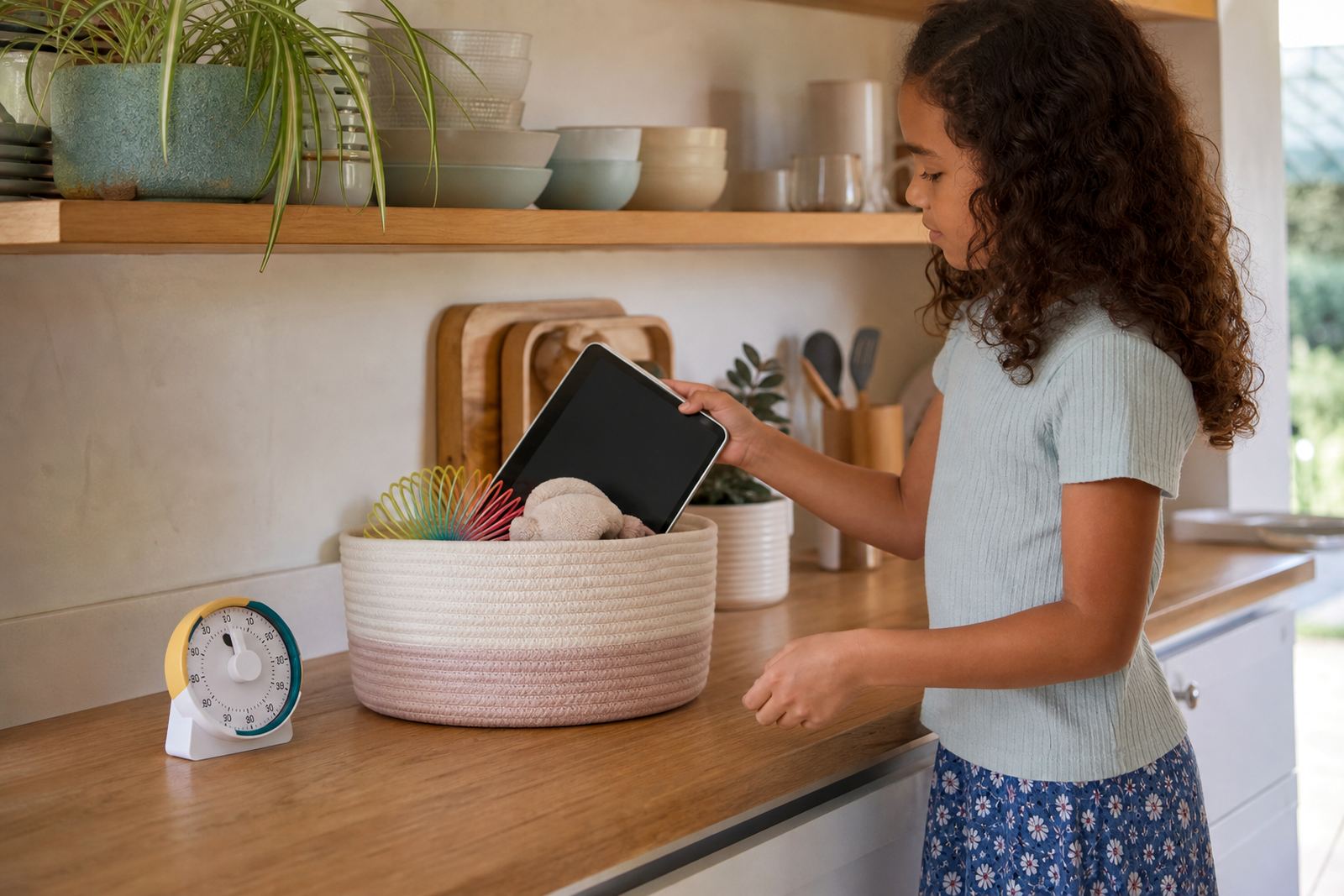
Screen time is easier to manage when it has a place in the routine, rather than being treated as a reward that can be argued for all afternoon. A family media plan can set out when screens are allowed, how long they may be used, and what happens when homework, chores or rest need attention first. This is not about controlling every minute. It is about making the afternoon predictable.
For many homes, the best arrangement is to place screens after the first block of homework, or after a set indoor task such as unpacking the bag, changing out of school clothes, and eating a snack. That way, children do not feel screens are being taken away unfairly. They learn that digital time is part of the day, just not the whole day.
- Set a daily screen window, such as 30 to 60 minutes after homework.
- Use parental controls to pause apps during study time.
- Keep devices out of bedrooms during the afternoon where possible.
Use transport time and snack time without letting the afternoon drift
In Durbanville, many families have a mix of aftercare, sport, traffic delays and split pick-up times, so the after-school routine is rarely neat. A child may be waiting for a lift, eating in the car, or coming home while a parent is still stuck on the N1. In these moments, screen use can be helpful, but only if the family has already agreed on the rules. Otherwise, the phone becomes a default babysitter and the evening can unravel before supper.
A useful approach is to treat transport time and snack time differently. Transport time may allow a short game or a downloaded video while the child is waiting, while snack time at home can be device-free so the family gets a real pause together. Small choices like this can make the whole afternoon feel steadier.
- Allow limited, pre-agreed use while waiting for lifts or siblings.
- Keep mealtimes and supper preparation screen-free where possible.
- If there is a delay, tell children what the new plan is instead of saying “later”.
Make homework the anchor, not the argument
Homework is often where after-school screen habits fall apart. A child says they need a phone for a research task, then moves straight into messages or games. Another child keeps checking notifications between sums or spelling. This is where parental controls and clear family rules can help. They do not replace parenting, but they can reduce the number of times you need to repeat yourself.
It helps to separate school use from social use. A child can have access to study tools during the homework block, while social apps stay off until work is finished. Some families also use a simple checklist on the fridge or kitchen counter so everyone can see what must happen before entertainment time starts. That kind of routine works well when a parent is cooking supper and cannot supervise every minute.
- Use one set time for homework and one set time for entertainment.
- Keep study apps and social apps separate if the device allows it.
- When work is done, give a clear release point instead of changing the rule each day.
Plan for tired children, siblings and shared devices
After school is also the time when family fairness becomes a real issue. One child wants the tablet, another wants the TV, and a third says it is unfair because they have less time than the others. Shared devices can work well, but only if the family has a simple rotation and everyone understands it. Otherwise, the same complaint comes up every afternoon, especially when children are tired and less patient.
A sibling fairness session can be useful here, because the problem is often not screen time itself but the feeling that one child gets more access than another. Families can decide whether each child gets a turn, whether the device stays in a shared room, and whether older children get slightly longer study-related access. It is also worth remembering that tired children are more likely to overreact, so a calm rule is usually better than a long debate.
- Write down whose turn it is and for how long.
- Use the same room for shared screens if possible.
- Adjust timing for age, homework load and after-school activities.
A Durbanville example: calmer afternoons on a school week
Take a typical weekday in Durbanville. A Grade 5 child arrives home at 3:15 pm after a full day, hungry and keen to switch on a tablet. The parent is still finishing a work call, the older sibling has hockey later, and supper will only start around 6 pm. Without a plan, the child may spend the whole afternoon drifting from one app to another, then rush homework after supper or get upset when the device is taken away.
A better routine is simple. Snack first, then 30 minutes of homework, then 20 minutes of screen time, then a break before sport or supper. If the family has a special version of the plan for exam weeks, that can be used too. The key is consistency, not perfection. A family media plan should fit real life in Cape Town, not ideal life on paper. If concerns about mood, sleep, attention or conflict keep building, speak to a qualified professional for guidance rather than trying to diagnose the issue at home.
- Keep the routine short enough that children can remember it.
- Use the same order most weekdays so the habit sticks.
- Review the plan every few weeks, especially when school demands change.
What a practical after-school screen plan should include
A good after-school plan is not only about the amount of screen time. In South Africa, families also need to think about battery life, mobile data use and whether the internet is available at the right time of day. If the Wi-Fi is unreliable, the routine needs to work even when connectivity does not.
The best plans are the ones that children can explain back to you. If they can say when screens are allowed, what they must finish first, and where the device may be used, then the routine is likely clear enough. Parents do not need perfect control. They need a plan that holds up on an ordinary Tuesday.
- Set a weekday rule and a separate holiday rule.
- Review the plan with all caregivers, including grandparents and aftercare.