


Start With a Clear Study-Time Rule
Before changing any settings, agree on what homework time looks like in your home. Keep it simple: one start time, one end time, and one clear rule about what can stay on the device during schoolwork. For many Durbanville families, that means allowing only learning apps, a calculator and the browser needed for class tasks, while everything else is paused.
It helps to match the rule to the child’s age and workload. Younger children usually need firmer limits, while teens may need a bit more freedom for research and school platforms. The point is not to watch every tap, but to reduce the number of choices and notifications pulling attention away from the task.
If your child uses a phone, tablet and laptop, apply the same study rule across all three where possible. Mixed rules create arguments. One consistent plan is easier for parents in Cape Town, Johannesburg or Bloemfontein to explain and easier for children to follow.
Set Up Study-Time Controls on Every Device
Homework controls work best when they are applied before the child starts working. Most families use a mix of app limits, app blocks, downtime settings and content filters to keep school hours tidy. If your household has shared devices, check that each child has the right profile and age settings in place.
- Block social apps, games and streaming during homework hours.
- Allow school apps, educational sites and approved messaging only.
- Use downtime settings to mute notifications after school starts.
- Set a device passcode that children do not know.
- Review browser access so searches stay focused on schoolwork.
Keep chargers ready and if possible, let a laptop or tablet be used in one common room rather than in a bedroom.
Build a Simple Family Media Plan for School Nights
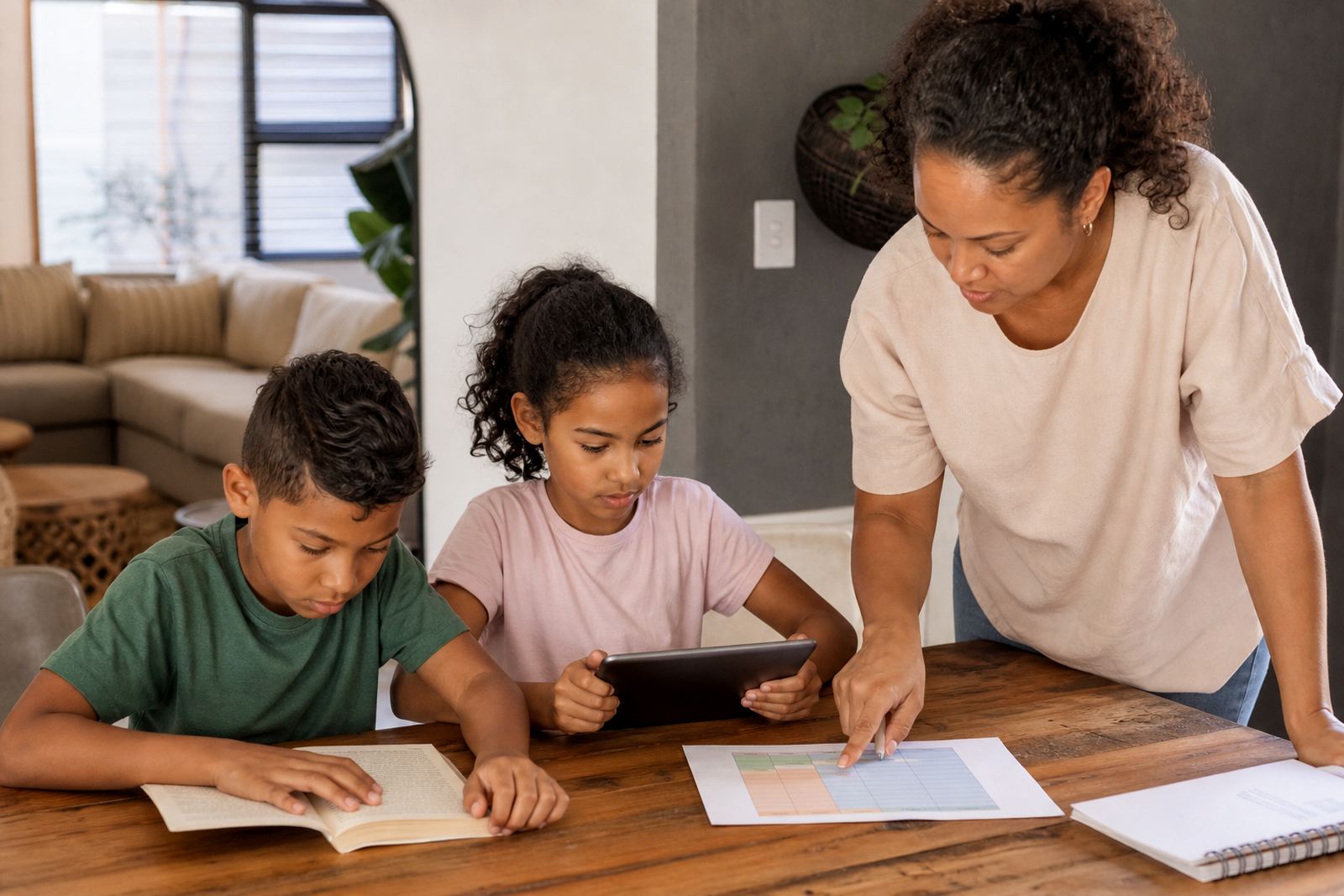
With a family media plan, everyone is working from the same set of rules. It sets out when homework starts, what happens if work is unfinished and when screens can be used again after study time. Keep the language plain and make the plan visible on the fridge, study wall or near the charging point.
Many families find it useful to split the evening into three parts: settle, study and switch off. First, phones go on charge in a common area. Then homework gets done with only approved learning tools open. After that, the child can use personal screen time again, if it is still within the day’s limit.
- Write the homework start time and finish time.
- List the only apps or sites allowed during study time.
- State where devices charge after school.
- Decide what happens if the homework is not finished on time.
- Set a rule for older siblings who need different limits.
For families in Stellenbosch, Pretoria or Gqeberha, a good plan also covers after-school activities, taxis, late dinners and weekend catch-up work. The more specific the rule, the less back and forth there is later.
Use Checklists to Keep Homework Time on Track
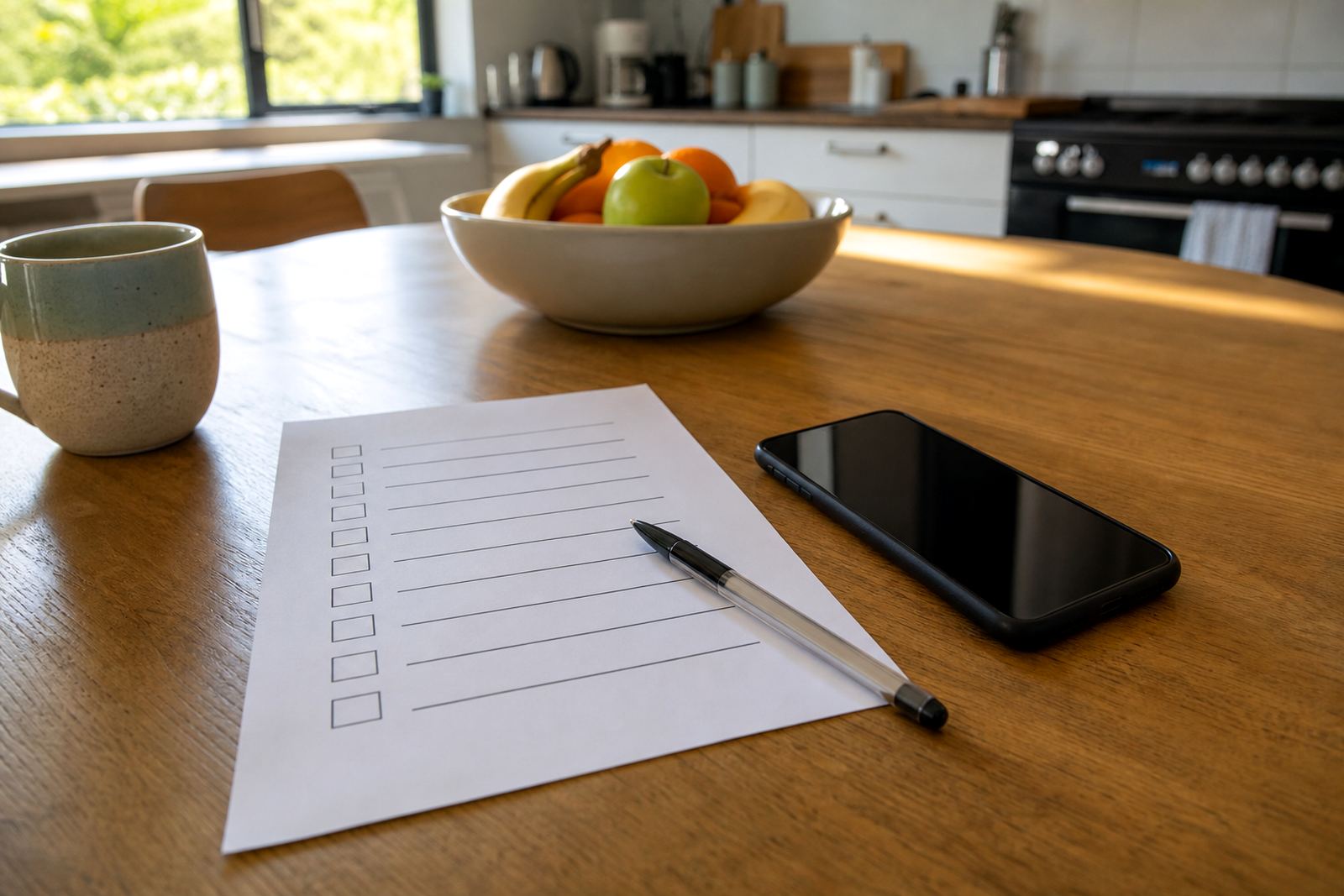
A short checklist helps children start faster and complain less. Keep it near the study area so the child can work through it before opening any app. This also helps parents see whether the delay is due to missing books, a dead battery or a distraction problem.
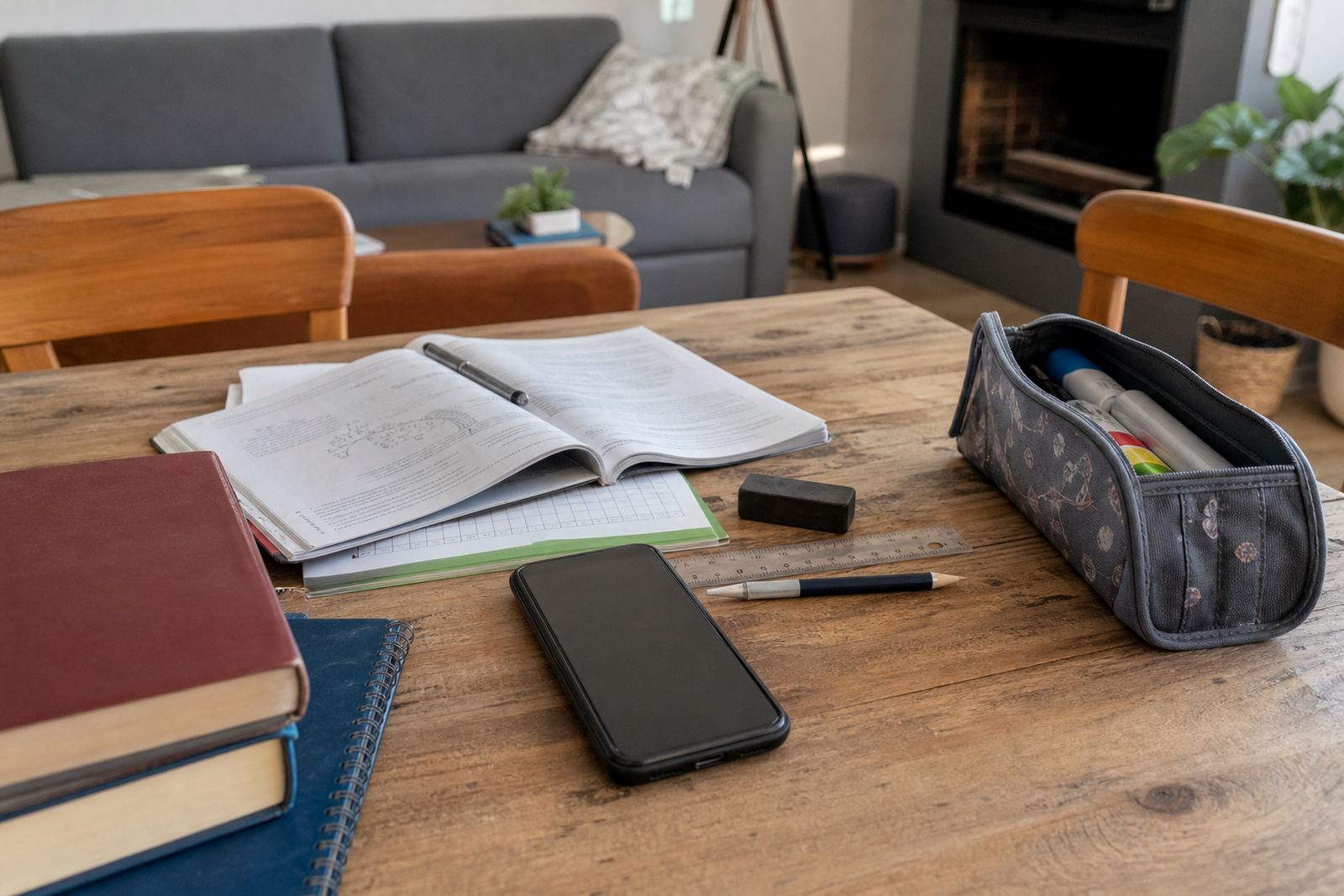
- Homework book, textbook and pencil case ready.
- Device charged and on the correct profile.
- Notifications off or silenced.
- Only approved school apps open.
- Water and snacks sorted before the timer starts.
- Parent or caregiver knows the finish time.
If your child keeps wandering off task, reduce the number of steps at the start. In some homes it is enough to say, “Homework first, everything else later.” In others, especially where siblings share a room, you may need a quieter spot and a shorter work block. Two focused 20 minute sessions can work better than one long, messy hour.
Handle Gaming, Chat and Social Apps After Schoolwork
Many homework battles begin when games and chats stay open in the background. The cleanest fix is to close those apps fully before study time begins, then reopen them only after the homework block is complete. That way the child is not trying to switch from maths to a game and back again.
For teens, a fair rule may be to allow a short check-in window after school, then pause all entertainment apps until homework is done. If the child needs messaging for group work, keep it limited to the school group only. This is about reducing distraction, not blocking every form of connection.
If your child argues that they “need” a gaming break to concentrate, test it against the homework results. Some children truly do better with a short break, but many just lose time. A family media plan should be practical, not perfect.
Adjust the Rules for Exams, Holidays and Shared Homes
Homework controls should change when the school schedule changes. During exams, tighten the rules a little. During holidays, ease them back with clear start and stop times so screens do not take over the whole day. Shared homes need extra clarity too, especially where grandparents, carers or older cousins help with afternoon routines.
Use the same approach for co parenting homes and extended family homes. Everyone should know which limits stay the same, which can shift and who is allowed to change the settings. When adults disagree, children usually find the gaps. A single agreed plan saves a lot of effort later.
If screen use starts affecting sleep, school marks or family conflict, speak to a qualified professional for advice. Screen rules can support better routines, but they are not a treatment or a diagnosis. For most families, the goal is simple: enough structure for schoolwork, enough freedom for family life, and fewer fights at the table.
A Quick Homework Controls Review Before the Term Starts
Before the term gets busy, take ten minutes to review the homework setup. Check the device profiles, the app limits and the family rules together. A small reset at the start of term can save weeks of reminders later.
Use this final check before school nights begin again:
- Have study-time limits been set on every child’s device?
- Are social, gaming and video apps blocked during homework hours?
- Does each child know where to charge their device?
- Is the family media plan written down in plain language?
- Do both parents or caregivers follow the same rule?
If you need help shaping a plan that fits your home, Screenage works with families in Durbanville, Cape Town and across South Africa. Our team can help with study time planning, first phone planning, sibling fairness and family media plans, so homework time feels calmer and more predictable.