


Start With the Holiday Pattern, Not the Device
Before you change any settings, map out what the holiday will actually look like. Will the children be at home in Durbanville, travelling to grandparents in Bloemfontein, or spending long days near the coast in Durban where wet weather can push everyone indoors? The more clearly you picture the days, the easier it is to set limits that fit real life rather than an ideal schedule.
Think about travel time, longer mornings, late sunsets, and whether there will be shared devices in the car or at a holiday house. A family media plan works best when it takes the holiday rhythm into account from the start, so you are not adjusting things every second day.
- List the days when routines will change.
- Note travel days, family visits and rainy day plans.
- Decide which devices will be used at home and away from home.
- Choose the few non-negotiables, such as bedtime or mealtime cut-offs.
Set Temporary Limits That Match the Break
Holiday settings should usually be different from school time settings, but not so open-ended that they disappear completely. A good approach is to keep your usual rules visible and then loosen only the parts that make sense for the break. For example, you might allow a little more afternoon gaming while still keeping a clear stop time before supper, or allow a longer morning window on weekends only.
If siblings share devices, set the same basic structure for all of them first. That reduces arguments and makes it easier to explain why one child is not getting a separate rule. You can always make small age-based adjustments later, but the household framework should stay steady.
- Keep one bedtime limit for all devices.
- Allow extra time only in agreed holiday windows.
- Use app limits, device timers or scheduled downtime.
- Turn off automatic access for the hours you want family time.
Use Parental Controls Before the First Holiday Day
It is much easier to prepare controls before the holiday starts than to fix them after the first late night. Check the settings on each device, not just the main one, and make sure password access is with the parent or caregiver who will actually be present. If children move between homes, it helps to note which adult is responsible for changing settings and which rules apply where.
Cover the basics first: screen-free times, app approvals, age ratings, web filters where needed, and purchase controls. For many families, that is enough. You do not need to lock everything down, but you do need a plan that does not rely on children remembering the rules on their own.
- Set a passcode that children do not know.
- Review app approvals and purchase permissions.
- Check content filters for games, streaming and browsers.
- Make sure shared devices have the same holiday schedule.
Build a Simple Family Media Plan for the Holiday
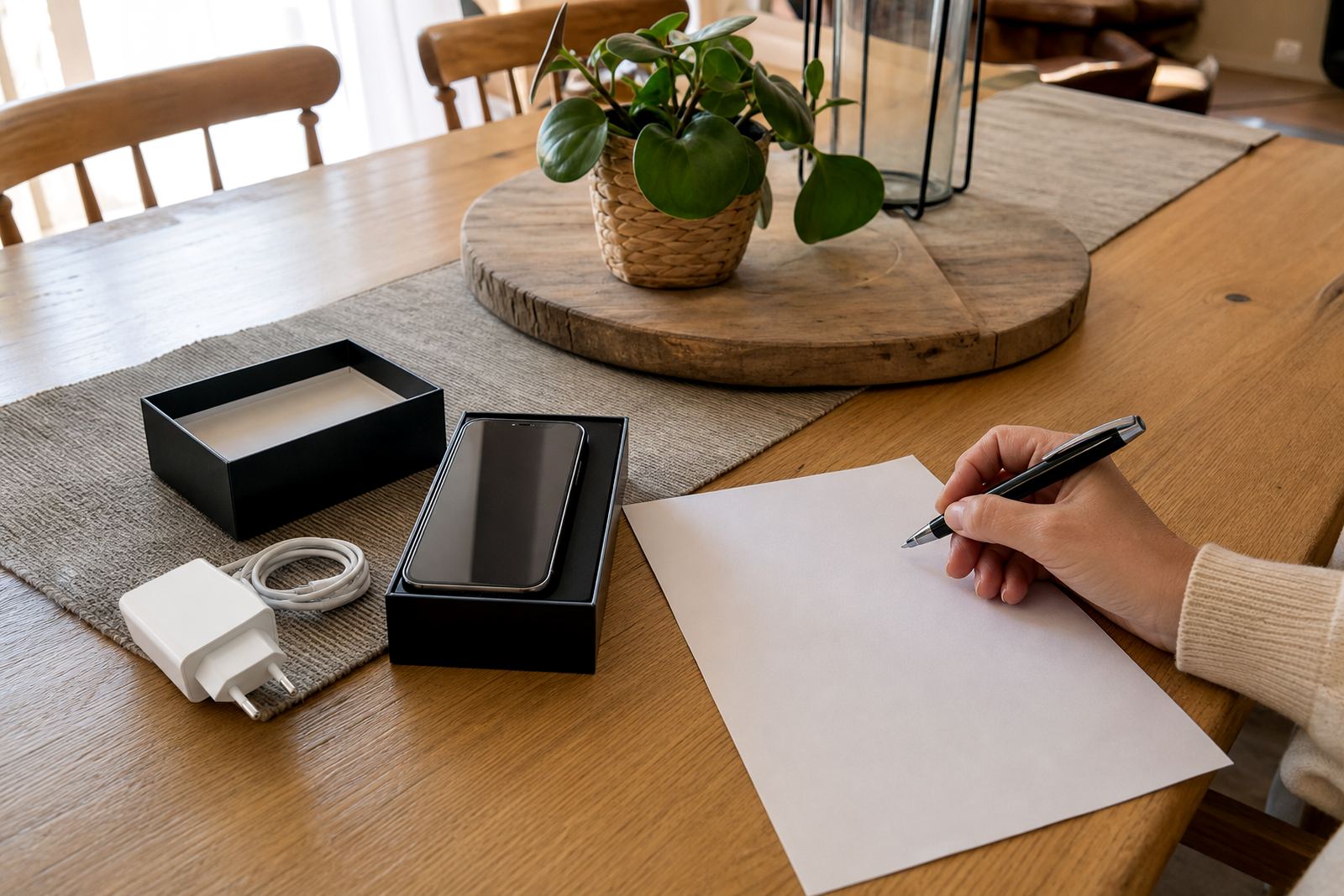
A holiday media plan does not need to be long. It just needs to be clear enough that everyone knows what happens before, during and after screen time. Write down the main rules in plain language and keep them somewhere visible, such as on the fridge or in a family chat that the adults can see. This is especially useful when grandparents, babysitters or cousins are involved.
Include the times when screens are allowed, what to do if a child asks for extra time, and which activities count as screen time.It also gives children something to point to when they are feeling disappointed, which helps the conversation stay calmer.
- State the start and stop times for each day.
- List approved apps, games and video services.
- Decide whether screens are allowed at meals or in bedrooms.
- Explain who can change the rules and when.
Plan for Travel, Visitors and Wet Weather
Holiday plans often change once family arrives or the weather turns. Temporary settings should be practical enough to handle those shifts without leaving you scrambling.
For travel, it helps to preload offline entertainment and decide in advance how much screen time is allowed in the car. For visitors, it can help to agree on house rules before the first cousin arrives.
- Download content ahead of time for travel days.
- Agree on car screen rules before setting off.
- Let visiting family know the house rules early.
Reset the Routine When School Starts Again
The last step is often the one people forget. Holiday settings should be temporary, so build in a reset date before the break begins. A few days before school starts again, move bedtime limits back, reduce daytime access and return to the normal family routine. Children usually settle better when the change is predictable rather than sudden.
If the holiday plan worked well, keep notes on what should stay and what should go. Maybe one new rule made mornings easier, or perhaps a later Friday allowance worked well for everyone. Use that information to refine the regular family framework, not replace it completely.
If you are unsure how to handle a particular situation, or if screen use is causing ongoing conflict at home, speak with a qualified professional who can give guidance suited to your family.