

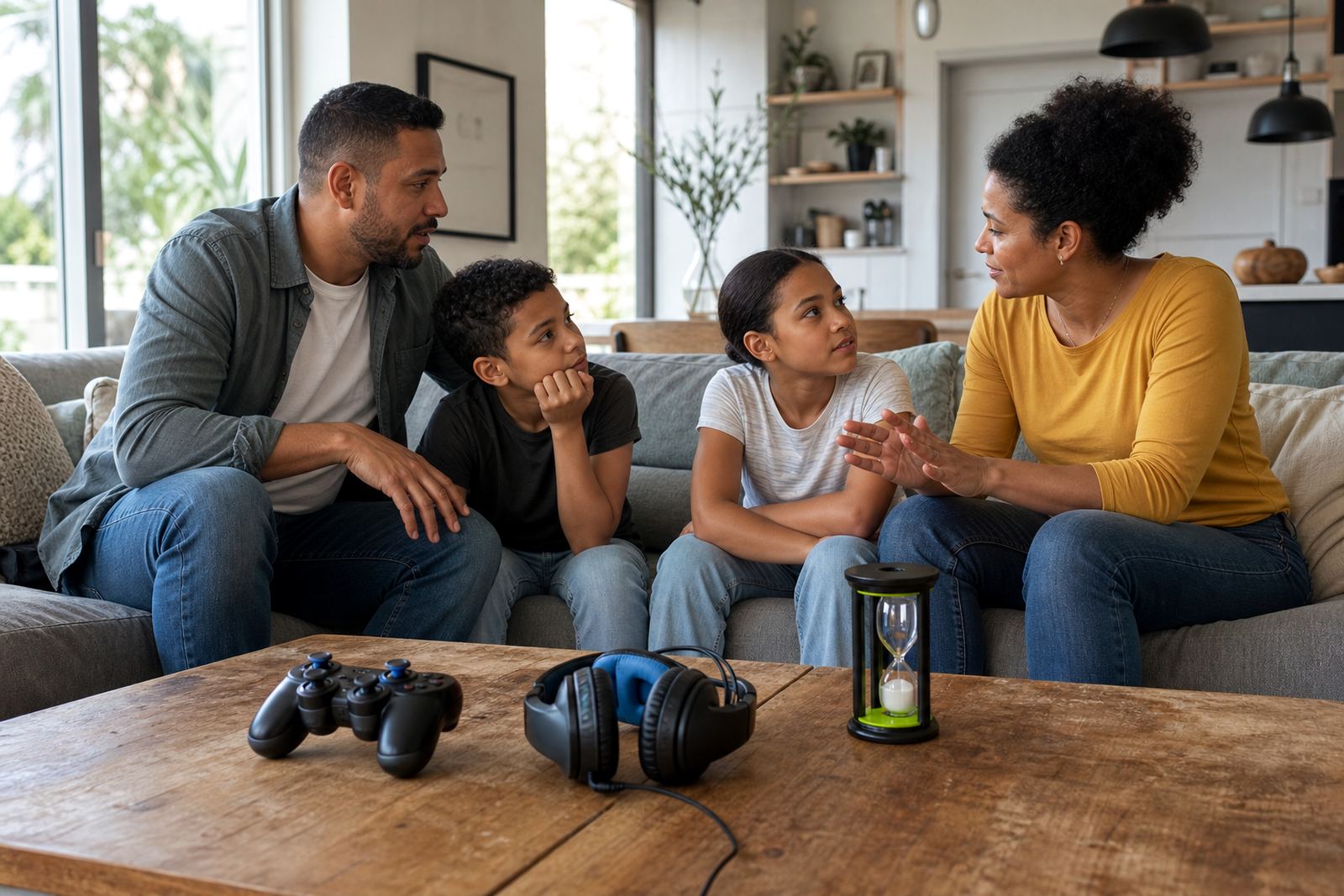



Start With One Clear Gaming Window
Pick one regular gaming window for school days and one for weekends if needed. Keep it simple at first, for example after homework and chores, or after supper on Fridays and Saturdays. A fixed window helps children know when gaming is allowed and stops the daily back and forth that usually causes arguments.
Write the window down in plain language. If the rule changes for exams, sport travel or family events, say so before the day starts. That keeps the rule fair and removes the surprise factor.
Set stop points before the gaming starts
Many games do not end neatly, so the stop point needs to be planned before play begins. Choose a finish time, plus a second warning time, such as 15 minutes before the end. If your child is in the middle of a match, agree what happens next, for example they may finish the round but not start a new one.
- Use a timer that both parent and child can see.
- Give one warning and one final reminder.
- Link the stop point to an everyday action, like brushing teeth or packing a school bag.
- Keep the rule the same on school nights, even if the game is going well.
Families often find that the first few days are the hardest. Stay calm, repeat the plan and avoid long debates at bedtime.
Use Parental Controls To Back Up the Rules
Parental controls can help you back up your family rules on phones, tablets, consoles and computers. Common settings include daily time limits, app approval, content ratings, purchase controls and scheduled downtime. These tools do not replace parenting, but they do reduce the need for constant checking.
Check that the settings match the child’s age and the device they actually use. If there are two homes, or children move between Durban, Pretoria or Johannesburg homes, both homes should use the same basic settings where possible. That avoids mixed messages and makes the rule easier to follow.
- Set a device bedtime so games stop overnight.
- Block in app purchases unless a parent approves them.
- Review friend lists and chat features on multiplayer games.
- Test the controls after updates because some settings may reset.
Make the Bedroom and Lounge Rules Match
Room rules matter as much as time limits. A game played in a bedroom can carry on long after the rest of the house has settled, while a shared family space makes it easier to see what is happening. Many parents choose to keep gaming in a lounge, study nook or another shared area, especially for younger children.
If a child uses a bedroom for privacy, set practical conditions. For example, the door stays open, the volume stays low after a certain hour and devices charge in a common place overnight. In humid coastal homes around Cape Town, salt air and damp can affect equipment if it is left near windows, so keep chargers and devices in a dry spot.
Build Fair Rules For Siblings Of Different Ages
One of the quickest ways to trigger conflict is to use the same gaming rule for children of very different ages. A teenager may be allowed longer sessions than a primary school child, but the reason must be clear. Explain that older children often need more independence, while younger children still need closer limits and more supervision.
Use fairness, not sameness. If one child gets 45 minutes and another gets 90 minutes, the house rule can still be fair when it matches age, homework load and behaviour. In practice, this often works better than trying to make everyone identical. It also reduces the feeling that one child is being favoured.
- List the rule by child, not just by device.
- Review the rule when school demands change.
- Keep consequences separate from gaming time, so a sibling does not get punished for another child’s behaviour.
- Swap gaming time for extra reading, outdoor play or family chores when needed.
Protect Evenings, Mornings and Exam Weeks
Gaming time should fit around sleep, study and family routines. Late-night gaming can make it harder for children to settle, and early-morning gaming can create a rush before school. A steady routine works better than letting the day drift.
During exam weeks, shorten gaming windows and move them earlier in the day where possible. The same idea applies to busy sports weekends, holidays and family visits. A written plan saves time later.
When To Reset The Plan And Get Help
If gaming is causing repeated conflict, skipped homework, poor sleep or constant rule breaking, it may be time to reset the plan rather than keep repeating the same instruction. A family media plan can help you look at gaming alongside schoolwork, social apps, chores and sleep, not as a one-off rule.
Some families want help to set up a first phone, align co-parenting rules or separate weekday and weekend limits. Screenage works with families across South Africa, including Cape Town, Durbanville, Stellenbosch, Gqeberha, Durban, Pretoria, Johannesburg and Bloemfontein. The aim is to make the plan practical at home, not perfect on paper. If you have concerns about a child’s wellbeing, speak to a qualified professional.
Simple Gaming Time Checklist
Use this quick check before the next gaming session. Keep it printed or written where everyone can see it.
- Is the gaming window already agreed for today?
- Does the child know the stop time and warning time?
- Are parental controls turned on and up to date?
- Is gaming happening in the right room?
- Do homework, chores and meals come first?
- Do both homes or caregivers use the same basic rule?
When the checklist is clear, gaming stops being a daily negotiation and becomes part of the household routine.