




Start With the Rooms Where Devices Cause Friction
Not every space needs the same rule. Begin with the places where screens interrupt sleep, meals, learning or family time. For many homes in Durbanville and across South Africa, that means the bedroom, dining table, bathroom and the car on shorter trips. If a room already feels busy or private, it is usually a good candidate for a screen free rule.
Think about who uses the room, what happens there, and when the pressure is highest. A lounge may be fine for one shared movie night, but not for every afternoon after school. A bedroom may need a full device off rule at night, especially where late messages and videos are causing tired mornings. The goal is not to ban every screen, it is to protect the parts of home that need calm.
Agree on a Clear Family Media Boundary
Once you have chosen the space, write the rule in plain language. Keep it short enough that children can repeat it back without confusion. For example, phones charge in the kitchen after 7 pm, tablets stay out of bedrooms, and the dining table stays screen free during meals. A simple rule is easier to follow than a long speech.
- Name the room or time clearly.
- Say where devices should go instead.
- Decide what happens if someone forgets.
- Check that adults follow the same rule too.
Families often get better results when the rule is about the space, not just the child. If everyone leaves devices at the door, it feels fairer and the message is stronger. This matters in co parenting homes as well, where a shared routine can reduce arguments and mixed signals.
Set Up the Space So the Rule Is Easy to Keep
A screen free zone works best when the room makes the right choice easy. Create a home for devices outside the room, such as a charging shelf, basket or drawer near the kitchen or hallway. If devices are always parked in one place, there is less temptation to sneak them back in.
Make the room useful without screens. Put a book basket in the lounge, a board game on the shelf, or colouring materials near the dining area. In smaller homes, one corner can be enough. The point is to replace the habit with something simple, not to create more work for parents.
- Choose one charging spot outside the room.
- Keep a basket, tray or hook for devices.
- Store spare chargers where everyone can find them.
- Add a visual reminder, such as a note on the wall or door.
Use Parental Controls to Support the Rule
Physical boundaries work well, but a phone or tablet can still distract a child once they walk out of the room. Use the controls available on the device to support your family rule, especially for younger children and teens who need firmer limits. You can set downtime, block certain apps at night, and reduce alerts during homework or bedtime. This is not about spying, it is about backing up the plan you have already agreed at home.
If your child uses more than one device, check each one. A family media plan should cover phones, tablets, gaming devices and shared screens in the lounge. For older children, explain why the boundary exists and when it may change. That conversation matters more than a hidden setting that nobody understands.
Make the Rule Work for Real Life in South Africa
Homes in South Africa often have different routines from day to day. Build your screen free zones around the life your family actually lives. For example, some homes need a no screens rule at the dinner table every night, while others may only need it from 18:30 until breakfast.
If your family travels between Cape Town, Johannesburg, Durban, Pretoria or Bloemfontein, keep the same basic rule wherever possible. Children settle faster when the expectation does not change every time they visit a relative or move between houses. Grandparents also do better when the rule is explained simply and kindly, not in a lecture.
- Keep the main rule the same across homes if you can.
- Allow for travel, homework and sport without changing the core boundary.
- Tell caregivers what the rule is before they start helping.
- Review the plan during holidays, exams and family visits.
Review, Adjust and Keep It Fair
Screen free zones are easier to keep when the family checks in every few weeks. Ask what is working, what feels hard, and where the rule is being ignored. If the dining room rule keeps failing because homework is done there, you may need a different room for study time. If bedtime is the issue, the problem may be the phone location rather than the child itself. Small changes can make a big difference.
Try to keep the review practical. What time does the device go away, where does it sleep, and who checks it is there? Write the answers down so the plan does not depend on memory. If you are worried about a child’s mood, sleep, schoolwork or behaviour, speak to a qualified professional for advice. Screen-time guidance should support family life, not replace proper professional help when it is needed.
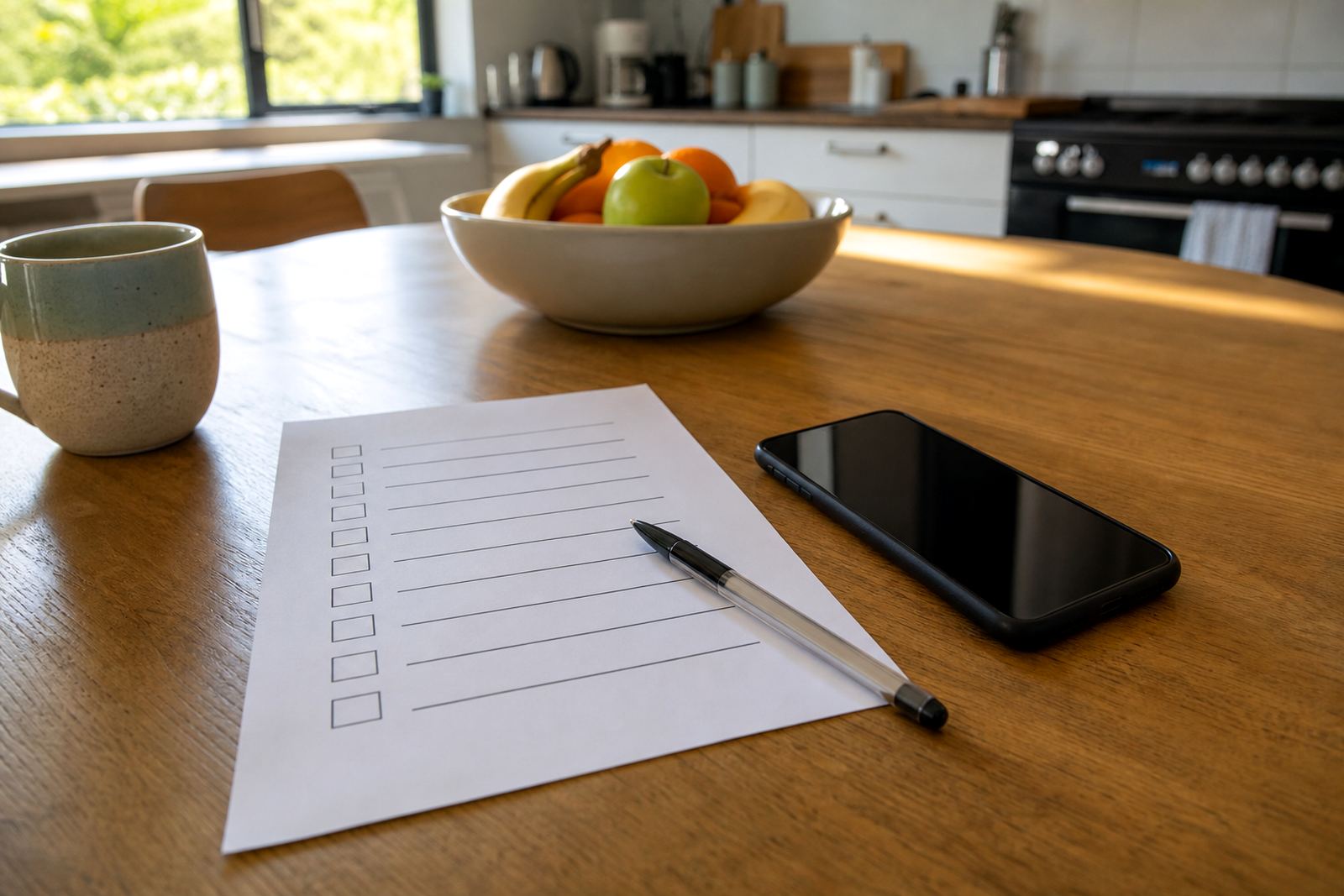
A Simple Checklist Before You Start
Use this checklist before you put the new rule in place. It helps make sure the boundary is clear, fair and realistic for your home.
- Have we chosen the exact room or time?
- Do all adults agree with the rule?
- Do children know where devices must go?
- Have we set up a charging spot outside the room?
- Have we checked device settings and parental controls?
- Have we planned for homework, emergencies and visitors?
- Do we know when we will review the rule again?
A screen free zone is not about perfection. It is about giving your home a few protected places where people can eat, sleep, talk and rest without constant alerts. That kind of boundary can make family life feel steadier, especially when the rest of the day is already full.