


Homeschool routines needed clearer device boundaries
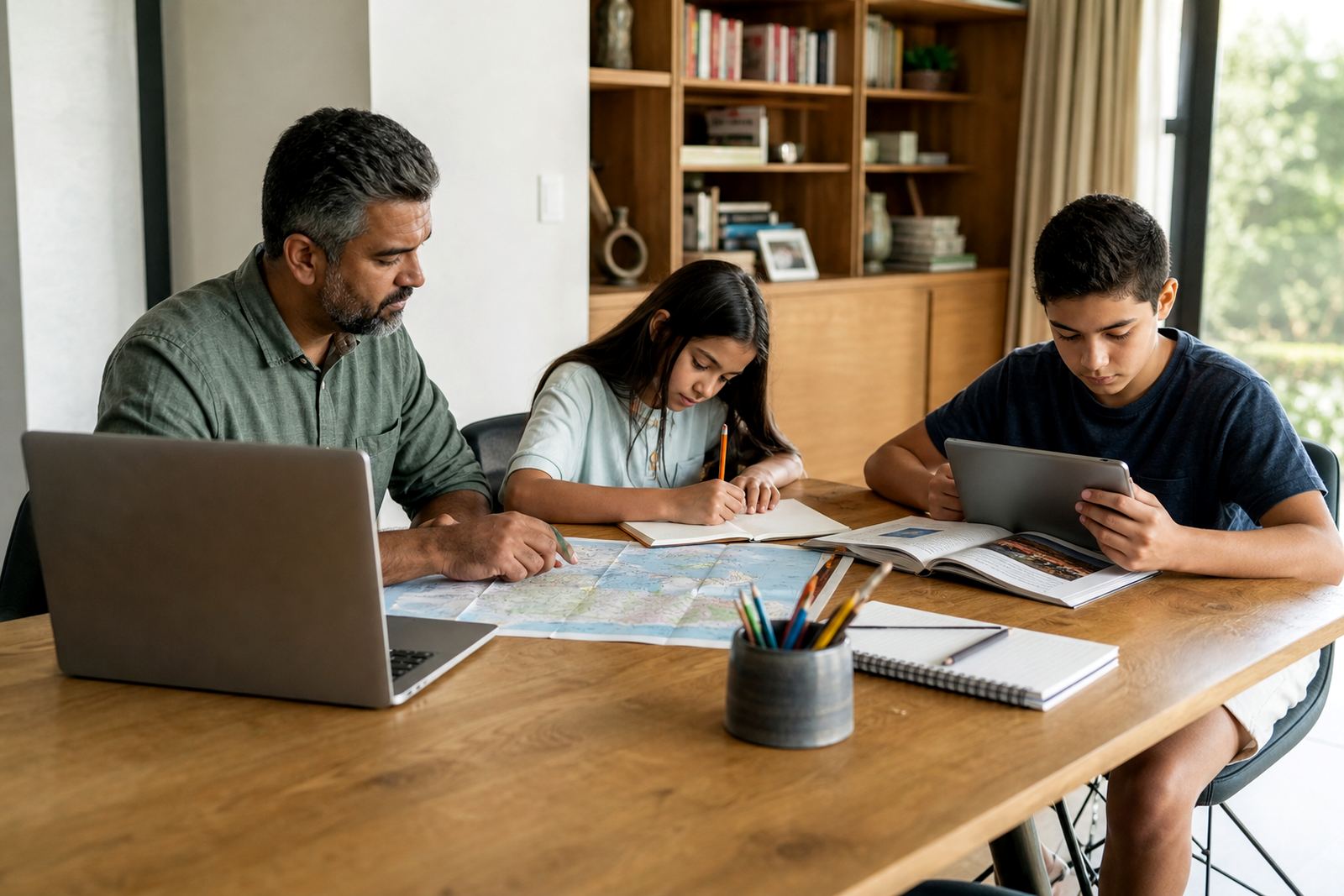
This project came from a homeschooling family in Glenwood, Durbanville, working across Cape Town and the wider South African school calendar. Their household had a familiar problem. One tablet was used for lessons, reading, homework, music and sometimes games, and the line between study time and free time kept blurring. By mid-morning, a task that should have taken 20 minutes could stretch into an hour because a quick check of an app turned into something else.
The brief was to set up a practical screen-time structure that would support the learning day without making the home feel overly strict. The family wanted enough control to keep educational access open, but not so many rules that every change needed constant negotiation.
- Client type: homeschooling family
- Town: Durbanville, Cape Town
- Core need: separate learning access from entertainment access
- Main focus: school-age children using shared and personal devices
What had to be handled before setup could work
We started by mapping the household pattern rather than jumping straight into limits. The family had more than one child, different study blocks, and a mix of devices used in separate rooms. One child needed a tight morning routine for online lessons, while another only needed device access after written work was done. There were also weekends, church mornings, and one parent who handled most of the digital supervision during the week while the other checked in after work.
The main constraints were practical. They also wanted the rules to feel fair between siblings, because that is often where arguments start. The brief made one thing clear: if the system was too complicated, it would not last longer than a week.
- Shared family devices and personal phones
- Different lesson times for each child
- Need for fair rules between siblings
- Low tolerance for complicated steps
The Screenage setup for learning-first access
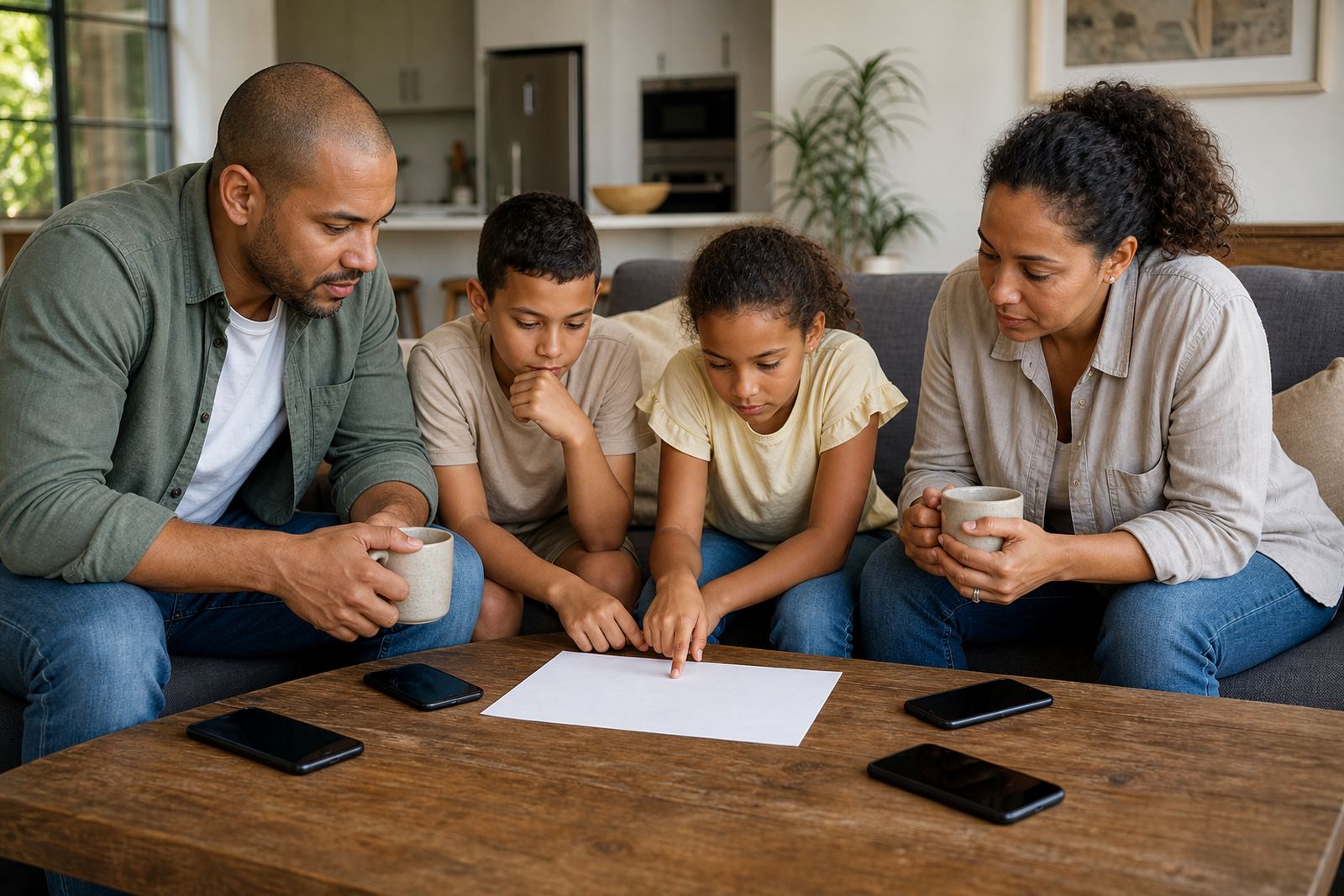
We supplied a family media plan session followed by a first phone planning session and a sibling fairness session. From there, the setup focused on clear access windows rather than blanket bans. School apps, browser use for lessons, and reading tools were placed in the learning group. Games, short-form social apps and entertainment platforms sat in a separate group with tighter limits. That kept the children able to get to their work quickly, while still leaving room for free time later in the day.
We also added bedtime routines, study-time planning and a holiday screen plan. On school days, the household used access windows that opened before lessons and closed once school work was done. On weekends, the rules relaxed a little, but not so much that screen use took over the day. The parents preferred a written plan and app-based controls working together, since that gave them a fallback when there was a disagreement. A simple note was kept for grandparents too, so visiting support could follow the same rules without confusion.
- Learning-only access windows during school hours
- Separate rules for entertainment and gaming
- Bedtime cut-off to reduce late-night scrolling
- Holiday settings for longer breaks and travel
Family coaching that matched real home life
The coaching was not about lecturing children or policing every tap. It was about helping the parents explain why the rules existed and how the day would flow. We covered language they could use when setting boundaries, how to respond when a child asked for just five more minutes, and how to keep the same standard on both sides of a co parenting arrangement. That part mattered, because children notice very quickly when one home says yes and the other says no.
The aim was a plan that could adapt without falling apart. The parents needed something they could repeat, not a one-off pep talk. The result was a more steady routine, and less arguing about whether a device was for learning or not.
What helped most was the mix of coaching and practical controls. The app handled the rules, while the family sessions handled the habits around those rules. That combination gave the parents a clear way to keep things on track without turning every screen request into a debate.
Timeline, key facts and what changed
By the end of the rollout, the family had a cleaner rhythm for learning hours and a better way to separate school tasks from entertainment. They were not aiming for perfection, and we would not promise that anyway. But the home did become easier to manage, especially on busy afternoons when everyone was trying to do something different at once.
- Timeline: 3 weeks
- Delivery: coaching plus parental control setup
- Outcome focus: clearer learning vs entertainment boundaries
- Household fit: shared rules, fewer repeat arguments, less guesswork
What we would do again for another homeschooling family
If we were doing the same kind of project again, we would start with the family timetable before touching any settings. That keeps the plan tied to real life instead of a nice-looking rule sheet that nobody follows. We would also build in a short review after the first school week, because small problems tend to show up only once the household starts using the plan under normal pressure.
For a family in Durbanville, Stellenbosch or anywhere else in South Africa, the useful part is not the app alone. It is the combination of steady limits, fair sibling rules and a shared understanding of when screens are for learning and when they are for downtime. Screenage worked well here because it gave the parents a way to set that standard without making the home feel tense all the time.
This is general family coaching and not medical or psychological advice. If a parent has concerns about a child’s wellbeing, behaviour or stress around screen use, they should speak to a qualified professional.
Quick facts
| Project name | Glenwood Homeschool Home |
|---|---|
| Town | Durbanville, Cape Town |
| Client type | Homeschooling family |
| Main service | Screen-time coaching and parental control setup |
| Timeline | 3 weeks |
| Key focus | Learning-only access windows and family media plan |