


The Brief From a Busy Centurion Household
The family came to us from Centurion in Gauteng with a clear request: they wanted screen-time limits that would hold up during early morning lifts, afternoon practices and weekend tournaments. Both parents were looking for something practical, not heavy-handed, so the children could keep their phones for maps, messages and team updates without letting gaming and scrolling run the evening.
They had a common problem. On normal weeks the rules were already a bit inconsistent, and on travel days they were changing from one device rule to another. One child needed phone access for sport coordination, another used a tablet for school work, and evenings were sliding later because devices stayed on past dinner. We were asked to create a simple structure that the whole family could follow, even when they were tired after matches or stuck in traffic back from Pretoria, Midrand or Joburg, ja nogal.
What We Had to Keep in Mind
The main constraint was the family’s schedule. Training sessions often ran after school, and match weekends could start early and finish late. That meant the setup had to allow for short, useful access windows rather than one fixed rule that broke as soon as plans changed. They also wanted to avoid conflict between siblings, since one child had more sport admin on the phone and the other spent more time on social apps.
- Travel days needed a lighter structure for maps, calls and message access.
- Evenings needed a firm lock for games and entertainment apps after a set time.
- Homework periods needed enough flexibility for study tools without opening the door to distraction.
- Grandparents and carers had to understand the rules too, so the same pattern could be followed at home or away.
We also kept in mind that this was a family setting, not a clinic. The aim was to support healthier routines and clearer boundaries, not to make any medical or psychological claims. If a family has deeper concerns about behaviour, sleep or anxiety around devices, they should speak to a qualified professional.
The Setup We Supplied
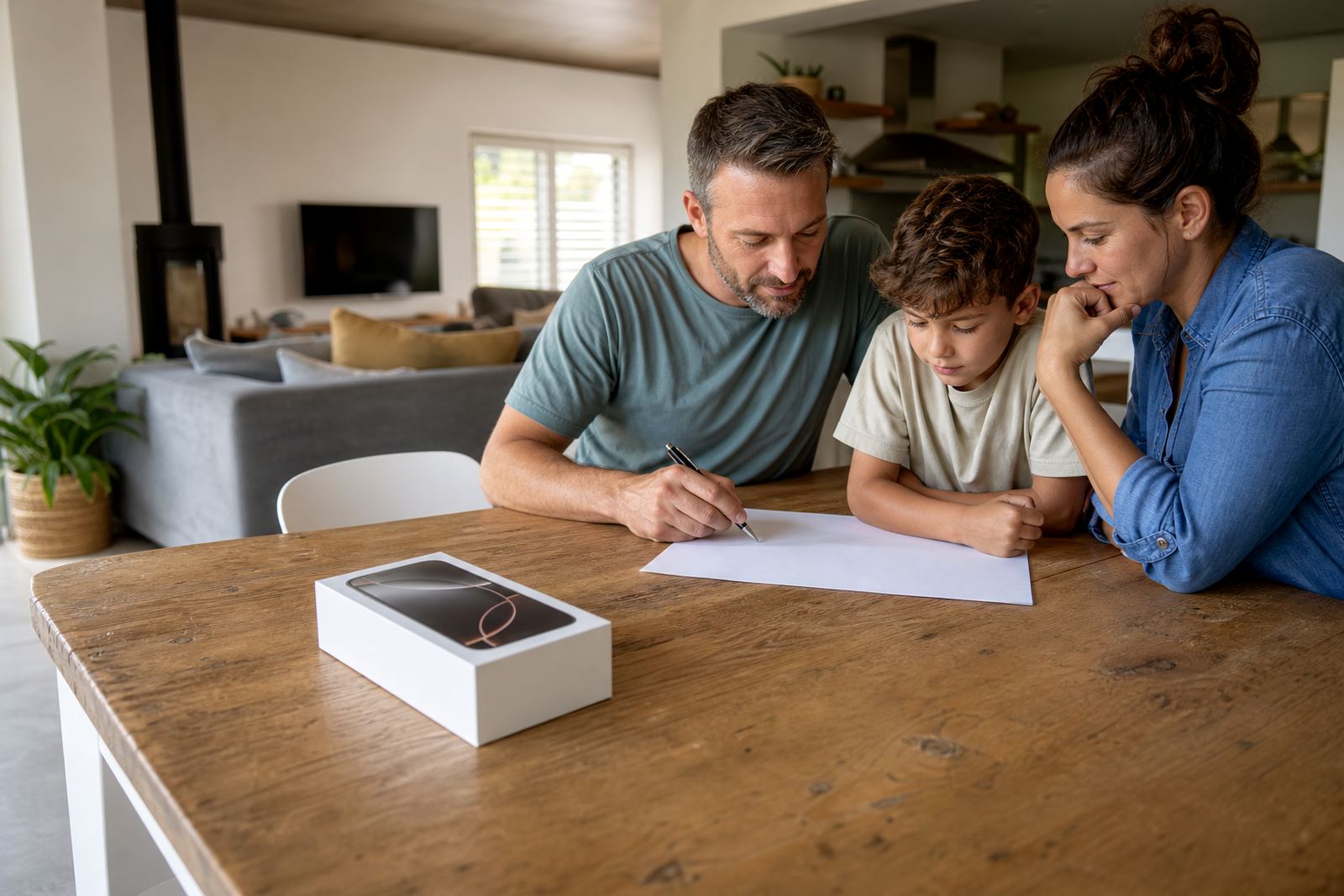
We worked through a first phone planning session and then built a family media plan around the household’s weekly sport calendar. The plan set screen-time limits by day type, with separate rules for school nights, match days and travel days. We also added bedtime device locks so phones and tablets stopped drifting into the late evening, especially after showers and supper when everyone was still buzzing from the day.
The parental controls were set so parents could manage app access, approve changes and review what was happening without having to check every device all the time. We kept the structure simple enough for both parents to use, even when one was out and the other was handling pickup. A sibling fairness session helped them decide which apps counted as useful and which were just taking up time, because fairness matters when there are two children watching the same rules apply differently.
- Daily screen windows matched school, training and rest times.
- Evening locks reduced late-night use on phones and tablets.
- Study time settings allowed learning tools but limited social and game apps.
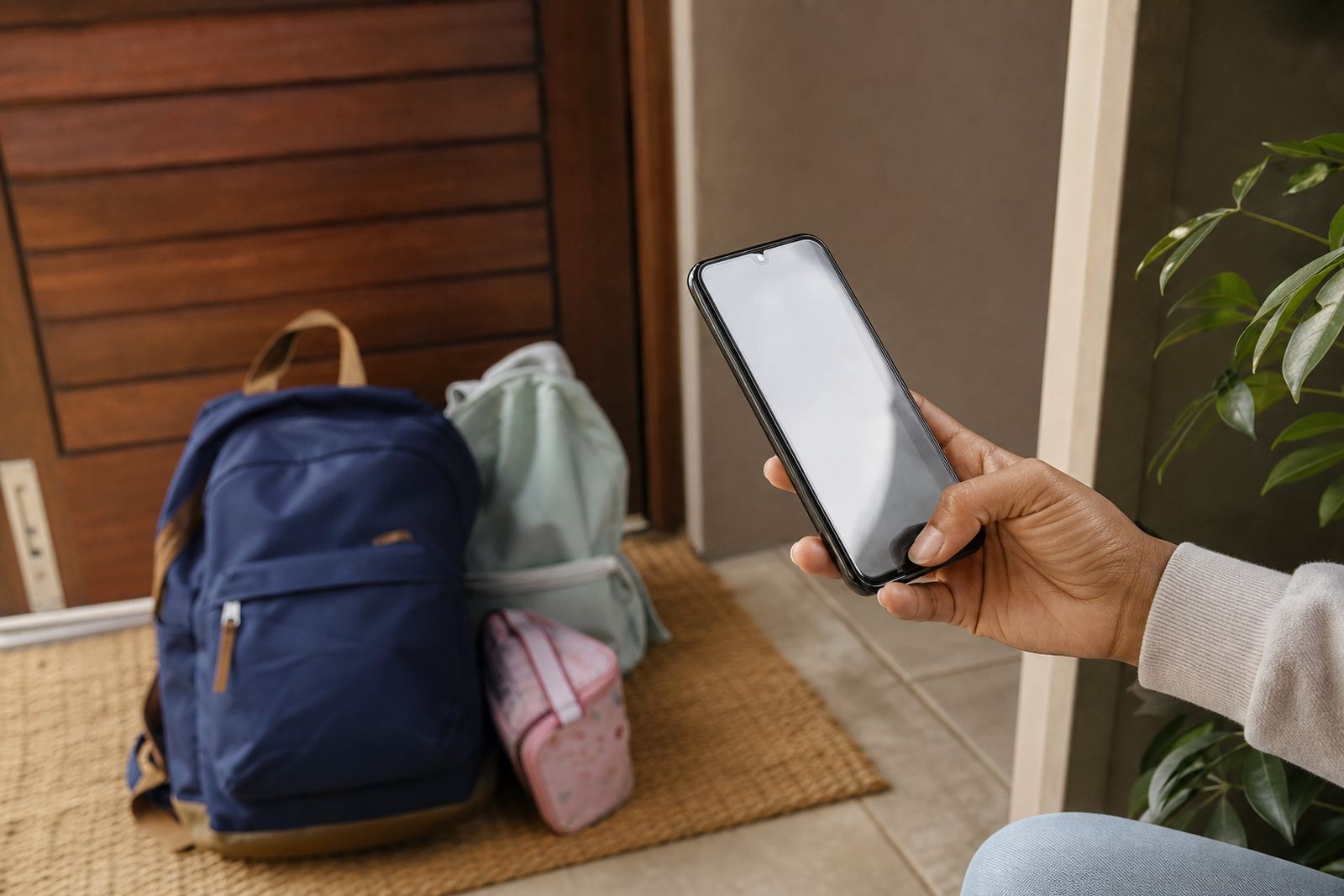
- Travel-day settings allowed maps, calls and quick messaging only.
- Family reminders helped everyone follow the same routine, even with a cousin or grandparent stepping in.
How We Worked With the Family
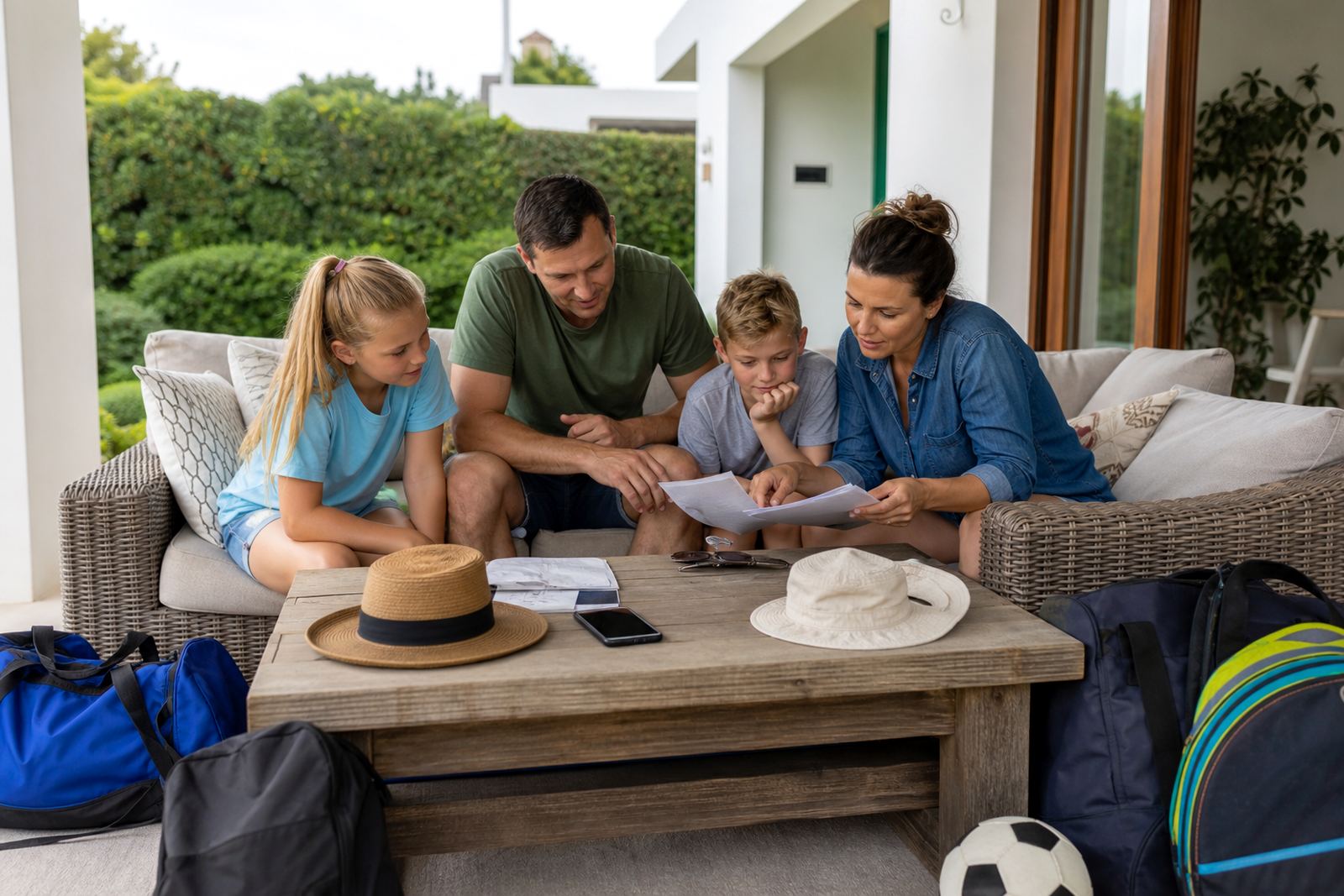
We also added a holiday screen plan, because their calendar included road trips, family visits and tournament weekends where normal routines often slip. The family media plan covered what happens when devices are used for sport logistics, when entertainment is allowed, and how to handle exceptions without turning every exception into a debate. It sounds simple, but that consistency saved a lot of tension. The children knew what to expect, and the parents were not repeating themselves every evening.
Results After the First Few Weeks
After the setup was in place, the family reported fewer arguments around bedtime and far less back-and-forth about when phones should be put away. The children still had access to the practical parts of their devices for sport, school and family contact, but the entertainment side no longer took over the night. That meant clearer evenings and a better rhythm after matches, which was really what they wanted.
They also found the rules easier to maintain during out-of-town fixtures. Instead of changing the whole system every time they left Centurion, they used the same basic plan and only adjusted the travel-day settings where needed. The main win was predictability: less last-minute negotiation, more routine, and a house that felt calmer after a full day on the road.
- Less evening screen drift after training and matches.
- Clearer limits for gaming and social apps.
- Better agreement between both parents on device rules.
- More practical use of phones during travel and sport admin.
What We Would Do Again For Families
We would use the same approach again for any family with sport, late pickups and changing weekly schedules. The key is to keep the rules useful in real life, not just tidy on paper. A family media plan works best when it reflects the actual calendar, not an ideal one, and when the parents can apply it without needing to rethink it every few days.
For a household like this, we would again start with first phone planning, add evening device locks, and set up travel-day settings early. We would also keep the sibling fairness conversation in the middle of the process, because children accept rules better when they understand why one child gets a different access window. If another Centurion family called with the same kind of sporting load, this is the structure we’d use again, with a few tweaks for the children’s ages and routines.
Screenage is based in Durbanville, Cape Town and works with families across South Africa, including Centurion, Cape Town, Johannesburg, Durban, Pretoria and Bloemfontein. Enquiries come through the contact page enquiry form, and each family gets a setup that suits their own household rhythm, whether they are dealing with school nights, long drives or weekend fixtures.
Quick facts
| Project type | Family screen-time coaching and parental control setup |
|---|---|
| Town | Centurion, Gauteng |
| Timeline | 2 weeks |
| Core settings | Screen-time limits, bedtime device locks, travel-day access, study time rules |
| Family focus | Sport schedules, sibling fairness, co-parenting alignment |
| Base | Durbanville, Cape Town |