



Start With One Family Rulebook, Not One Rule Per Device
Most homes do not struggle because children are on screens all day. They struggle because the rules change from device to device, from parent to parent and from weekday to weekend. A phone gets one rule, the tablet gets another, and the laptop becomes the escape route. That is where the friction starts.
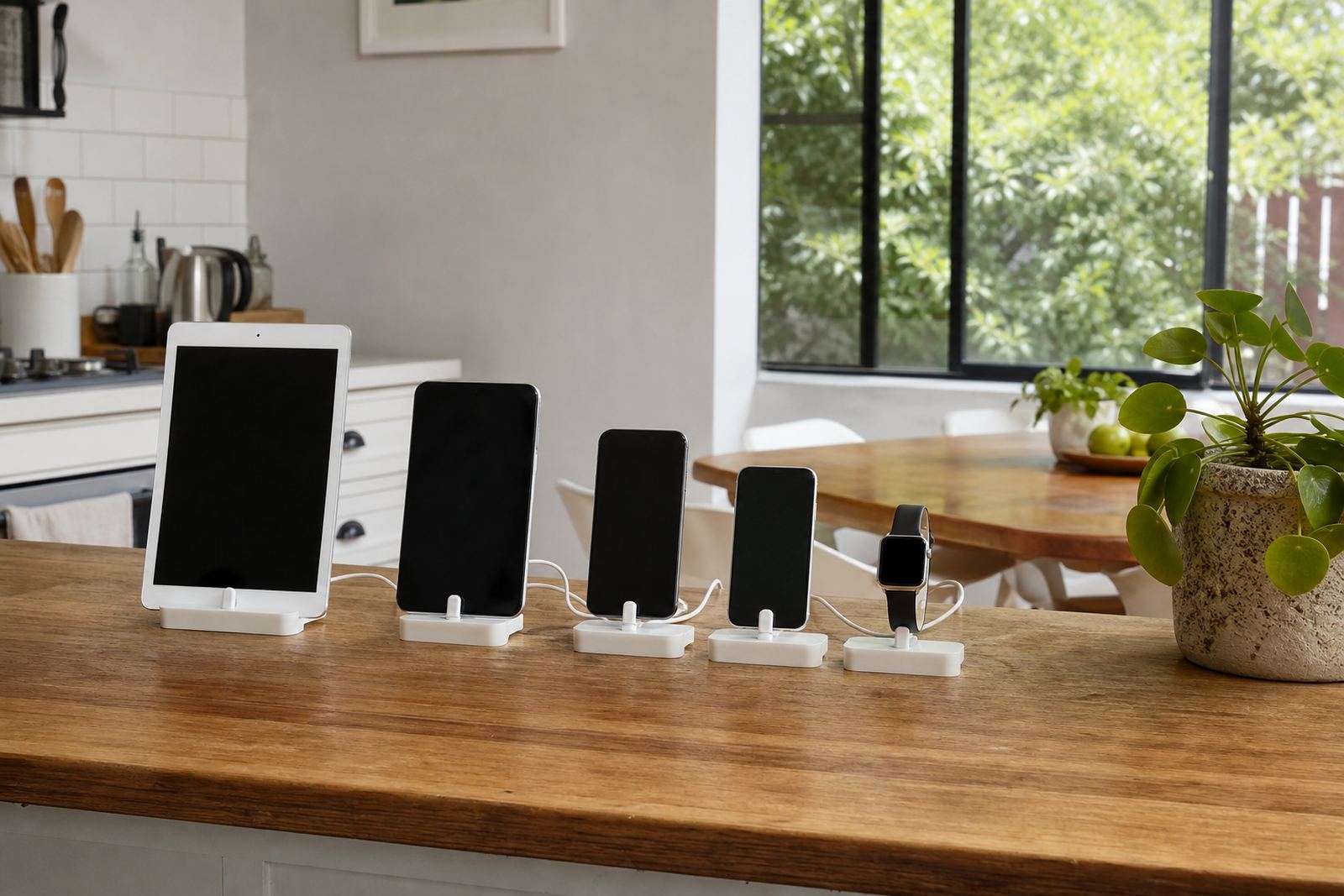
A better approach is to build one family media plan that covers all the devices in the home. It should set out when screens are allowed, where they may be used and what happens when a limit is reached. Keep it simple enough that a grandparent or au pair can follow it without a long explanation. If your family uses shared Wi-Fi in Durbanville, a work laptop in the kitchen and school tablets in the lounge, the same rulebook should apply across the lot.
The point is not to make life rigid. It is to remove guesswork. Children cope better when the boundary is the same every day, not negotiated from scratch after supper.
Match Limits To The Job Of Each Device
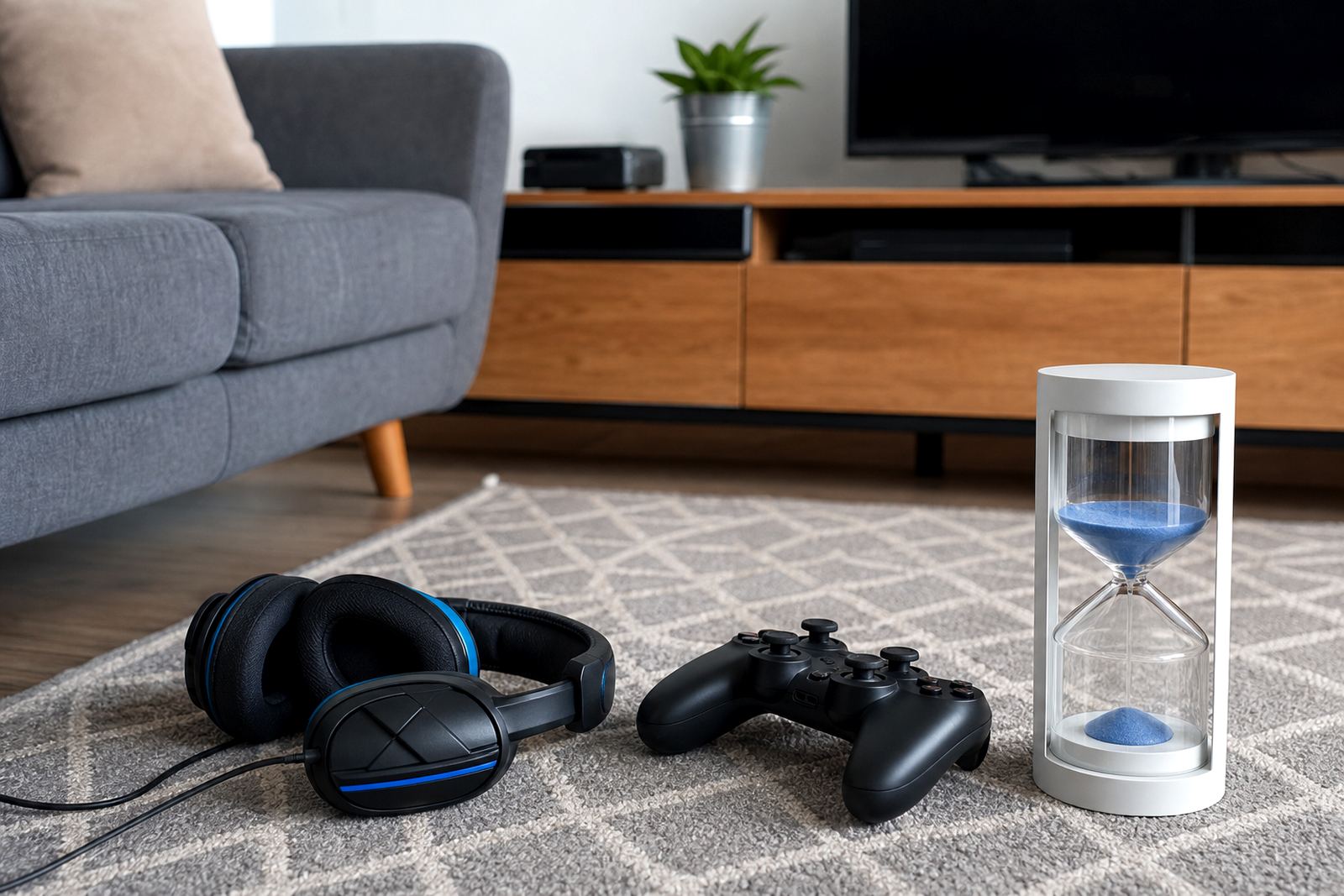
Not every screen should do the same job. A school tablet may be needed for homework and reading. A gaming console or phone may be for downtime. A laptop might be for assignments, revision and family admin. If each device has a clear role, the rules become easier to explain and enforce.
For example, a family in Cape Town might decide that schoolwork devices are allowed at the dining table until 6 pm, while social apps stay off during homework time. A teen’s phone may be kept out of the bedroom after lights out, while a parent’s work laptop remains in a shared room for after-hours tasks. That kind of structure helps children understand that the rule is about use, not punishment.
- Use one device for school tasks, one for leisure and one for family admin where possible.
- Set different rules for weekdays, weekends and school holidays.
- Keep shared devices in common areas so adults can see what is happening.
- Agree on the same bedtime cut-off for phones, tablets and laptops.
If you have more than one child, it also helps to write down what is fair for each age group. A 10 year old and a 15 year old will not need the same limits, but they should still live within the same house rules.
Use Parent Controls As A Back-Up, Not The Whole Plan
Parental controls can be useful, especially when a home has several devices and busy after-school routines. They can help with app limits, bedtime cut-offs, content filters and screen-time reports. But controls work best when they support the family plan rather than replace it.
Think of them as a back-up system. If the rule says no social apps after 8 pm, the device setting should reflect that. If homework time means no games until the work is finished, the app limit should help enforce it. This reduces the need for repeated arguments, which is often the real drain on parents.
- Set bedtime lockouts for phones and tablets first, then adjust from there.
- Use app timers for games and social platforms that eat into homework time.
- Keep content filters age-appropriate and review them as children get older.
- Make sure adults in the household know the passcode and the reason for each setting.
Build One Routine For School Nights And Another For Weekends
A common mistake is trying to use one rule for every day of the week. School nights and weekends are different. So are exam periods and holidays. The family plan should reflect that, otherwise it becomes too strict during quiet weeks and too loose when things get busy.
A practical split could look like this: on school nights, devices are parked in a central charging spot by a fixed time, and the same applies to phones, tablets and laptops. On weekends, screen time can be longer but still tied to agreed points in the day such as after chores, after sport or after family lunch. That way children learn to balance screens with the rest of life.
Families in Durban often tell us the hardest part is not the number of devices, it is the constant switching between school work, entertainment and messaging. A clear rhythm helps. It also makes it easier for working parents to keep their own devices under control so children see the same standards at home.
- Choose one charging station for the whole family.
- Set a consistent cut-off time for all personal devices.
- Allow longer weekend use only after responsibilities are done.
- Review holiday rules before the break starts, not on day one.
Agree On Shared Spaces And Privacy Boundaries
Where the devices are used matters just as much as how long they are used. A phone in a bedroom after lights out creates different problems from a tablet in the lounge during homework. Shared spaces make it easier to notice drift, while private spaces need firmer boundaries.
For many homes, the simplest rule is this: devices stay in shared spaces until chores, homework and dinner are done. After that, some children may be allowed limited private use, but only with clear time limits. If the house is small, especially in flats or compact homes in places like Pretoria or Bloemfontein, this rule can save a lot of conflict because there is no confusion about where the devices go.
It also helps parents keep their own habits visible. Children notice when adults scroll at dinner and then complain about gaming after supper. Fairness is easier to teach when everyone in the home is following the same broad rules.
Use Family Meetings To Reset Rules Before Trouble Starts
Rules usually need a reset before the holidays, after a birthday when a new phone arrives, or when a child starts using more than one device. That is the right time for a short family meeting. Keep it calm and practical. Ask what is working, what is causing arguments and which rule feels hardest to follow.
In a Durbanville home with two teens, a younger child and several shared devices, the meeting might lead to a new agreement: phones off at dinner, gaming only after homework, and all tablets plugged in overnight in one place. The children may not love every part of it, but they are more likely to follow it if they helped shape it.
This is also where support from a family coaching session can help. Parents sometimes need help turning a vague intention into a plan that suits the household, the school schedule and co-parenting arrangements. If concerns about behaviour or wellbeing are growing, it is wise to speak to a qualified professional.
Make The Plan Easy To Follow For Everyone In The Home
A good family media plan is not fancy. It is clear, short and visible. Put it somewhere everyone can see it. Keep the language plain. Use the same times, the same device names and the same consequences every week. The more consistent it is, the less energy you spend repeating yourself.
Families with multiple devices often do best when they focus on three things only: when screens are allowed, where they may be used, and what happens when the limit is reached. That is enough to reduce most daily arguments. The rest can be adjusted as children get older.
For many South African families, the goal is not to remove screens. It is to stop screens running the house. With one shared plan, a few parent controls and regular check-ins, families can keep devices in their place without turning every evening into a battle.