

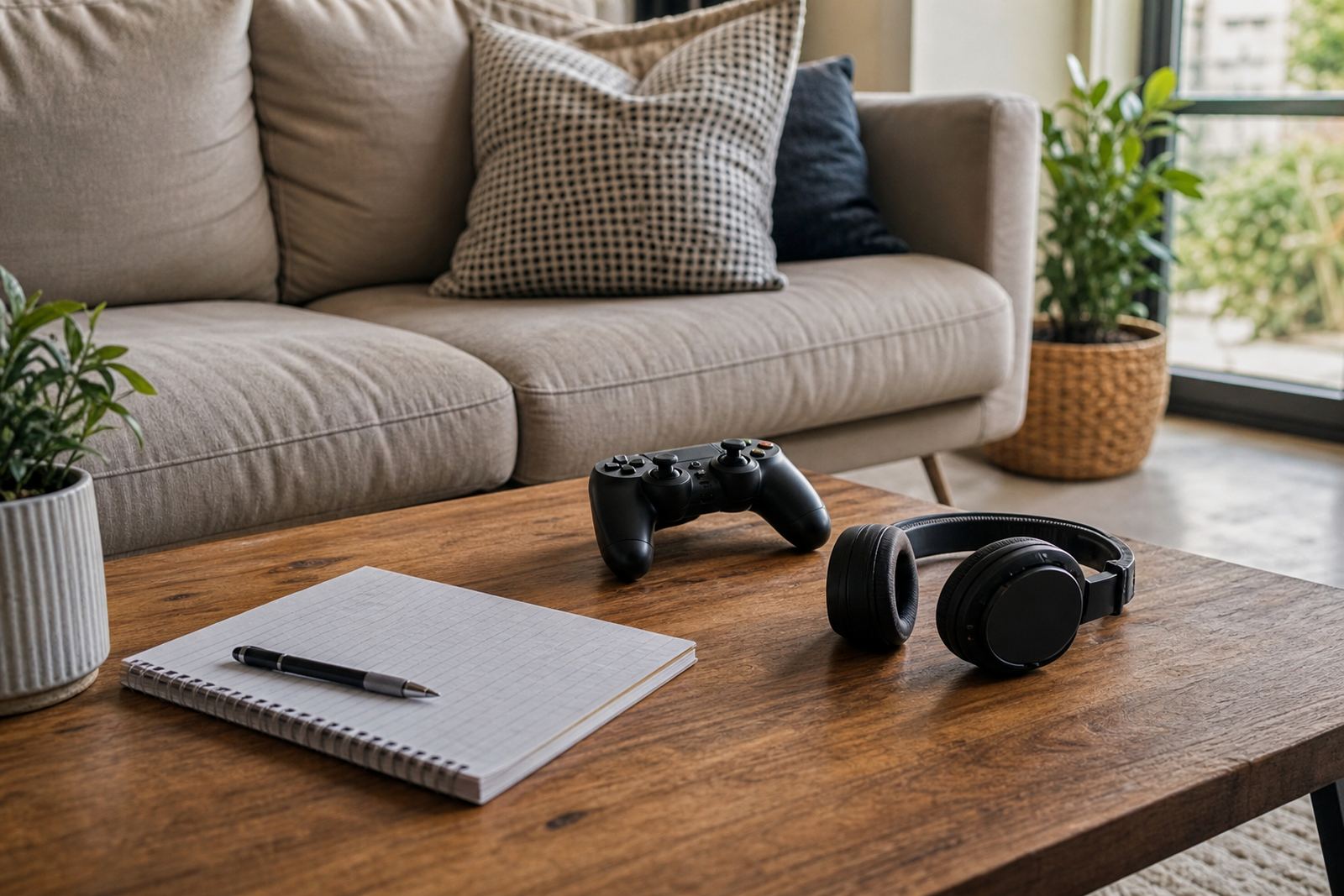


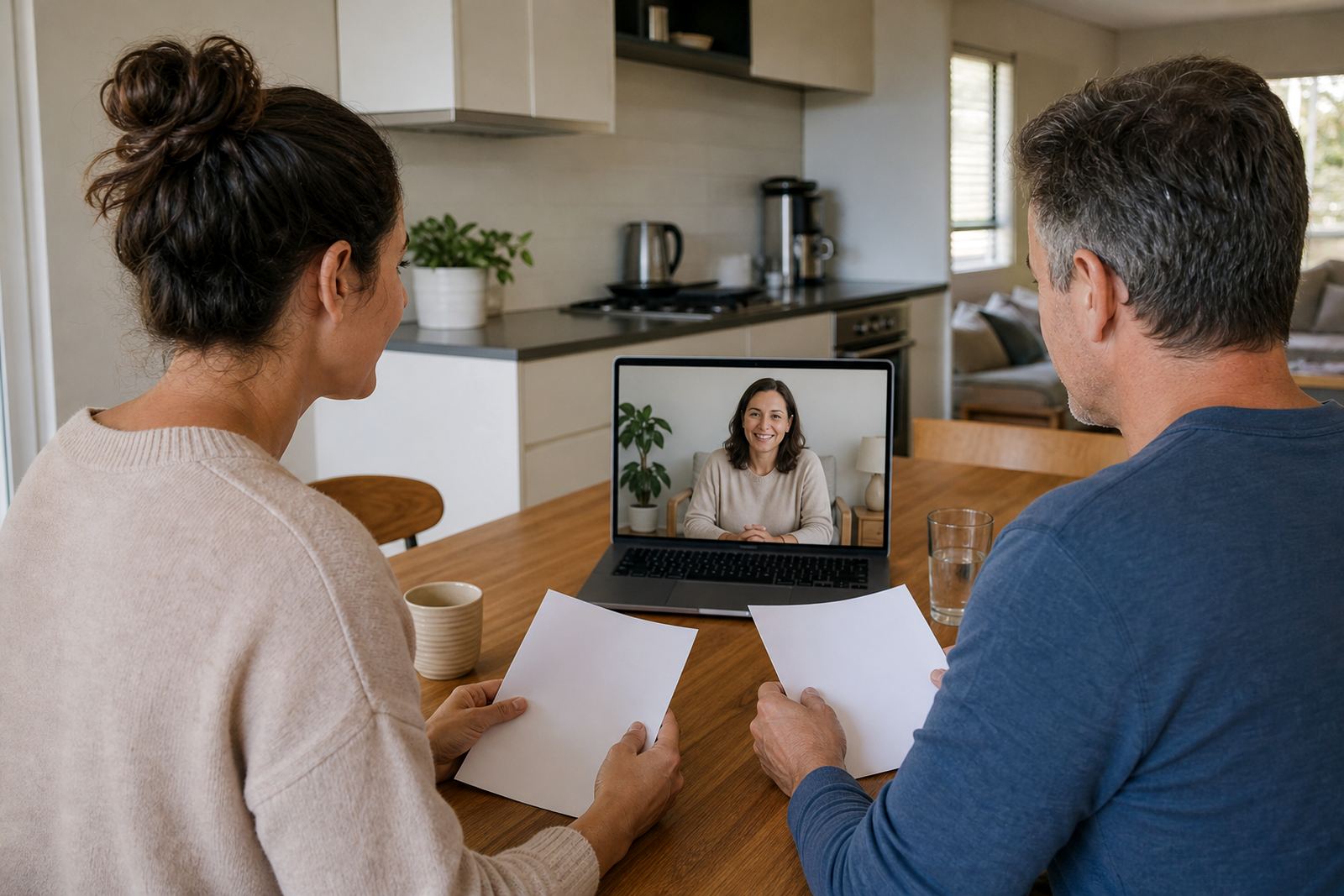
What the Gaming Time Session covers
This session is for families who want firmer structure around gaming without turning every request into a long debate. We look at where gaming happens, when it happens, and what needs to happen before play starts, such as homework, chores, bath time or dinner. The goal is simple, to set limits that are clear enough for children to follow and flexible enough for real life in a busy home.
We can help with console time, mobile games and shared family devices. Where needed, we also look at in-game purchases, online chat settings and age-appropriate access to multiplayer features. The focus is on practical household rules, not punishment. This is not medical or psychological advice and if there are concerns about behaviour, sleep or wellbeing, parents should speak to a qualified professional.
- Age and routine based gaming windows
- Session timers and stop points
- House rules for school nights and weekends
- Guidance for shared devices and sibling turn-taking
- Basic parental control settings for gaming apps and consoles
How we shape a workable gaming plan
Every home runs differently, so we start by understanding the family rhythm. A Grade 3 child in Durbanville may need a very different setup from a teen in Pretoria who studies late and plays online with friends after supper.
We then turn that information into a simple family media plan for gaming. That usually includes when gaming can start, how long one session can run, what happens when time is up and how devices are handed back. If the family wants it, we can also include a weekend extension, a no-gaming window before bed, and a reset plan for holidays. We keep the wording plain, so everyone knows where they stand.
- Morning, afternoon and evening gaming options
- Weekday and weekend time bands
- Clear stop rules, such as one match, one level or one timer cycle
- Reward and reset ideas for consistent follow through
- Separate settings for younger children and older siblings
What the session includes
The session is hands-on and practical. We review the current gaming setup, talk through pain points, then agree on a plan that can be used straight away. If the family needs help with devices, we explain the basic controls in a way that is easy to repeat later. Where there are co-parenting arrangements, we can also help align the rules so the child is not getting mixed messages from different households.
Typical items covered in the session include daily time limits, bedtime cut-offs, weekend exceptions, chat restrictions and rules for new games. We also look at whether gaming should be tied to chores, homework or screen-free family time. Families often find that one clear plan works better than five separate rules that everyone forgets by Thursday. We keep things practical, and yes there may be a little trial and adjustment in the first few weeks.
- Review of current gaming habits and pressure points
- Custom time limits for weekdays and weekends
- Parental control guidance for timers, age ratings and chat
- Family agreement wording for children and caregivers
- Simple handover notes for other adults in the home
Step by step process and turnaround
Most families move through the process in a few clear steps. First, we collect the basics through the enquiry form on our contact page. Then we arrange a session and ask about the devices in use, the ages of the children, and the family routine during the week. After that, we work through the gaming rules together and agree on the plan in plain language.
Turnaround depends on how complex the household setup is, but many families can move from first contact to a usable plan within a short period once the session is booked. If there are multiple caregivers, different homes or several devices to manage, it may take a bit longer to confirm the details. We do not rush this part, because a rushed plan usually gets ignored. After the session, families receive the agreed recommendations and can start putting them into place right away.
- Enquiry and booking
- Family routine review
- Gaming rules and control settings session
- Final plan notes and follow up guidance
- Optional revision if the first version needs tightening
Pricing approach and what affects it for families
We price the Gaming Time Session according to the amount of support needed, rather than using a one size fits all approach. A straightforward household with one or two children may need a shorter consult, while a larger family, co-parenting setup or mixed device environment can take more time. That keeps the pricing fair and tied to the work involved.
Because every home is different, we quote after understanding the family’s needs through the enquiry process. There are no surprise extras for normal guidance around gaming windows, timers or household rules. If a family asks for broader screen-time help at the same time, we can advise on the most suitable next step. The focus is on useful support, not upselling add-ons nobody asked for.
- Shorter sessions for simple gaming rules
- Longer sessions for multi-child or co-parenting homes
- Quoted after the initial enquiry
- Clear scope before the session starts
- Optional follow-up if rules need refinement
First week at home
Gaming rules work best when they are checked regularly, especially after school term changes, holidays or a new game release. We usually suggest a review after a few weeks once the family has had time to see what is actually working. That gives space to adjust session length, bedtime cut-offs or weekend allowances without starting from scratch.
If siblings are sharing a console, the plan may need a tweak from time to time so nobody feels left out. Our role is to help the family keep the rules usable, not to overcomplicate them. If the home is calm and the timer gets respected, the plan is doing its job.
- First review after the family has tested the plan
- Term time check in when routines change
- Holiday reset before longer breaks
- Update for new devices, games or school demands
- Adjustment for changing ages and responsibilities
Quick facts
| Service name | Gaming Time Session |
|---|---|
| Base | Durbanville, Cape Town |
| Service area | Cape Town, Durbanville, Johannesburg, Durban, Pretoria, Bloemfontein, Gqeberha, Stellenbosch |
| Format | Family guidance session with practical rules and control settings advice |
| Typical focus | Gaming windows, session timers, stop points, parental controls, family media plan rules |
| Turnaround | Depends on household complexity and booking schedule, with many families moving ahead soon after the session |